Guide
AI simultaneous interpretation at conferences: how it works
What attendees see, what organisers prepare and what the room needs so that everyone can follow the talks in their own language.
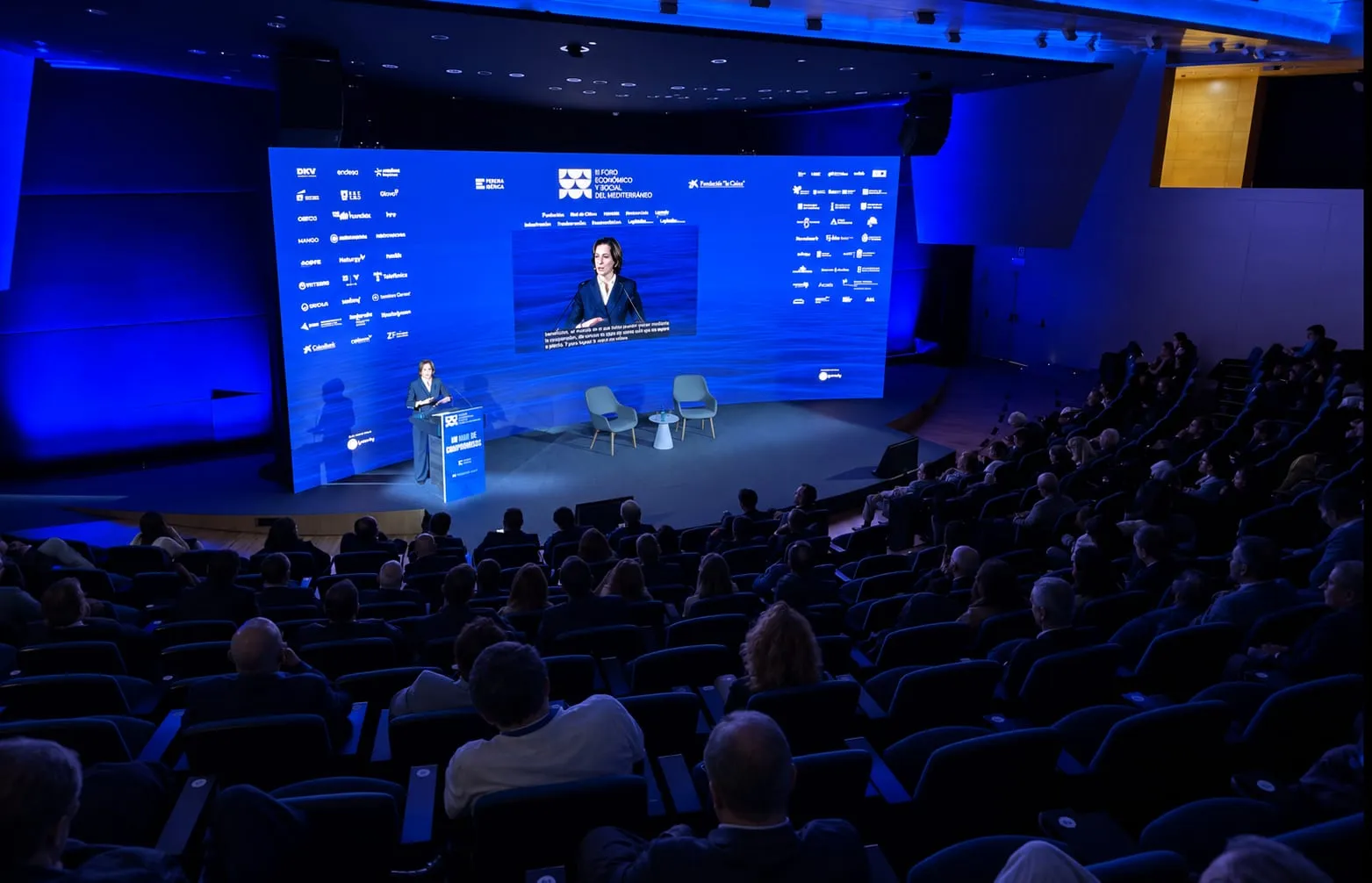
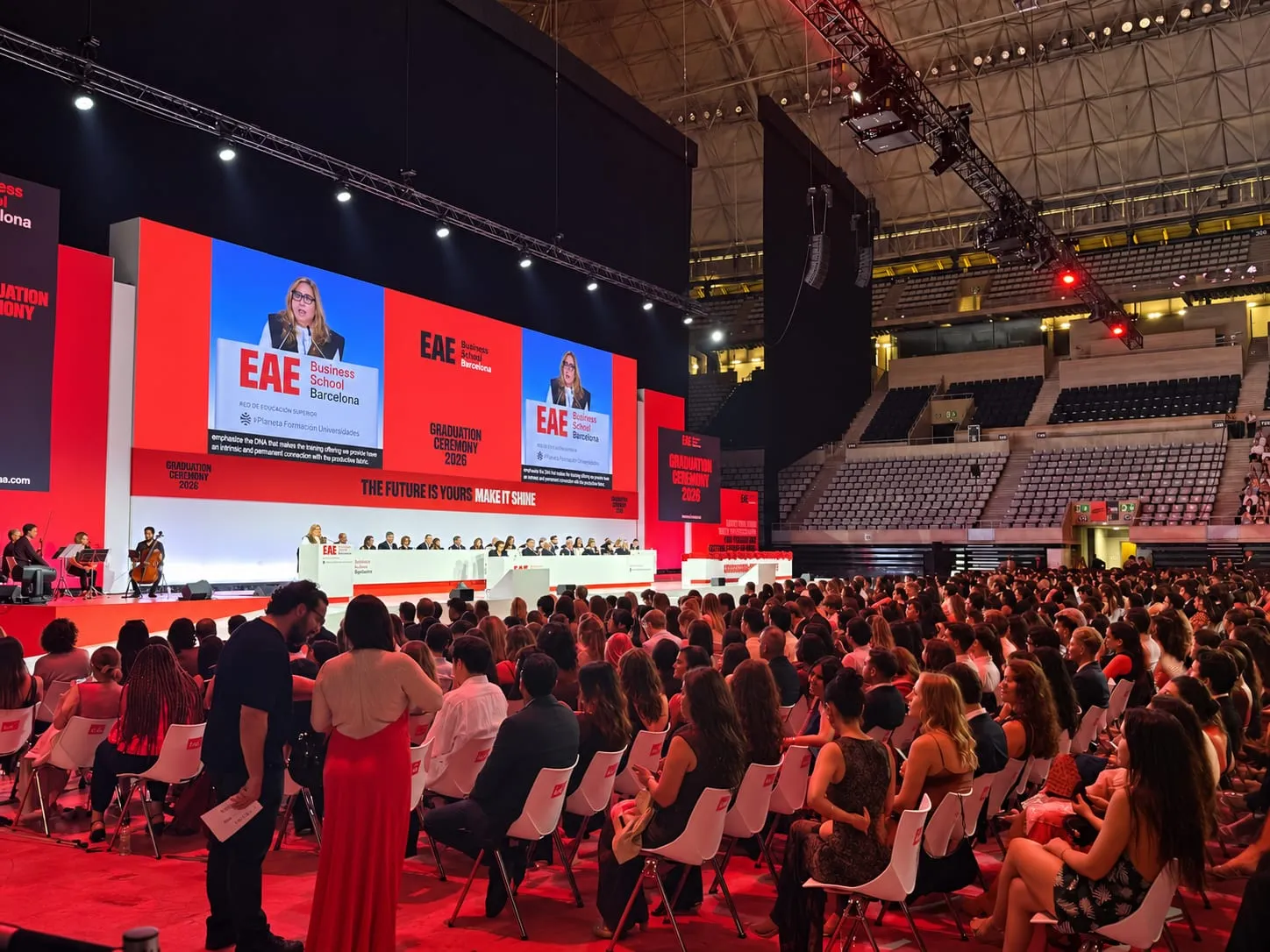
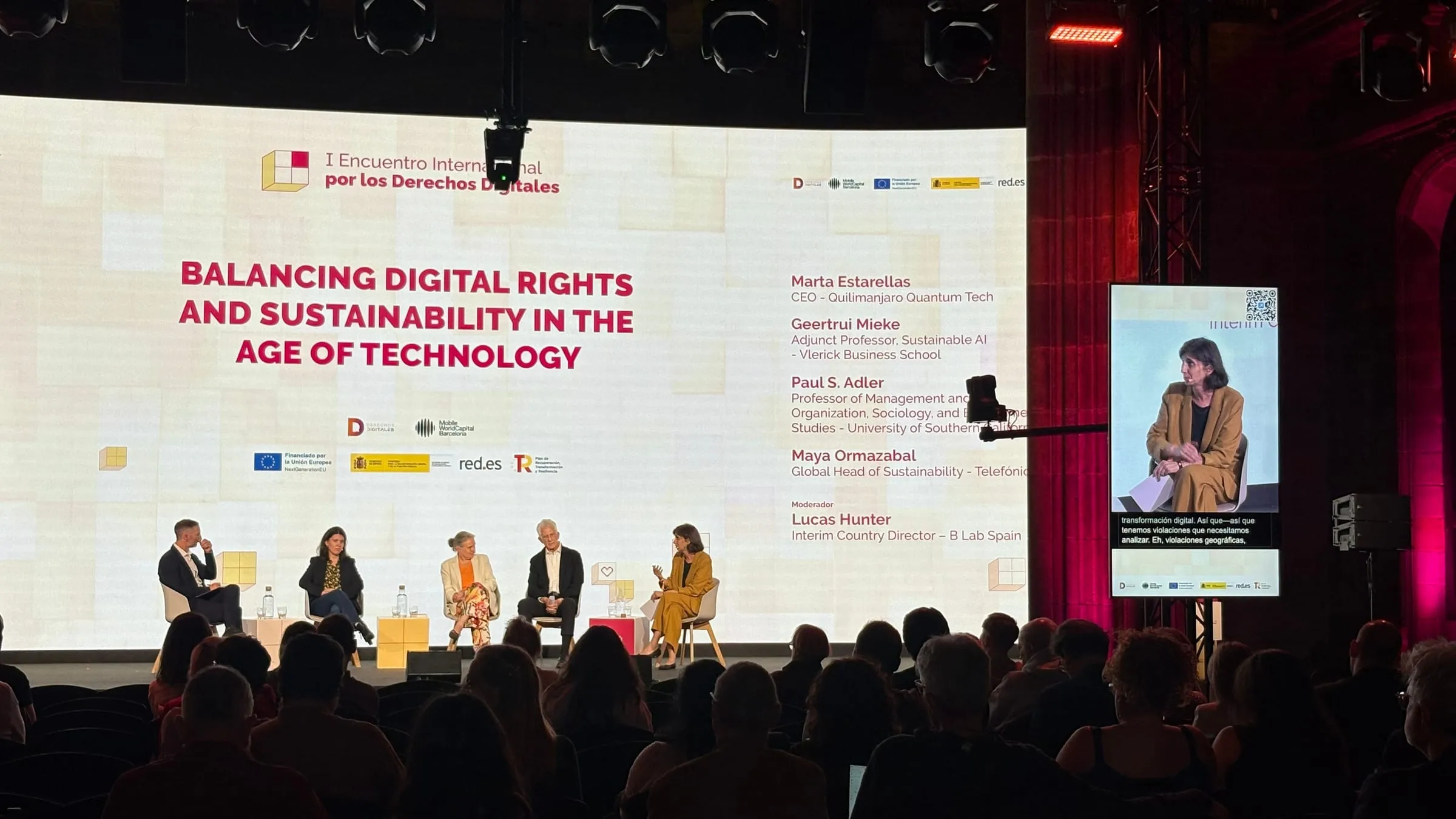
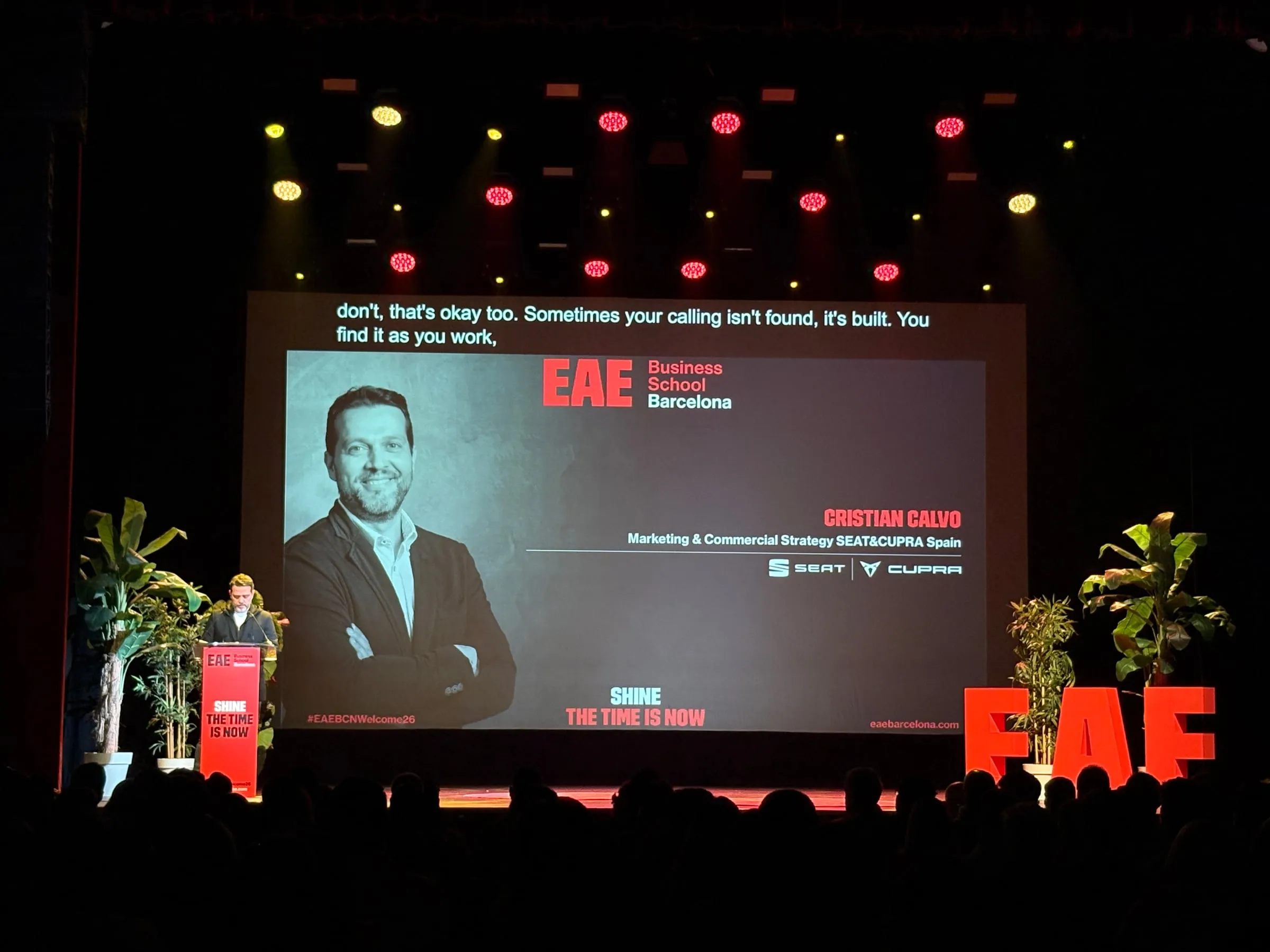
At an international conference, the audience rarely shares a single language. With AI simultaneous interpretation, everything gets simpler: what has to be installed, what gets handed out and how the translated voice reaches each person. This guide walks through the whole process, from the attendee’s seat and from the organiser’s desk.
What is AI simultaneous interpretation?
Simultaneous interpretation renders a speech into another language while it is being delivered, without waiting for the speaker to finish a sentence. It differs from consecutive interpretation, where the speaker stops every so often so that someone can translate what was said.
With AI, the system takes the microphone signal, transcribes it, translates it and delivers the result as voice, as text or as both. One speech can come out in as many languages as the event calls for: Link3rs works with more than 60.
What is it like for attendees?
For the person in the audience, the journey is short:
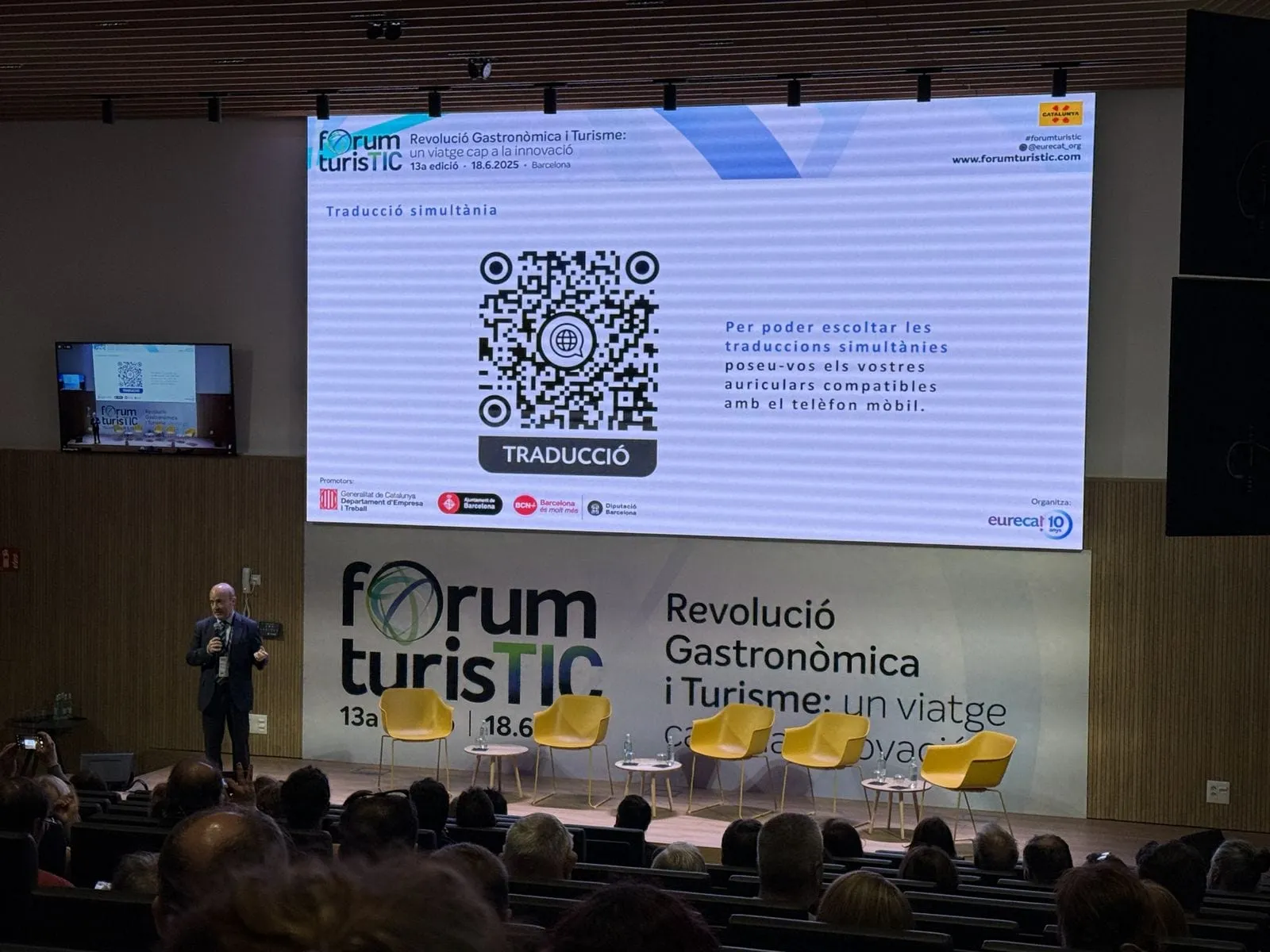
- Scan a QR code, printed on the badge or shown on screen in the room.
- The session opens in the phone’s browser. Nothing to download, no sign-up.
- Pick a language from the list and, if they like, switch it halfway through a talk.
- Decide how to follow: listening, reading or a mix of the two.
Along the way, they can enlarge the text, change the colours or turn on a typeface designed for dyslexia. And with Insights, the main ideas of the talk arrive by email, so there is no need to take notes.
Do you need booths or receivers?
No. With Link3rs there are no soundproof booths to build and no receivers to hand out at the door and collect at the end.
With Link3rs, each person uses their own phone and earphones, and every language travels on its own audio channel. If the venue would rather keep working with receivers, that is possible too. The choice depends on the room and the audience, not on a technical limit.
What does the organiser need to prepare?
The most valuable work happens before the event. Each talk can have its own glossary, with the speaker’s name, their company and the jargon of their field. Uploading what already exists is enough: the programme, the run of show, the slides or even a rehearsal recording.
With that context, the AI recognises brands, acronyms and surnames it might otherwise get wrong. The same glossary feeds the translated voice, the text on phones and the captions on the screens.
It also helps to settle early:
- Which languages each room will offer.
- Where the QR code will appear: badges, signage, the welcome screen.
- Whether the audience will listen on their own earphones or on the venue’s receivers.
How is it set up in the room?
The technical side runs from Backstage, the platform that controls Live. You create the event, choose each room’s mode, connect the microphone feed and press Start.
Before the doors open, Crosscheck tests the microphone, the venue network and the latency, with time to fix anything that fails. During the day, the session starts as soon as someone speaks and pauses by itself during silences, so nobody has to watch over it between one talk and the next.
If you would rather not deal with any of this, the Link3rs team can run it for you.
Which events is it right for?
Any format where a multilingual audience listens to someone speak: professional and scientific congresses, tech conferences, trade fairs with their own stages, general assemblies or institutional ceremonies. It also suits venues that want to offer it as a standard service across all their rooms.
If you are planning one, Speech shows what the audience experiences and Backstage how it is managed behind the scenes. The organiser’s view is in Link3rs for events. And to see how it would apply to yours, tell us about your event.