


Speech · Link3rs Live
AI simultaneous interpretation for your event.
Each talk, interpreted by AI as it happens and delivered to every attendee's phone, in the language they choose.
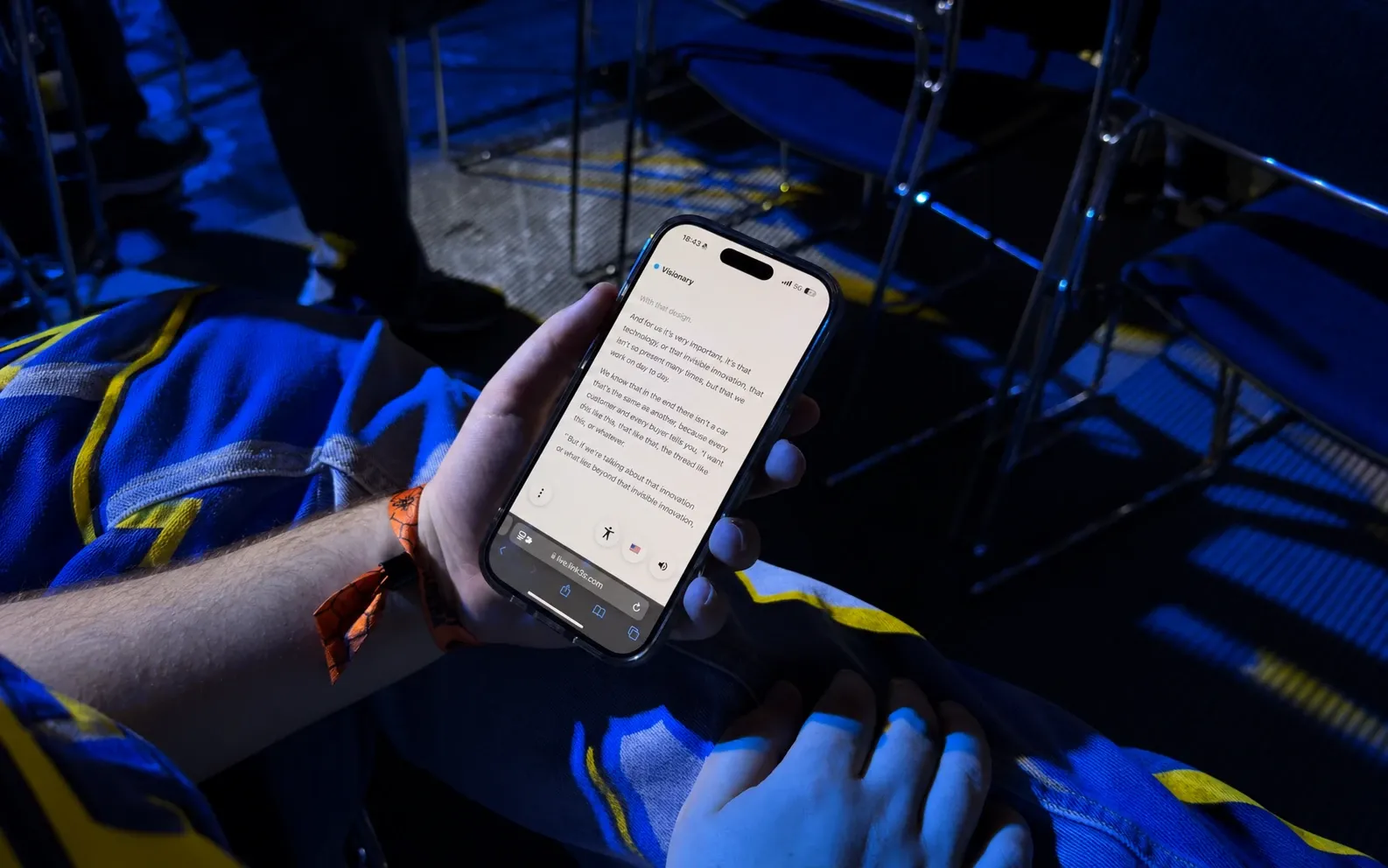
Three gestures for the audience.
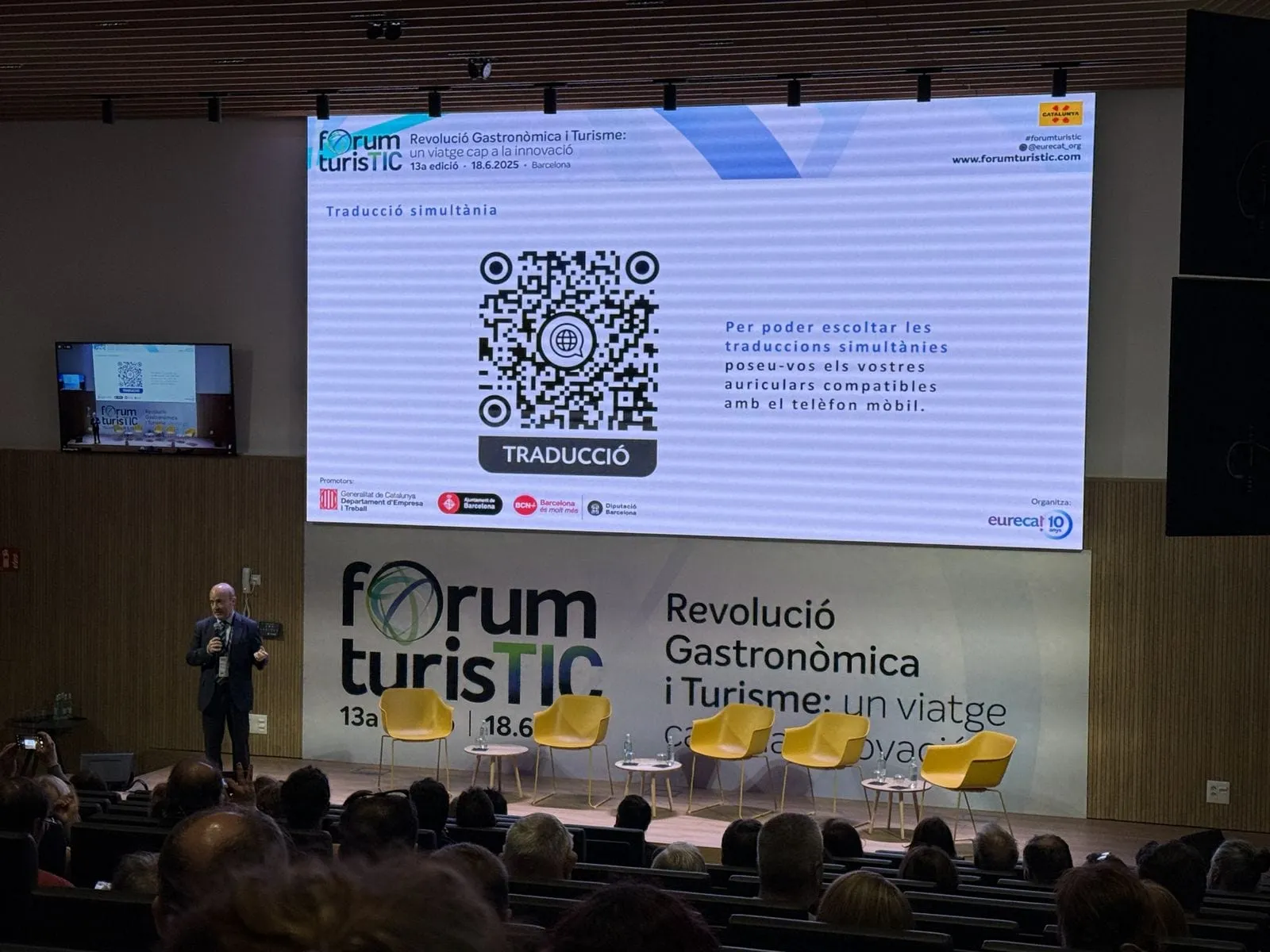
Scan
The QR code sits on the badge, on the screen or at the door. One scan and the session is open in the browser: no download, no account.
Choose
Each person picks a language from the list, and can switch to another one whenever they like.
Listen or read
The voice comes through their own headphones, or a receiver if the venue prefers. Anyone who'd rather read follows the live text.
Everything the audience needs.
More than 60 languages
One session offered in all the languages your audience speaks, side by side.
Comfortable for everyone
Larger text, other colours or a dyslexia-friendly font, set by each person on their phone.
Notes to take home
Insights turns the session into notes that each attendee can send to their inbox.
Your team or ours
Run it yourself from Backstage, or leave the whole event in the hands of Link3rs.
Heard at real events.
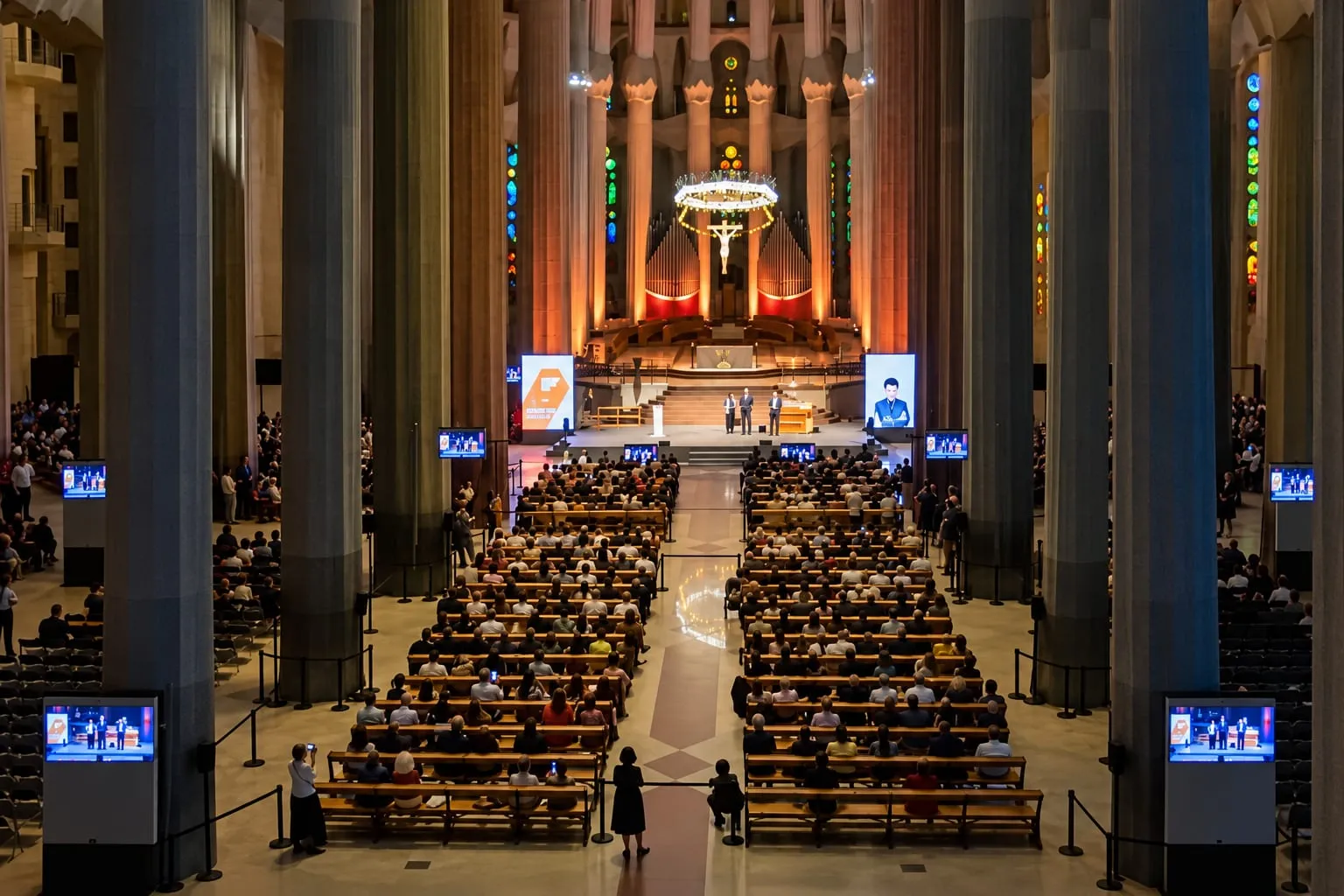
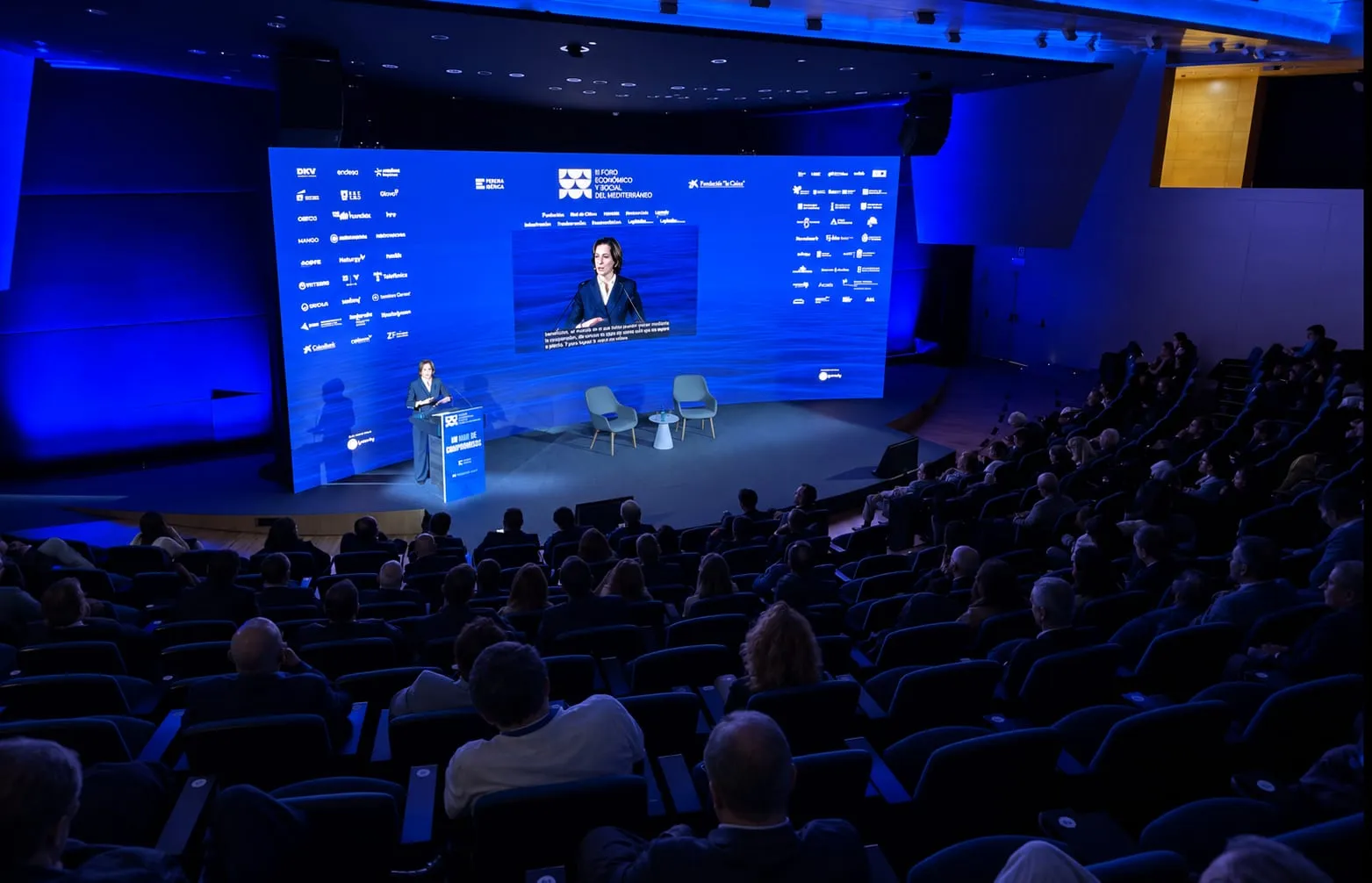
A ceremony, a forum and a fair where the audience listened with Speech.

Learn more about AI interpretation.
Guide
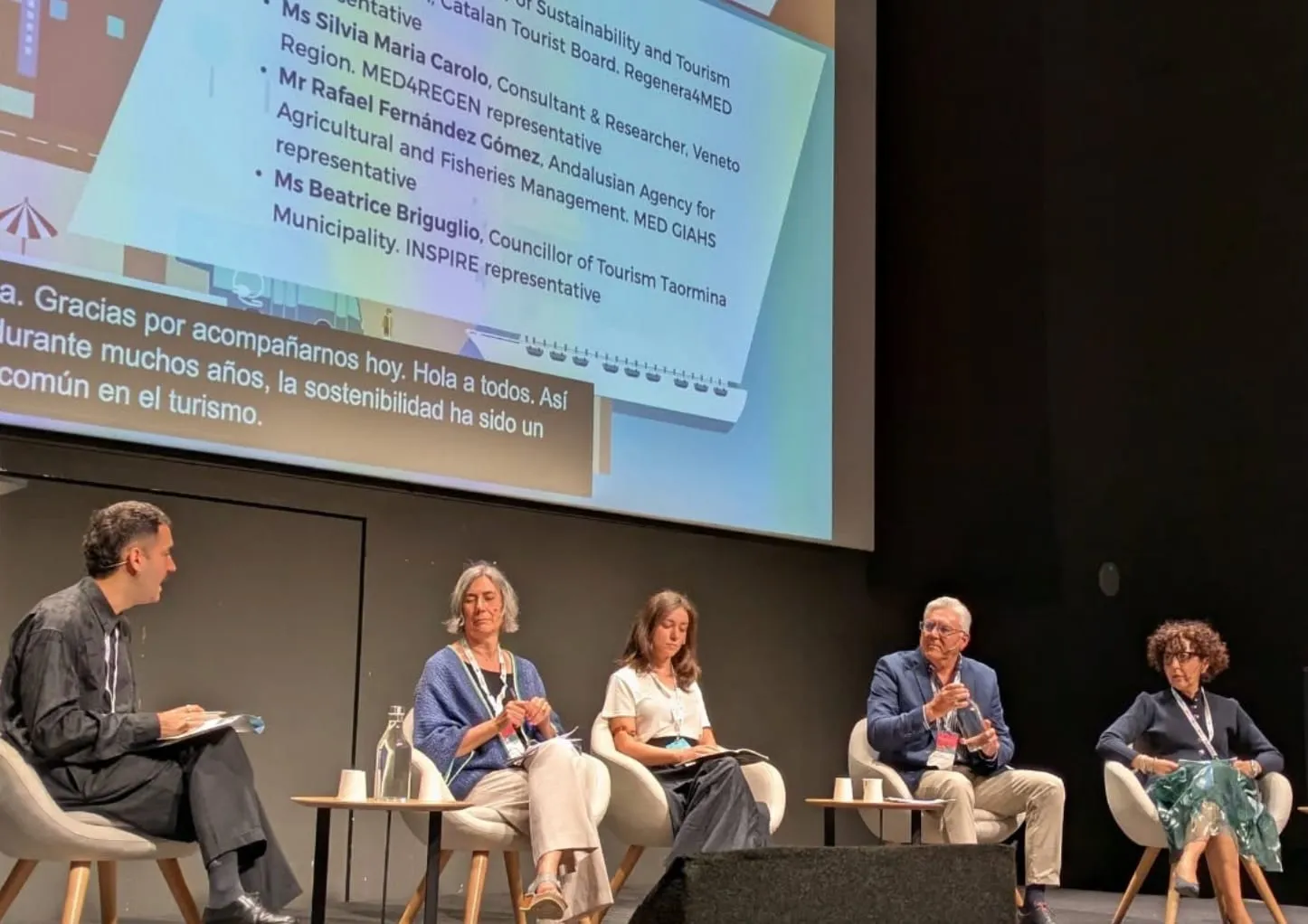
AI simultaneous interpretation at conferences: how it works
What attendees see, what organisers prepare and what the room needs so that everyone can follow the talks in their own language.
3 min read
Guide
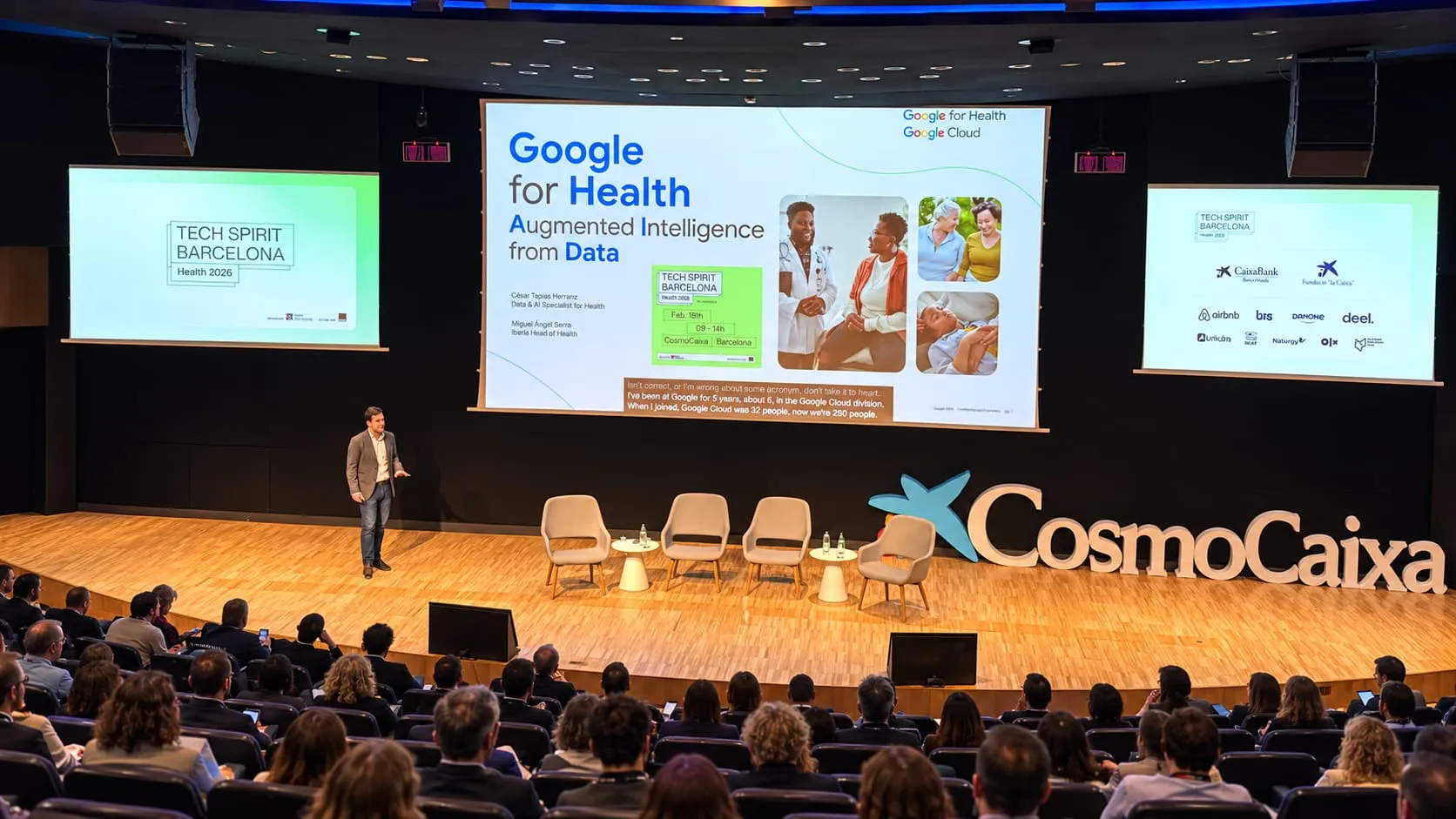
AI simultaneous interpretation: everything your event gains
More than 60 languages on every attendee's phone, captions on the screens, names spelled right, rooms that look after themselves and material for afterwards: what AI brings to your conference.
5 min read
Guide
Simultaneous interpretation without booths or receivers: what the room really needs
With a QR code, every attendee follows the session on their own phone. What you still need to sort out with the venue and the AV team: audio, network, signage and headphones.
5 min read
Questions about AI interpretation.
Do attendees have to install an app?
No. The QR code opens Speech in the phone's browser, so nobody downloads anything or creates an account.
How many languages can an event offer?
More than 60. Each attendee chooses theirs and can change it during the session.
Can we keep using the venue's receivers?
Yes. Attendees can listen with their own headphones or with receivers, whichever the venue prefers.
How are names and technical terms handled?
Before the event, Knowledge loads each talk's glossary from the programme, the run of show or the slides, so names and terms come out right.
Bring every language to your next event.
Tell us when it is, how many rooms you have and which languages you need: we'll show you Speech at work.
Tell us about your event