Guide
Simultaneous interpretation without booths or receivers: what the room really needs
With a QR code, every attendee follows the session on their own phone. What you still need to sort out with the venue and the AV team: audio, network, signage and headphones.
Can you offer simultaneous interpretation at a conference without building booths or handing out receivers? Yes: with Link3rs, AI does the interpreting and the voice reaches each attendee’s phone through a QR code. But having no devices to hand out doesn’t mean there’s nothing to prepare. This guide covers what to ask of the venue and the AV team, and what the audience experiences from their seat.
How does simultaneous interpretation without booths work?
With Speech, the room needs no booths and nobody has to pick up or hand back a receiver: it’s interpretation without traditional receivers, in which the AI translates the speaker and sends each language, out of more than 60, down its own audio channel to every attendee’s phone.
It’s a BYOD (bring your own device) translation system: each person brings their phone and their headphones. It’s also called simultaneous interpretation without equipment, or without hardware, although what disappears is the kit that passes through the audience’s hands, not the technical side of the room. As an alternative to simultaneous interpretation equipment, this is what the room needs:
- The audio signal from whoever is speaking.
- The venue’s network, checked before you start.
- One QR code per room, on signs, screens or badges.
- Headphones for each attendee.
- Receivers, only if the venue prefers them.
What does the attendee experience on their phone?
They scan the QR code with the camera and the session opens in the browser: it’s an AI interpreter without an app, with nothing to download and no username or password. They choose their language, change it whenever they like, and decide whether to listen to the interpreted voice in their headphones, read the text as the speaker talks, or do both, with the original next to the translation.
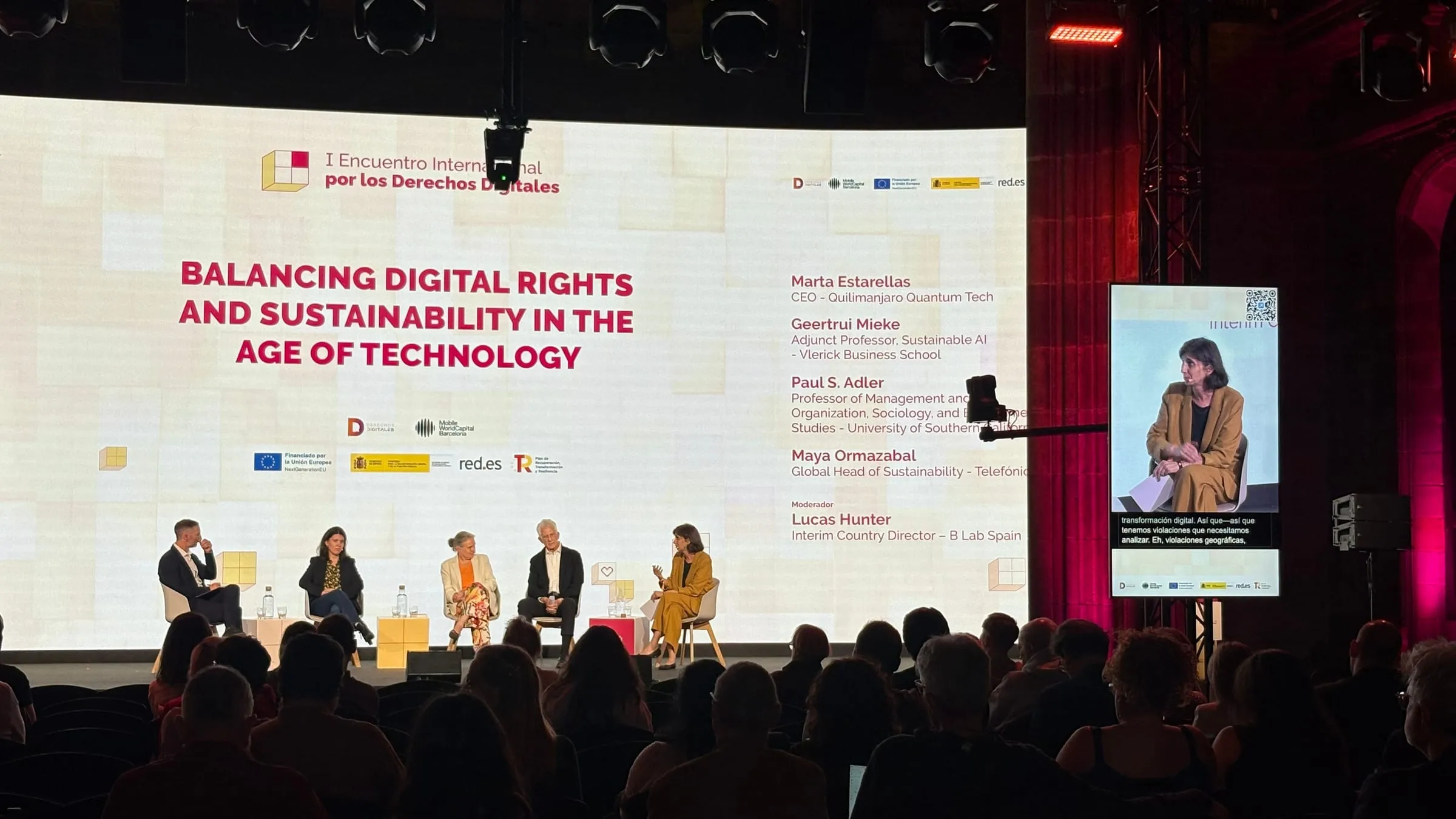
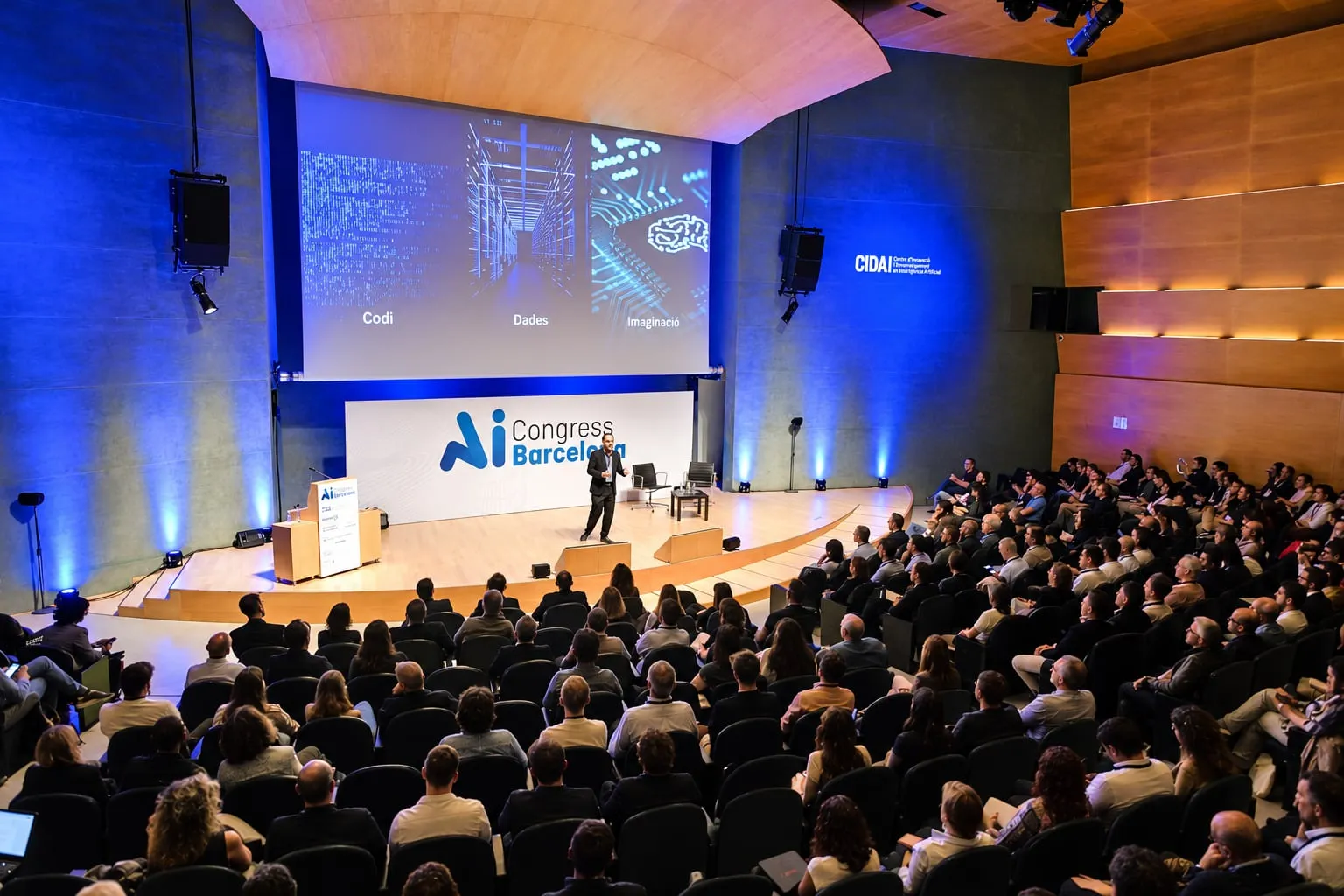
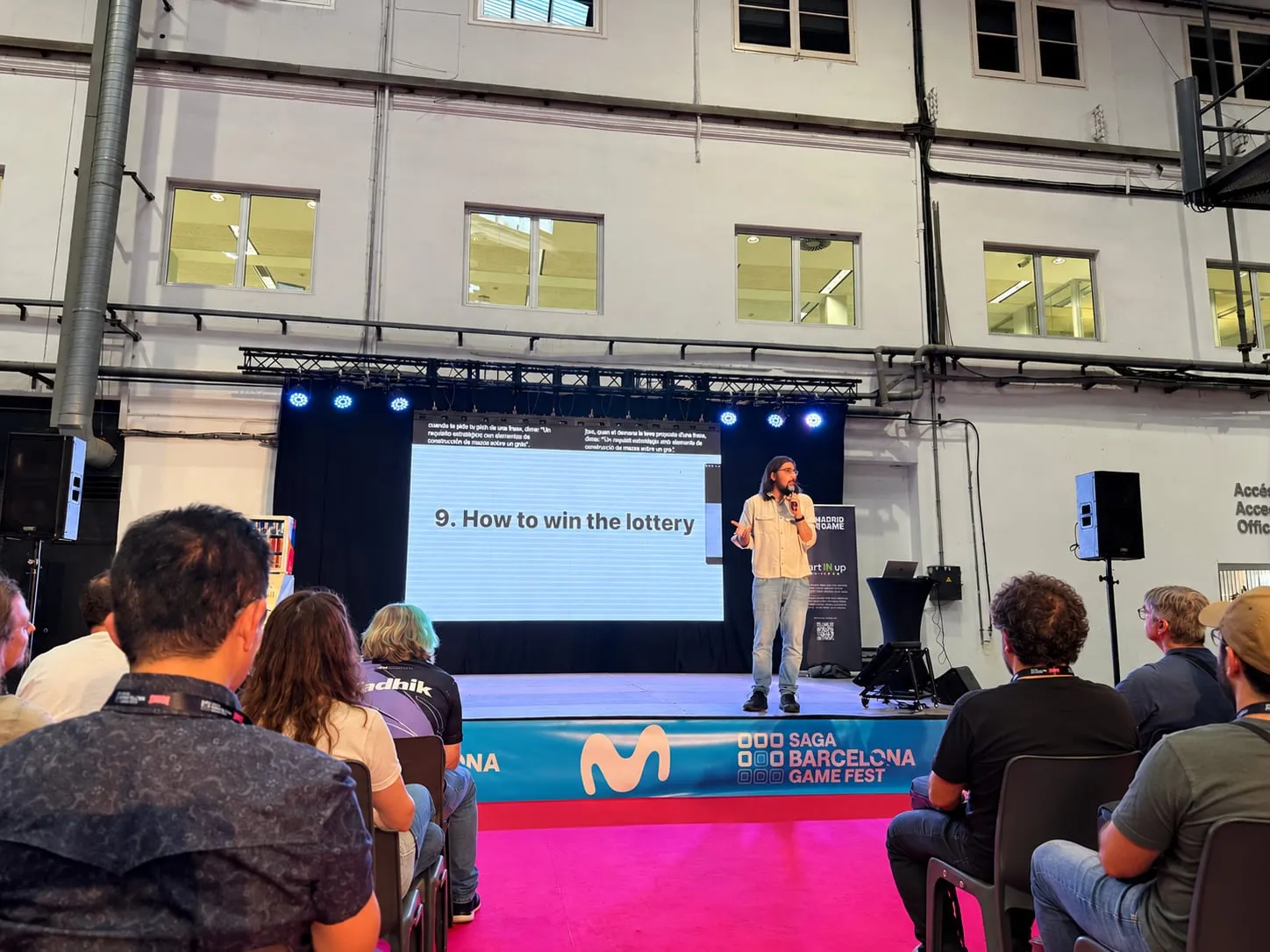
That’s how mobile translation worked for the conference attendees at Tech Spirit Travel, in Palau Macaya: on scanning the code, each person picked a language and opened the session, with no downloads or sign-ups, to follow the morning’s talks and panels.
What audio signal does the room need?
The AI interprets what it hears, so the first thing is for the speaker’s voice to reach it properly. In the simplest case the microphone is enough: in Backstage, a room goes live in four steps (create the event, choose the room type, plug in the mic and press Start).
For rooms with a sound desk there’s Mixer mode, with real inputs and outputs: for each output you decide which source it takes the audio from, whether it translates it or lets it through untouched, and where it sends it, be it the production sound card, the audience’s phones or both. That way, the platform slots into the signal chain the AV team has already built. At the technical visit, agree which signal goes in and who keeps an eye on it during the day.
What network is needed, and how is it checked?
The audience follows the session in the browser, so connectivity is as much a part of the setup as sound. That’s what Crosscheck is for: about twenty minutes before the start, a button in Backstage tests the latency, the microphone and the venue’s network, and checks that the Wi-Fi isn’t blocking anything the session needs, while there’s still time to put it right. Once you’re live, if the text stops coming through, a watchdog spots it and restores the connection without the technician having to step in.
A tip: ask the venue about the network in the seating area, not just at the technical desk.
Where does the QR code go?
QR code translation for events depends on each person finding the right code. In Backstage, every room has its own, for the screen or the badges, and it can go on signs as well. With parallel sessions, this detail matters: scanning one room’s code takes you into that room’s session, not the one next door. So each sign should carry the room’s name and its languages, and it’s worth putting one outside and another inside, in view of the seats.
Projecting it works too. At Forum TurisTIC 2025, Eurecat’s conference at the Auditori TBS Education, the code was projected in the hall and took each attendee to the session on their own phone.
What about headphones?
Each attendee listens on their own headphones, plugged into their phone: no devices to hand out at the door or collect at the end. It’s live translation with headphones, with no queue at the desk.
You do need to tell people in advance. The Forum TurisTIC 2025 programme did: it announced interpretation from Catalan and English into Spanish and asked attendees to bring headphones that work with their phone. And anyone who arrives without them isn’t left out: they can read the session live on their phone.
What if the venue prefers receivers?
That’s possible too: if the venue prefers, the audience hears the AI interpretation on receivers instead of through their own headphones. It’s an option, not a requirement, and how to fit them in is agreed with the venue’s technical team.
Who runs it on the day?
Your team, from Backstage, or the Link3rs team. Whoever operates it isn’t tied to a desk: the whole console fits on a phone, so they can listen from the back of the room to what’s coming in and switch languages from there. As soon as someone takes the floor, the session gets going; if the room falls silent, it stops after a countdown.
Where else have we set it up?
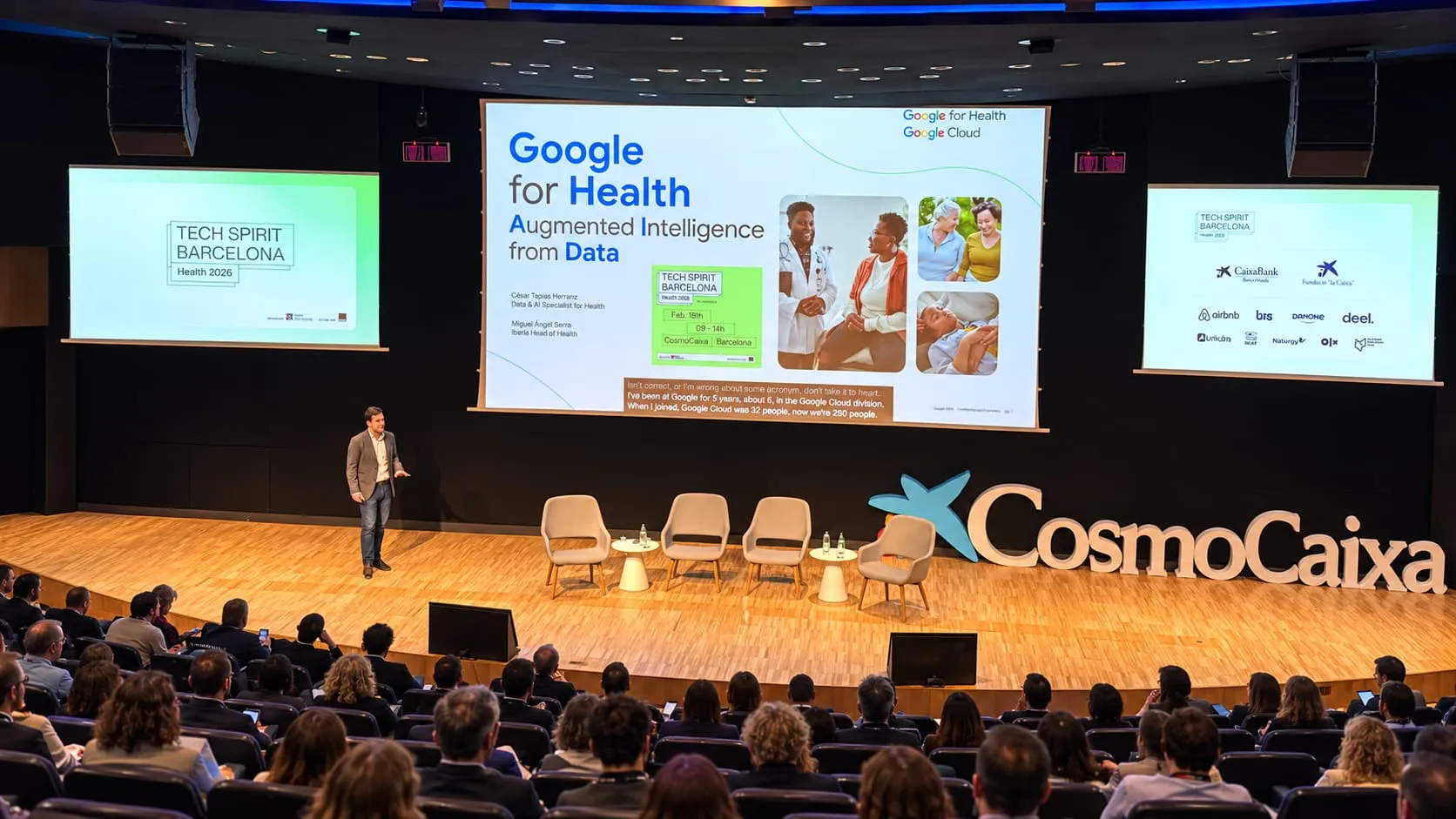
- At CosmoCaixa, during Tech Spirit Health, where Link3rs was Tech Barcelona’s partner, each attendee could follow the morning sessions in their own language with nothing more than a QR code, without installing anything.
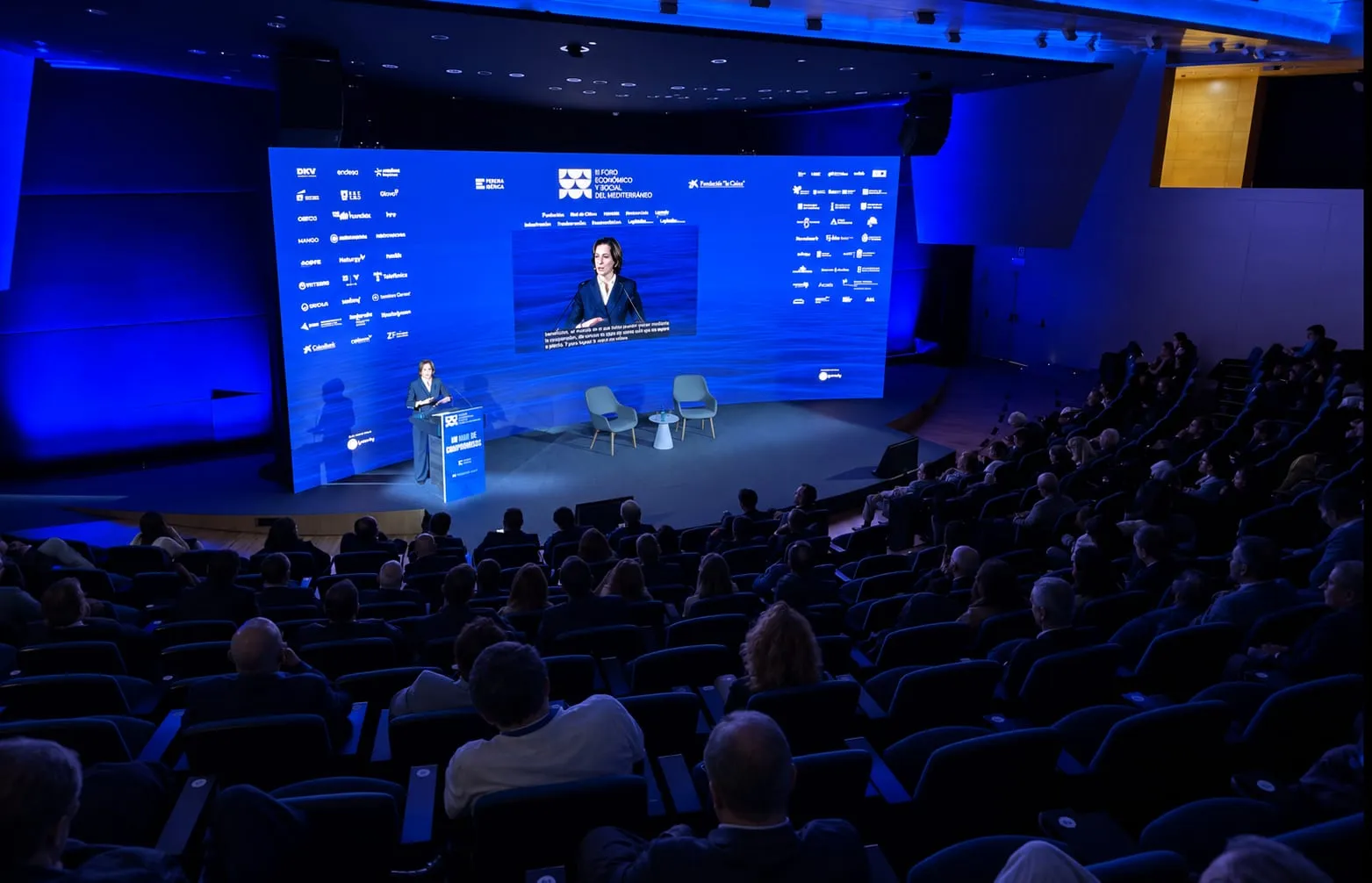
- At the CCCB, the Mediterranean Sustainable Tourism Convention 2026 brought together participants from around the Mediterranean and the rest of Europe, and each person used their phone to choose between listening to the AI interpretation and reading the contributions as they happened.
What the audience sees is in Speech; captions for the room’s screens, in Captions; and the setup, in Backstage. To follow the attendee from the first scan, read AI simultaneous interpretation at conferences: how it works, and to plan the weeks before, How to prepare a multilingual conference: a step-by-step checklist.
Read next: AI simultaneous interpretation: everything your event gains and AI translation for conferences: how it works with Link3rs.
Already have a venue and dates? Request a proposal or a demo and we’ll go through what each room needs with you.