Guide
AI translation for conferences: how it works with Link3rs
Plenary, parallel sessions, a programme in several languages, speakers from abroad, technical terminology, QR codes on badges and streaming: what an international conference needs, and how Link3rs handles each part.
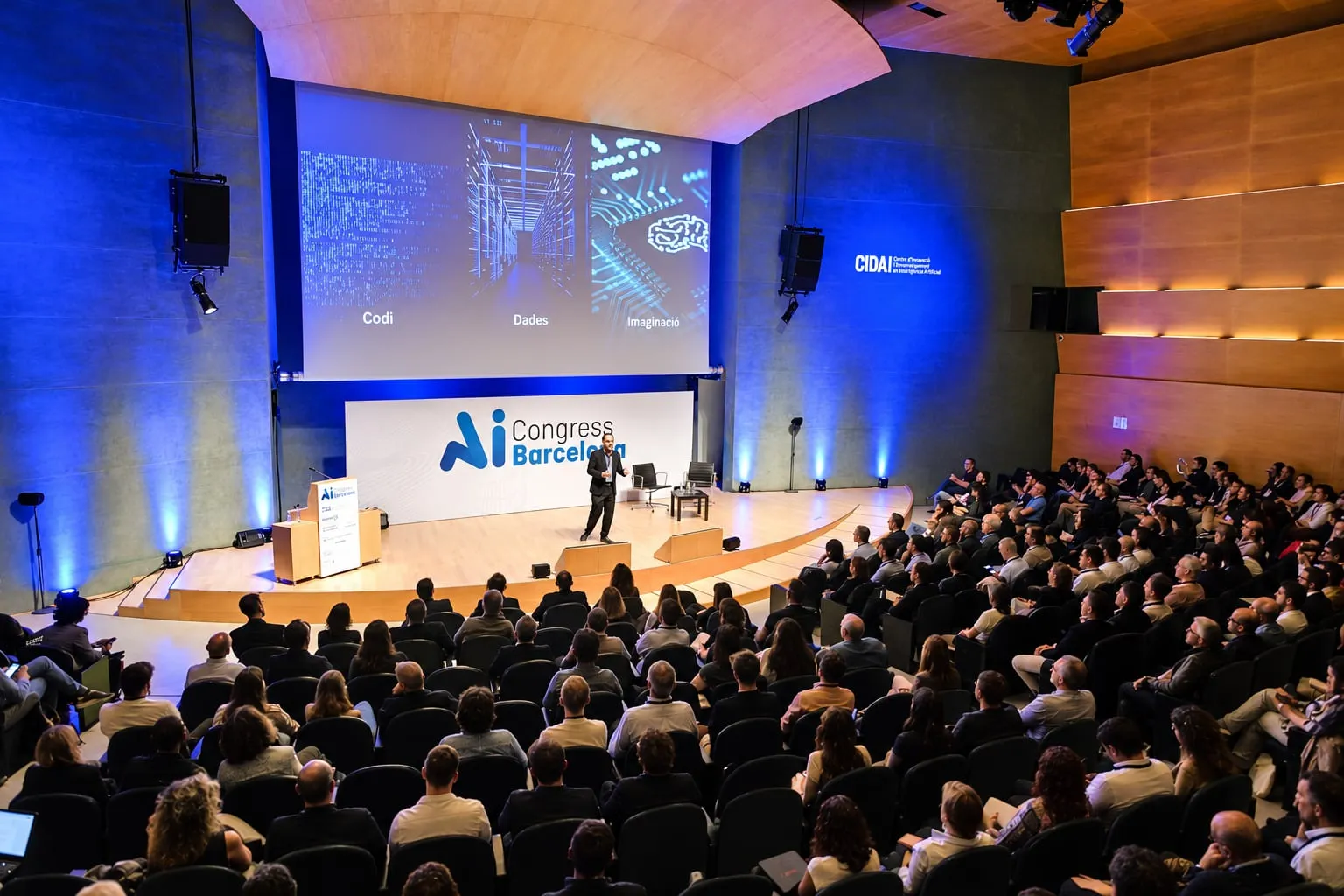
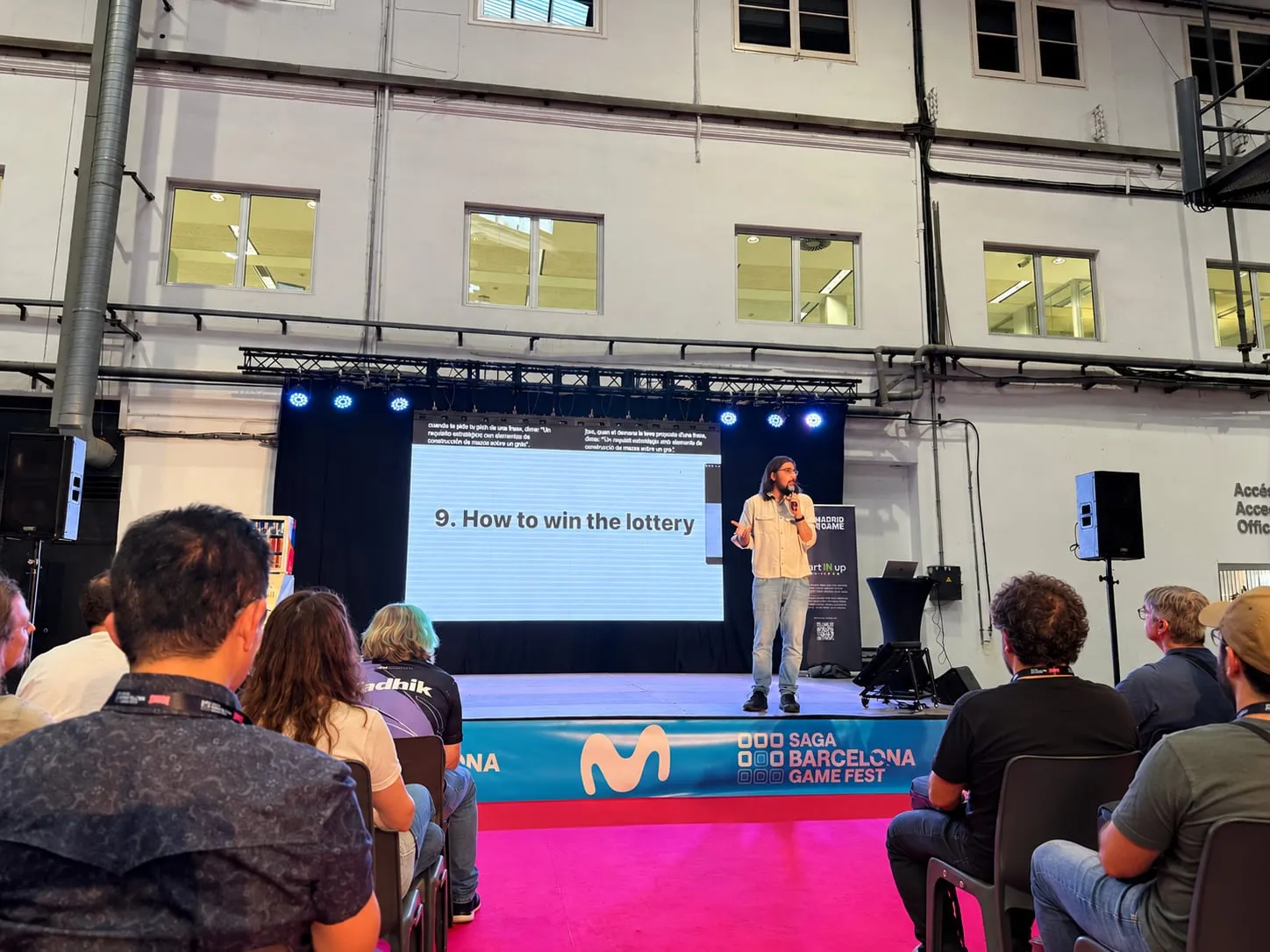
An international conference brings many pieces together at once: a plenary and several rooms, speakers from abroad with their own vocabulary, a programme that mixes languages and, often, a live stream. Link3rs covers all of them with live interpretation for conferences, run from a single platform. Here they are one by one, with real conferences we have worked on.
What does the plenary of an international conference need?
It is the room that gathers the whole conference, and where AI interpretation for international conferences shows the most. Two layers work well together:
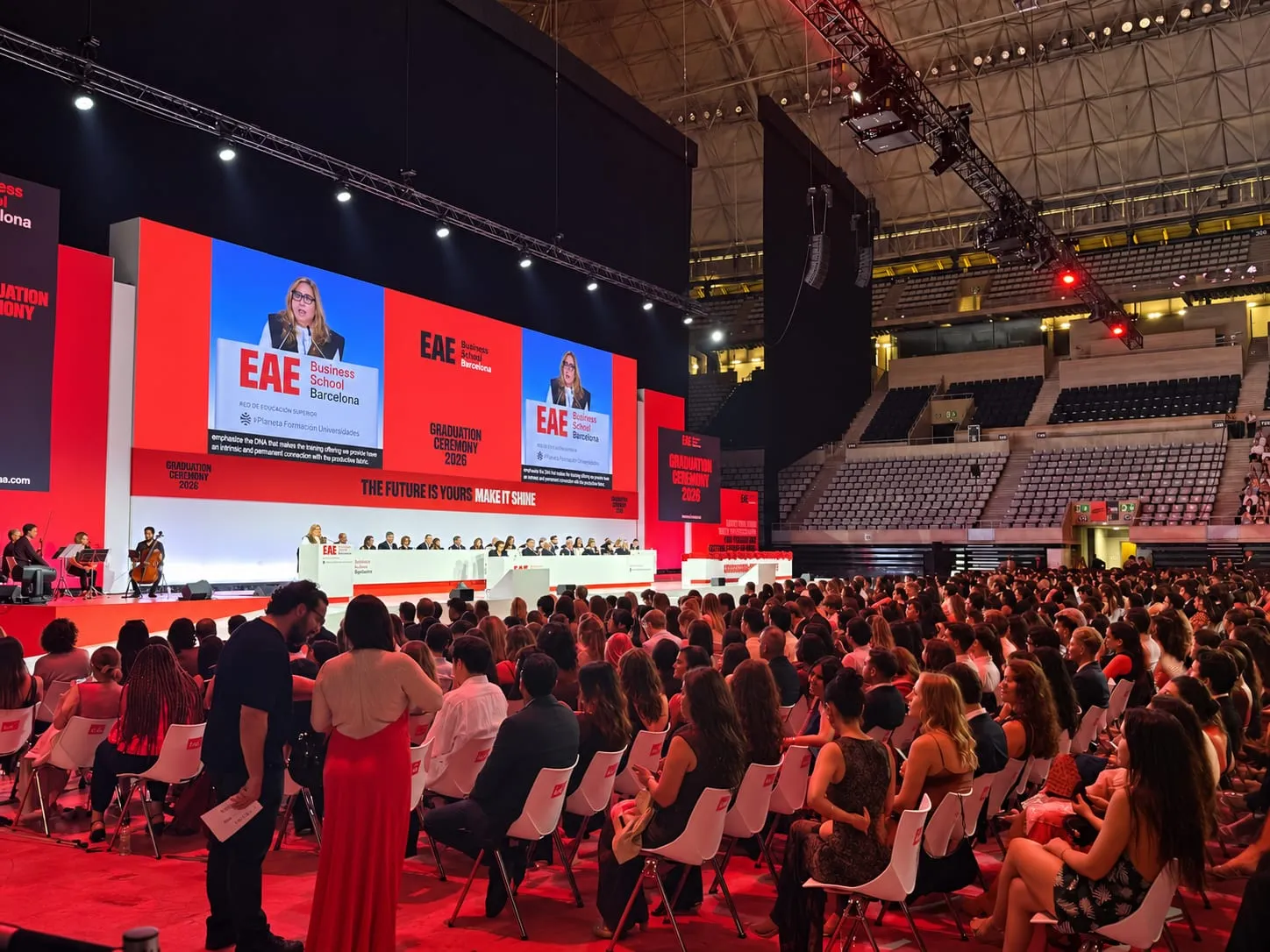
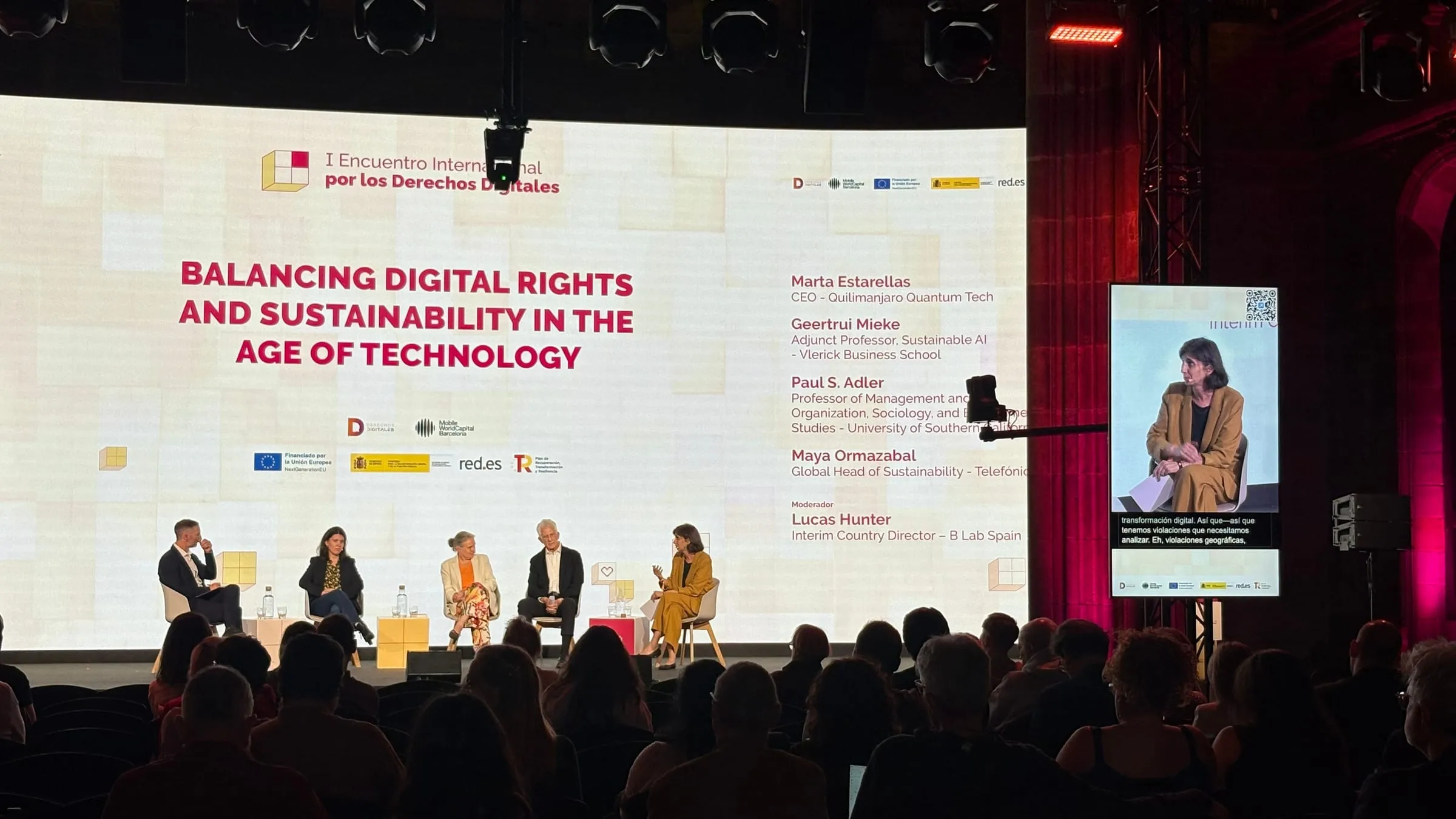
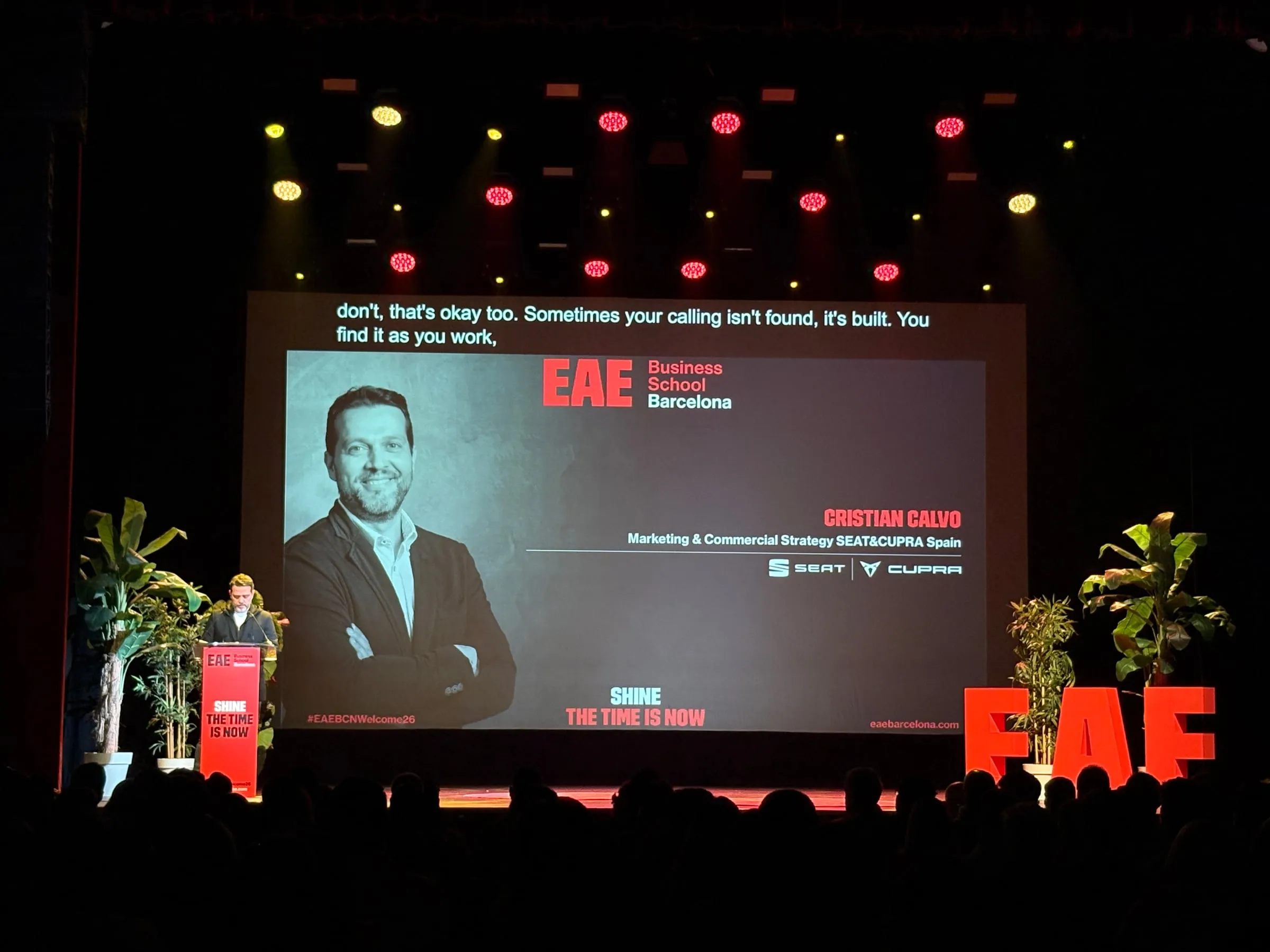
- On screen, Captions writes out what is said as it happens, in the original language, translated, or in up to four languages side by side, one strip apiece.
- On phones, Speech takes the session to each attendee, who listens to it interpreted through their headphones or reads along.
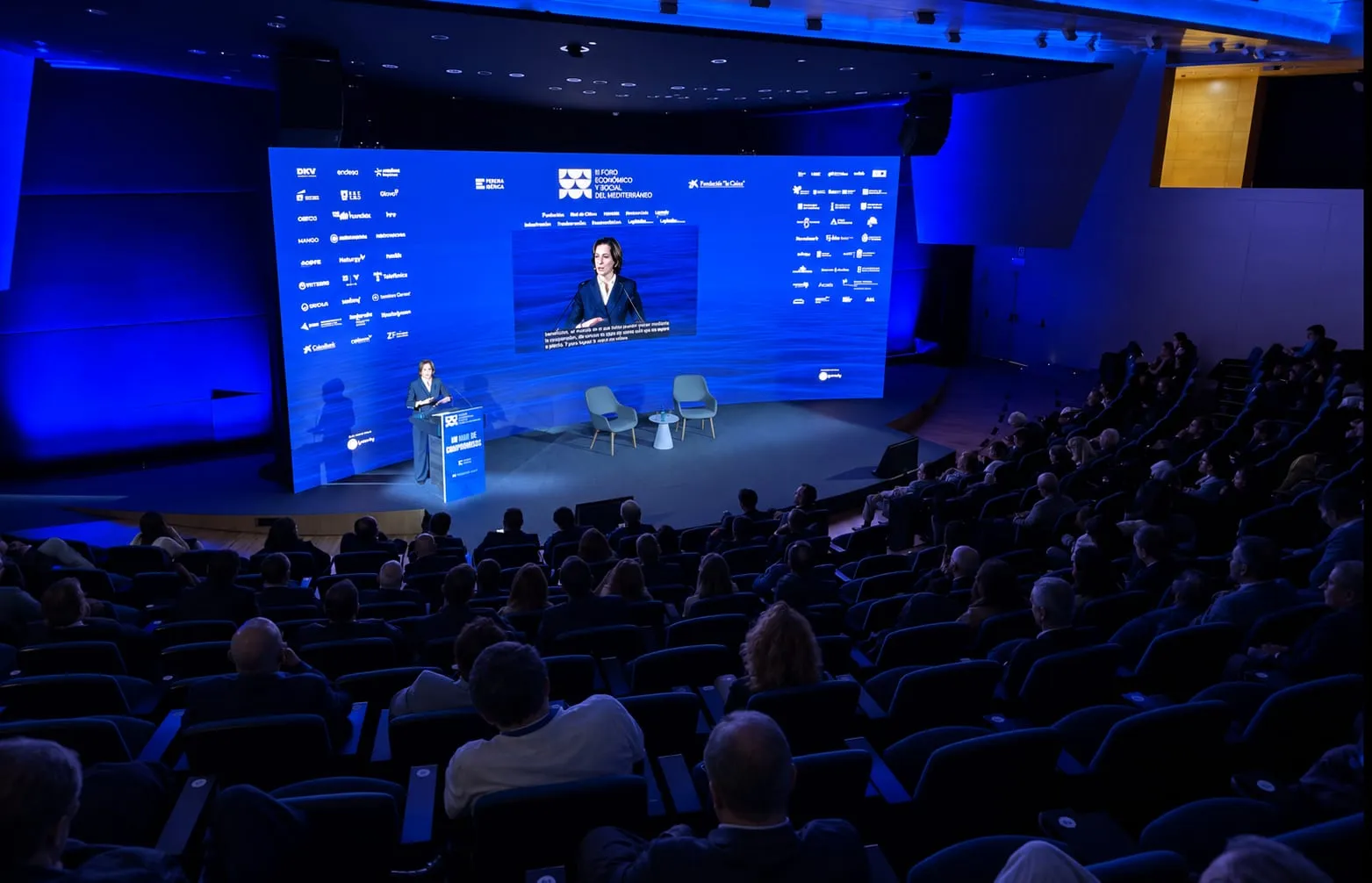
The screen can carry several languages. In the CosmoCaixa auditorium, at DEMOS 2026, during the presentation of the declaration backing the European Social Fund, every sentence spoken in Spanish could also be read in Catalan, in the neighbouring strip.
How do you cover parallel sessions?
In Backstage, the conference is an event with the rooms beneath it, and each room has its own mode, its languages and a code for the audience. So captions can appear in the plenary while, in a workshop, the audience listens on their phones. And since each session gets going as soon as someone takes the floor and stops on its own when there is silence, nobody has to watch over each room during the breaks.
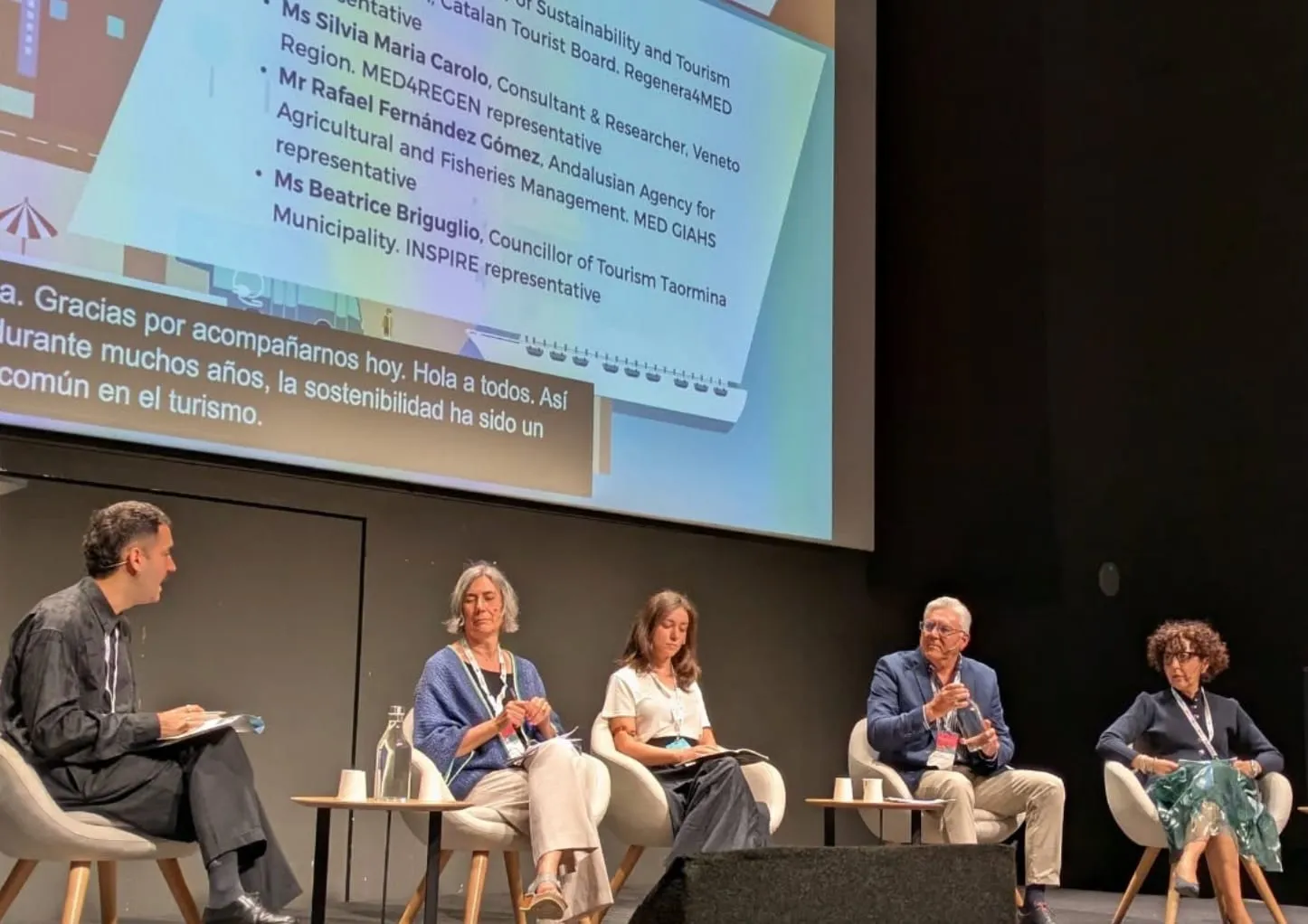
The Mediterranean Sustainable Tourism Convention 2026 combined debates on its first day with parallel sessions on the second. At the CCCB we set up Speech: with a QR code, each participant opened the sessions on their phone and went with either the AI-interpreted voice or the text of the contributions.
How do you announce it in the programme and on badges?
Attendees need to know, before they sit down, that they will be able to follow the conference in their language, and how. Say so in the programme, as Forum TurisTIC 2025 did: it let people know that each speaker would use their own language and that Catalan and English would be translated into Spanish for the whole room, through each attendee’s own headphones plugged into their phone. In the auditorium, a projected QR code opened the session.
With Link3rs, the QR code goes on the printed badge or appears on screen, and it opens the session in the browser, with no app and no account. With several rooms, each has its own: decide which goes on the badge and which go on the door or the screen of each room. More preparations in How to prepare a multilingual conference: a step-by-step checklist.
How do you serve speakers and audiences from many countries?
In real-time translation for a conference with an international line-up, a single target language falls short. With Speech, each attendee picks theirs from more than 60, switches whenever they like and, if it helps, sees the original next to the translation. On panels that move from English to Spanish and back, Conditionals mode follows the switch: you declare the two languages and the captions always come out in the other one.
At CosmoCaixa, the III Foro Económico y Social del Mediterráneo brought together voices such as the historian Anne Applebaum, the explorer Céline Cousteau and the Croatian and Jordanian chambers of commerce. With Speech, everyone followed the debates in the language they had chosen, with the interpreted voice in their headphones or reading on their phone.
How do you prepare technical terminology?
At a specialist conference, the first mistakes people notice are in acronyms, surnames and jargon. Think of a programme like that of FORWARD Summit 2026, with sessions on AI agents, automation or quantum computing. In Knowledge, each talk keeps its own glossary (who is speaking, for which company and with which terms), built from material you already have, such as the slides, the programme, a rehearsal recording or the run of show. The captions, the interpretation and the summary of that talk all draw on the same context.
What if the conference is streamed?
If part of the audience follows remotely, the captions go into the stream too: with a URL they go into vMix or OBS; with a line of script, into your website’s player; and with a key and its RTMP address, without opening the platform. The production company receives a link that only gives access to its own connection and can be revoked. In rooms with a sound desk, Mixer mode joins the audio chain and sends each output to production, to the audience’s phones or to both.
What else does Link3rs include?
- Who operates it. You can run it with your own team in Backstage or leave it to Link3rs.
- What gets checked beforehand. Some twenty minutes before you begin, Crosscheck goes over the microphone, latency and venue connection; if the text stops mid-session, a watchdog restores the connection on its own.
- What’s left at the end. Summaries and chapters with every quote checked against the transcript, and a delivery certificate by channels and languages. More in After the event: how to make the most of everything that was said.
- Who sees what. Each organisation, venue and room can only access its own.
What should a translation system for conference centres offer?
If you run a venue, you are not choosing for one conference but for the whole calendar. With Link3rs, interpretation and captions are one more service of the house, in every room. What belongs to the venue (the city, the sponsor, its own titles) is loaded just once and serves every event. Attendees use their own phone with headphones or, if the venue prefers, its receivers. It is all in Link3rs for Venues.
Read next: AI translation for trade shows: open stages, big screens and phones and Simultaneous interpretation without booths or receivers: what the room really needs.
To compare in more detail, AI simultaneous interpretation at conferences: how it works walks through the attendee’s experience, and Speech or Captions: how to choose for each room at your event helps you assign the rooms. Every conference gets its own proposal: once you have the dates, the rooms and the languages, ask us for yours or for a demo.