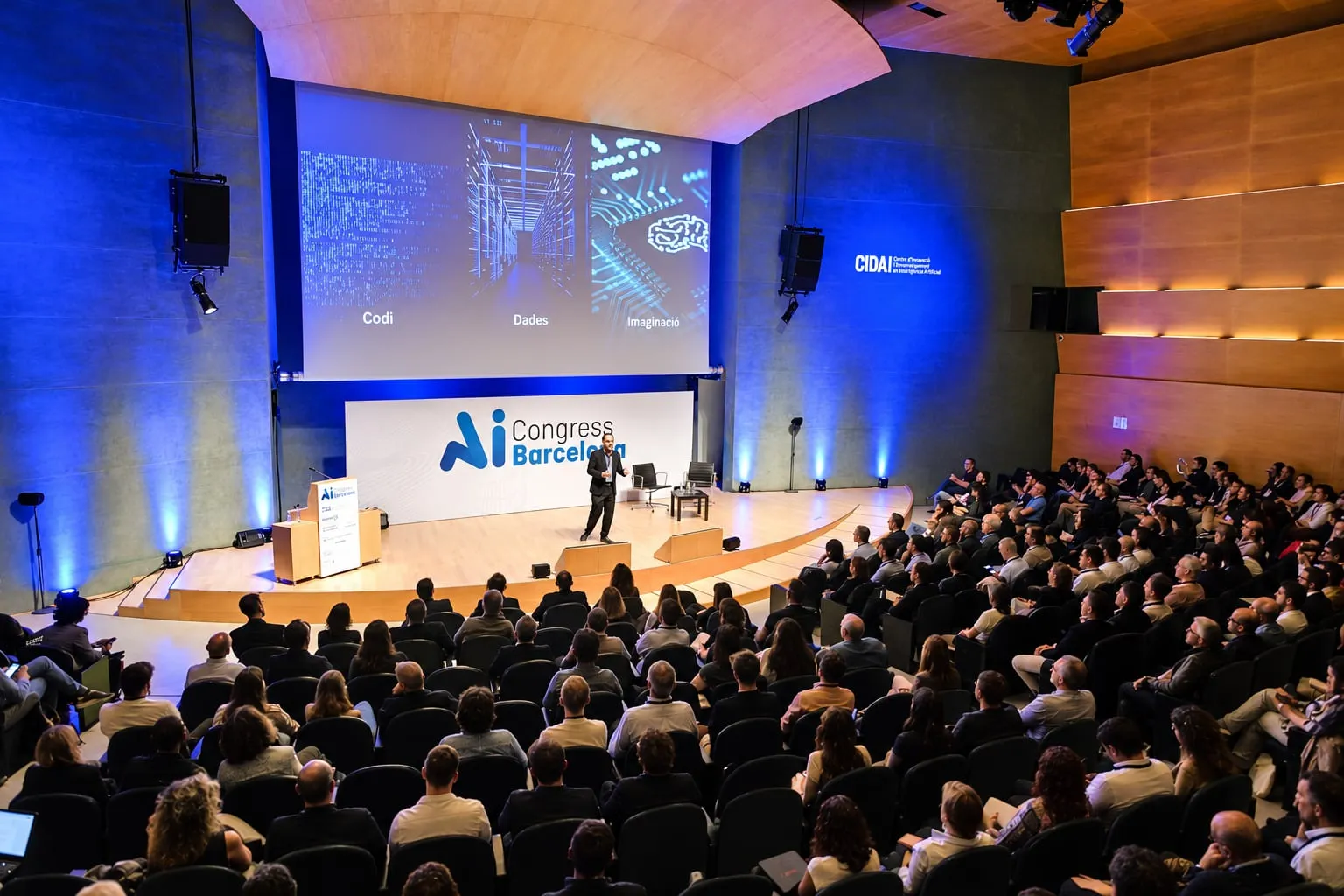
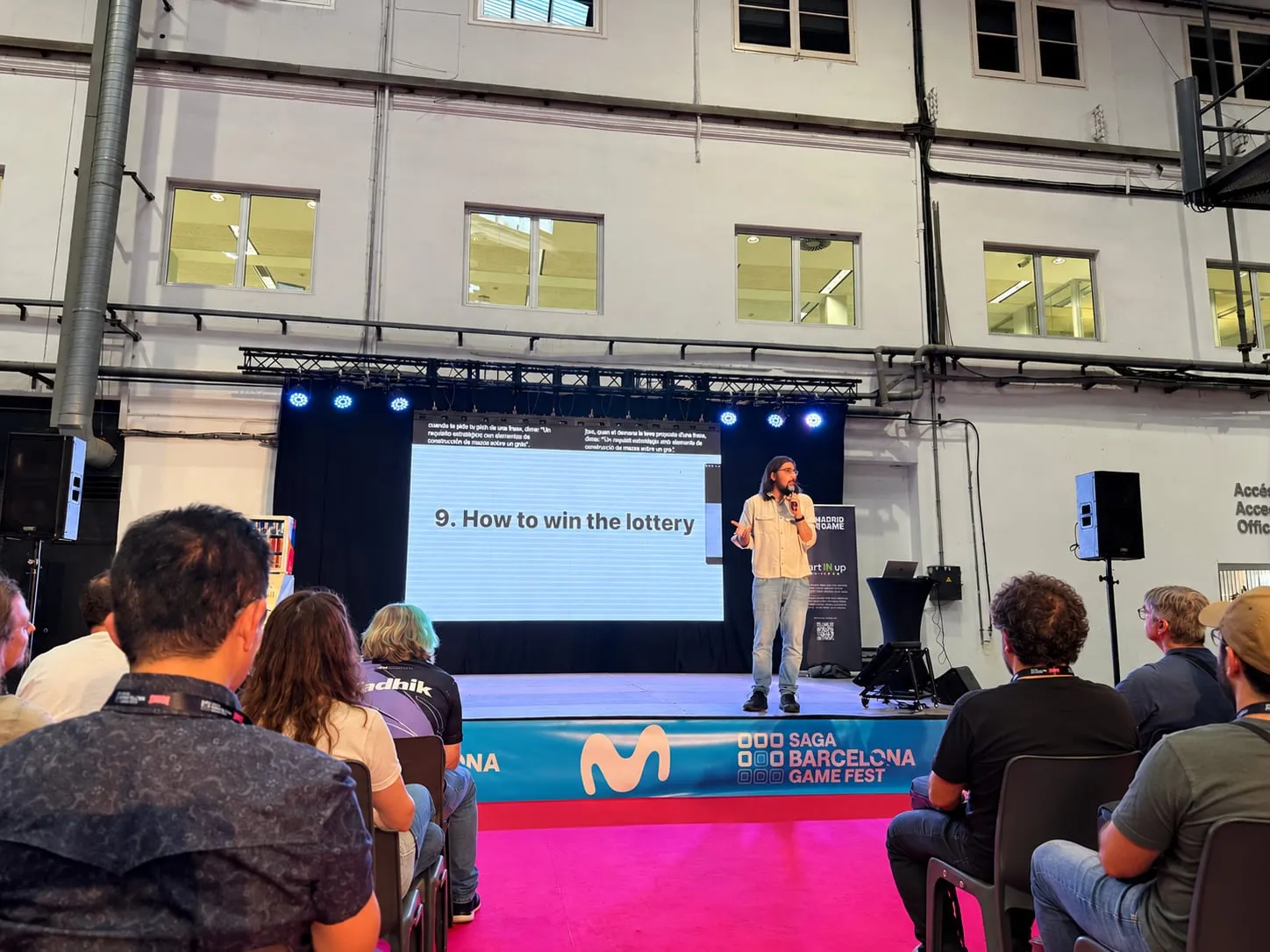
Guide
How to prepare a multilingual conference: a step-by-step checklist
What to decide weeks ahead, what to test the day before, what to watch on the day and what to make of it afterwards, so that everyone can follow the sessions in the language they choose.
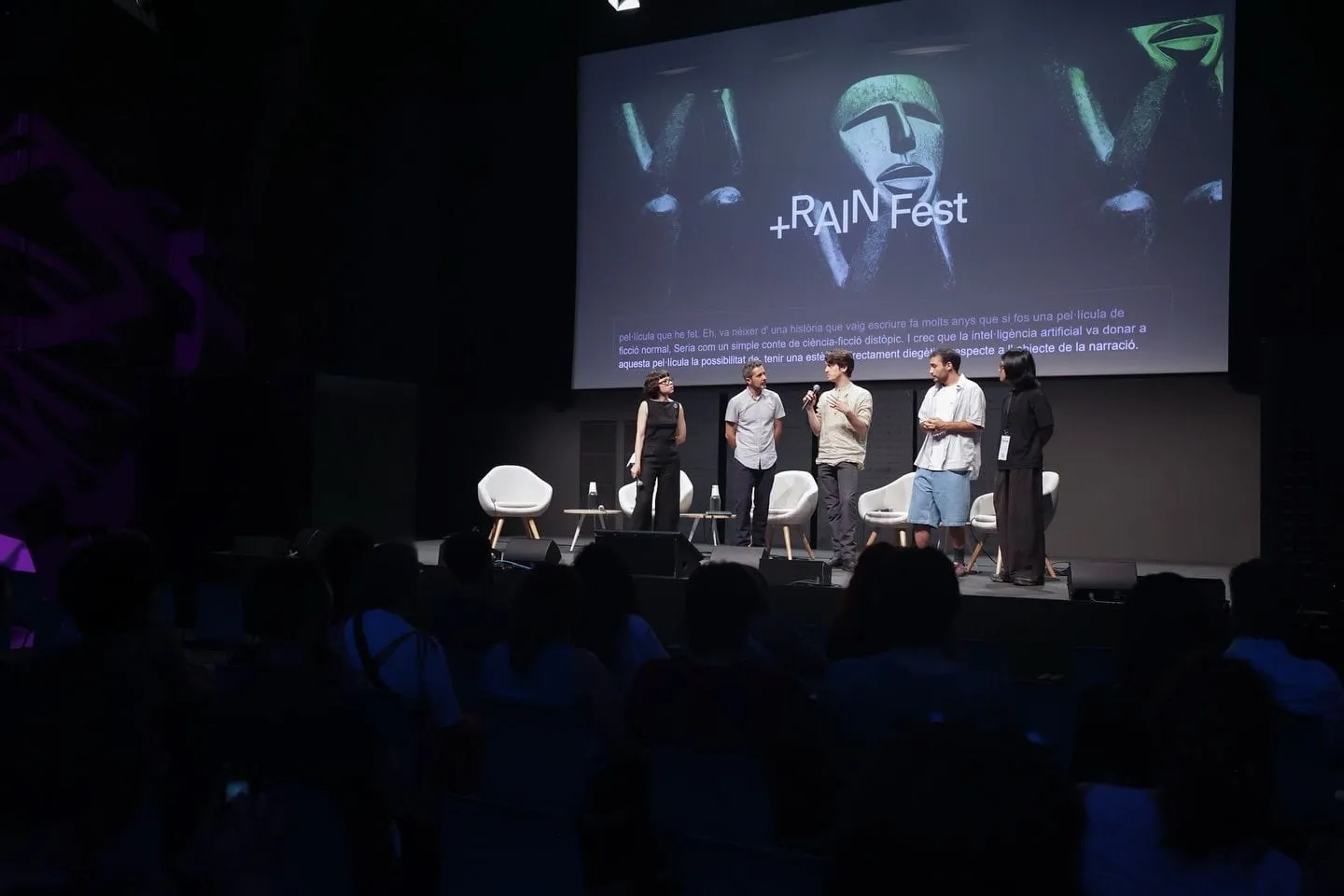
A conference with speakers and attendees from several language backgrounds is won or lost long before the doors open. AI can spare you the booths and the receivers, but some choices only the organiser can make: which languages, in which rooms, on which screens and how the audience finds out. This checklist puts them in order.
Weeks ahead: which languages are spoken, and which are followed?
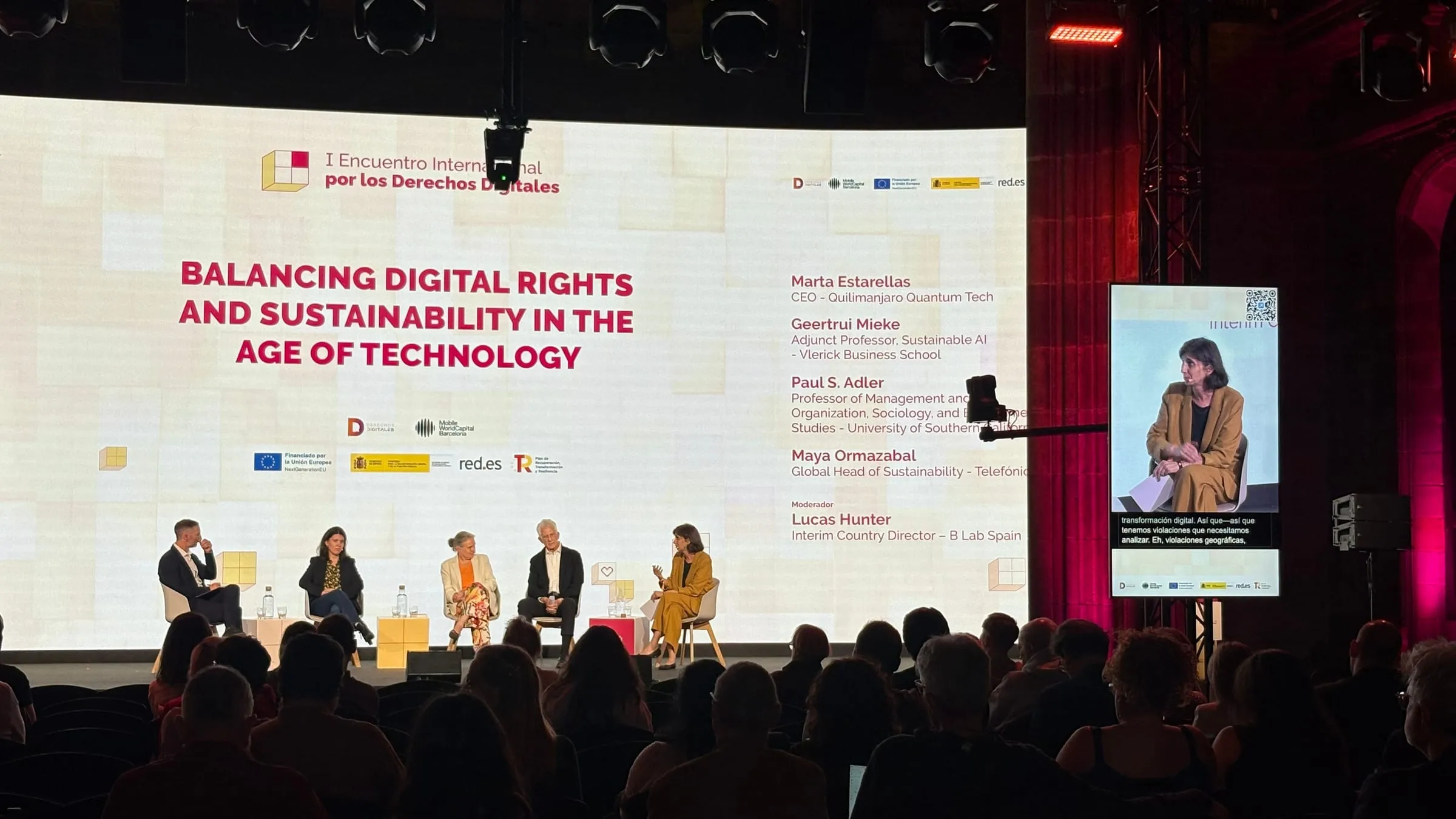
Draw up two lists. The first is for the stage: the language each speaker will use, moderators included. The second is for the audience: ask on the registration form which language each person would like to follow the sessions in. If the stage switches languages, let the programme say so: the one for FORWARD Summit 2026 showed whether each session would be in Catalan, Spanish or English.
Then decide what goes where:
- On phones, with Speech, each person picks from the event’s languages and can change at any point. Link3rs offers more than 60.
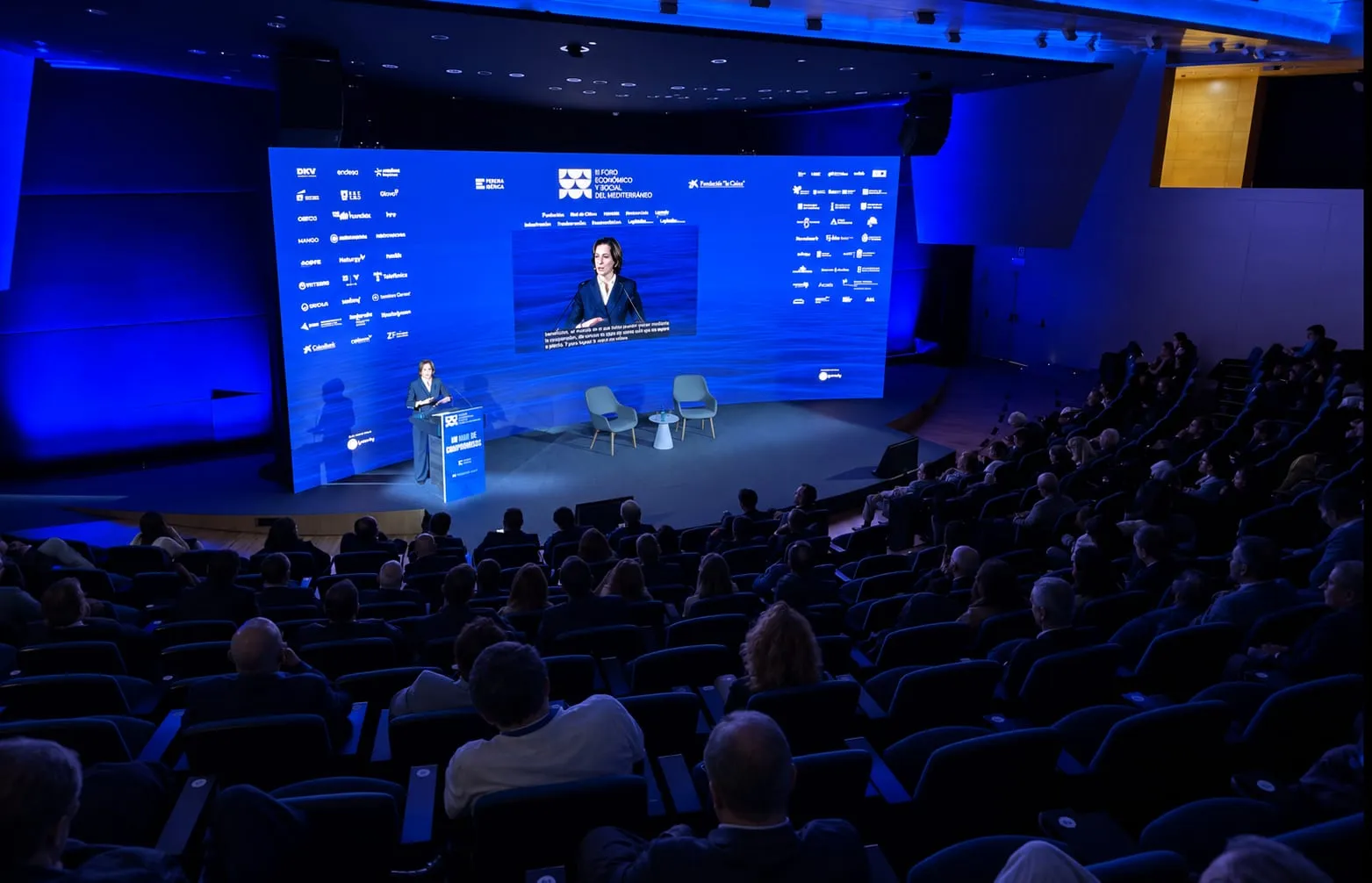
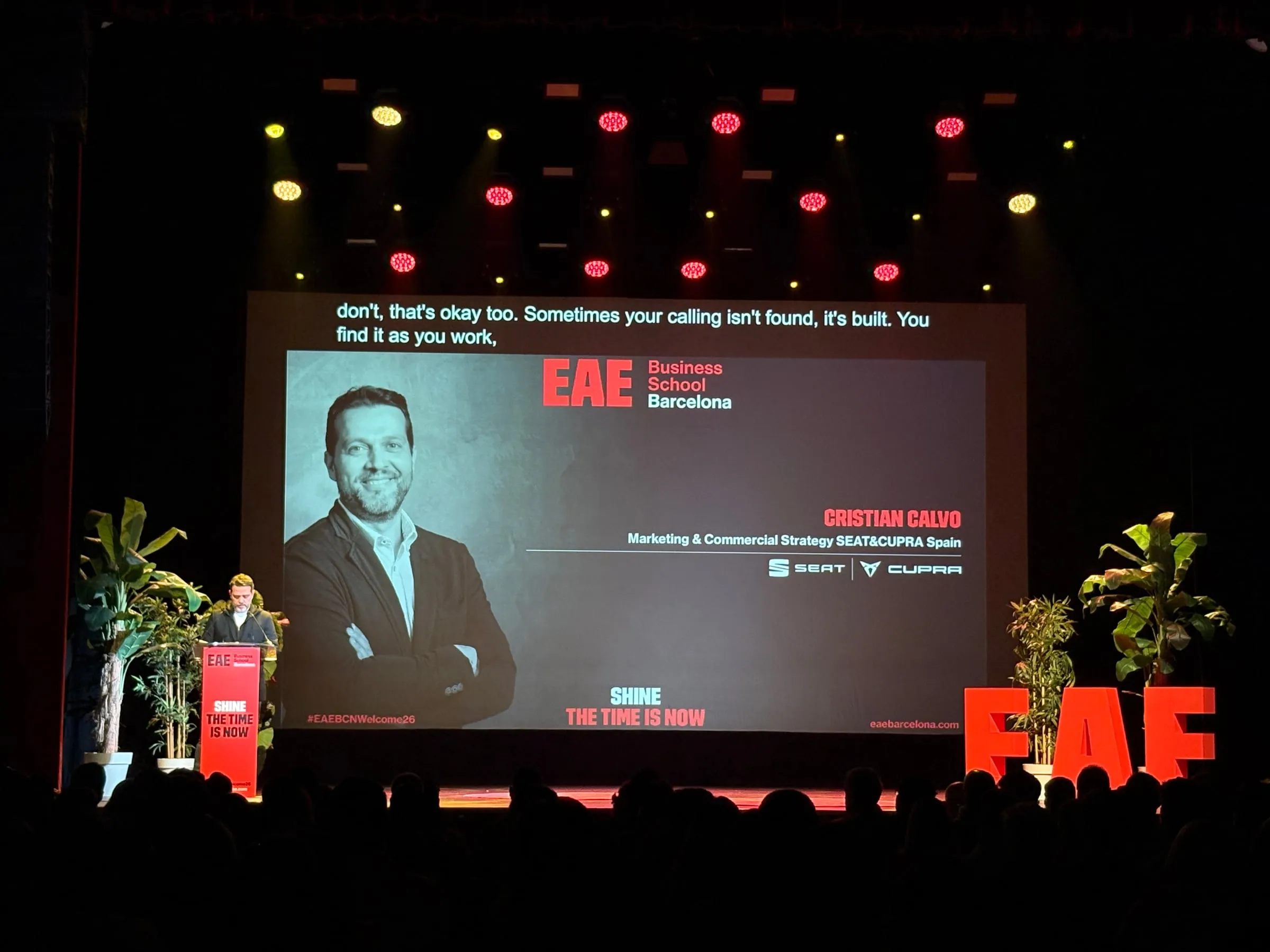
- On screens, with Captions, the text can appear in the language being spoken, in the room’s language or in up to four languages, each in a separate strip.
- At bilingual panels, Conditionals mode works with a language pair and captions each contribution in the other language.
Once speakers are confirmed: what does the AI need to know?
The mistakes people notice most are in proper names: a surname, an acronym, a sponsor’s brand. In Knowledge, each talk keeps a glossary of its own, and the context comes from material that already exists: the run of show, the programme, the slides or a rehearsal recording. Your job is to collect it in time:
- Ask every speaker for their slides, even a draft version, plus a list of their acronyms and technical terms.
- Check how the names of moderators and panel guests are spelled.
- If you hold several events at the same venue, the in-house details (the city, the sponsor, job titles) are entered once and work for all of them.
- Set a deadline for changes and name someone to update the glossary if a speaker is replaced.
At the venue visit: which rooms, which screens, which sound?
Walk through each room with whoever is in charge of the technical side and decide what the audience will see and hear:
- The mode. It is chosen when the room is created in Backstage, from four: Captions (text on screen), Conditionals (bilingual sessions), Speech to Speech (translated voice) and Mixer (rooms with a sound desk).
- The screens. Any of them will do, from the big one to a strip below the stage, in your event’s colours. Look at the ones that already mirror the stage, too: at Tech Spirit Barcelona 2025, the auxiliary screens between the columns of the Llotja de Mar gained a strip with the text in Spanish.
- Sound and streaming. With Mixer, the platform plugs into the room’s existing audio chain; if the event is broadcast, the production company only needs a URL to bring the captions into vMix or OBS.
And decide who will run the console: your team or the Link3rs team.
A few days before: does the audience know how to follow along?
Each room has its own code, shown as a QR that can go on the screen or on badges (how it is organised). From there, prepare:
- One sign per door, with that room’s QR code: when there are several rooms, mixing up signs is the easiest slip to make.
- Three steps next to the code: scan, pick a language, listen or read, with nothing to install.
- A slide with the same QR code to show on screen between sessions.
- A line in the programme and in the confirmation email: which languages will be available, and a reminder to bring headphones.
Those are the steps the audience followed at Forum TurisTIC 2026: the QR code, the language and, from there, the interpreted voice or the live text.
The day before: have you tested the whole chain?
If the venue allows it, rehearse with everything you will use the next day:
- Speak into the real microphones, both the lectern mic and the handhelds.
- Scan each sign with several different phones and listen with headphones from the back row.
- Read the captions from the back and from the far sides, with the lighting the sessions will have.
- Add any last-minute replacement speaker to the glossary.
- Have whoever will be at the controls try it on their phone, which holds the entire console: they can move around the room and hear what is actually coming through (how it is set up).
- Put a QR reminder in the host’s script, for the opening and for the return from each break.
On the day: what runs by itself and what is down to you?
The console can be ready hours in advance (at eight for a ten o’clock start, say) and will start with the first word. About twenty minutes before the start, Crosscheck tests the microphone, the network and the latency, while there is still time to fix whatever fails.
Throughout the day, a lot runs on its own: the session stops after a countdown when the room falls quiet; if the text freezes, a watchdog restores the connection; and changing the language on a screen is instant, because every language keeps running in parallel.
What is left to you is what no console can do: keep spare headphones at the welcome desk and listen in now and then from any seat in the house.
Afterwards: what do you keep for next time?
Once it is all over, note down what went wrong with signs, rooms and the glossary while it is still fresh: that list is where the next edition begins. What the event itself leaves behind in Backstage, from summaries to the delivery certificate, is covered in depth in After the event: how to make the most of everything that was said.
Each product has its own page: Speech, Captions and Backstage. And if your conference already has a date, tell us about it.