Guide
After the event: how to make the most of everything that was said
Summaries, chapters and checked quotes: what is left when a multilingual event ends, and how to use it for communications, for people who couldn't come and for accessibility.
When a conference ends, the first thing to disappear is the set-up. What was said on stage, though, can keep working for weeks: on the event website, in the media and in the inbox of everyone who registered but couldn’t make it. If the event was multilingual, you also have to decide which languages to tell the story in. This guide looks at what material is left, how to get the most out of it and what is worth settling before you start.
What is left when the event ends?
In Backstage, pressing Stop is enough. The day is divided into talks, which are given their names and cuts, and each one yields chapters, summaries, ideas and pieces you can publish. Nobody has to ask for it: the technical team can pack up and go.
Part of it is already in the audience’s hands. Anyone who used Insights in Speech took home, in their inbox, the notes made while the speaker was talking.
How can you use it for communications?
Publish while the event is still being talked about: the following days, not the following month. With that material you can prepare:
- A page for each talk on the event website, with its summary and chapters.
- A write-up of the day for the newsletter, with the main ideas of each session.
- Lines from the speakers for social media, always with their name.
- A press release with the statements the media will care about most.
The last two put words in someone’s mouth, so they need more care. Backstage puts everything it generates through a check: it looks for each quotation in the transcript and, if it can’t find it, that piece is left out. It also suggests whose voice is whose and shows the sentence from the event it relies on, but it doesn’t write the name in: that call is yours, and it is worth making carefully before a quote ends up in a newspaper.
What about people who couldn’t come?
A conference has a bigger audience than fits in the room: people who registered and dropped out at the last minute, teams who stayed at the office and, sometimes, the attendees themselves. At SAP Connect Day, seven sessions shared the hall at the same time and everyone listened on headphones to whichever one interested them most: while following one, they were missing the rest.
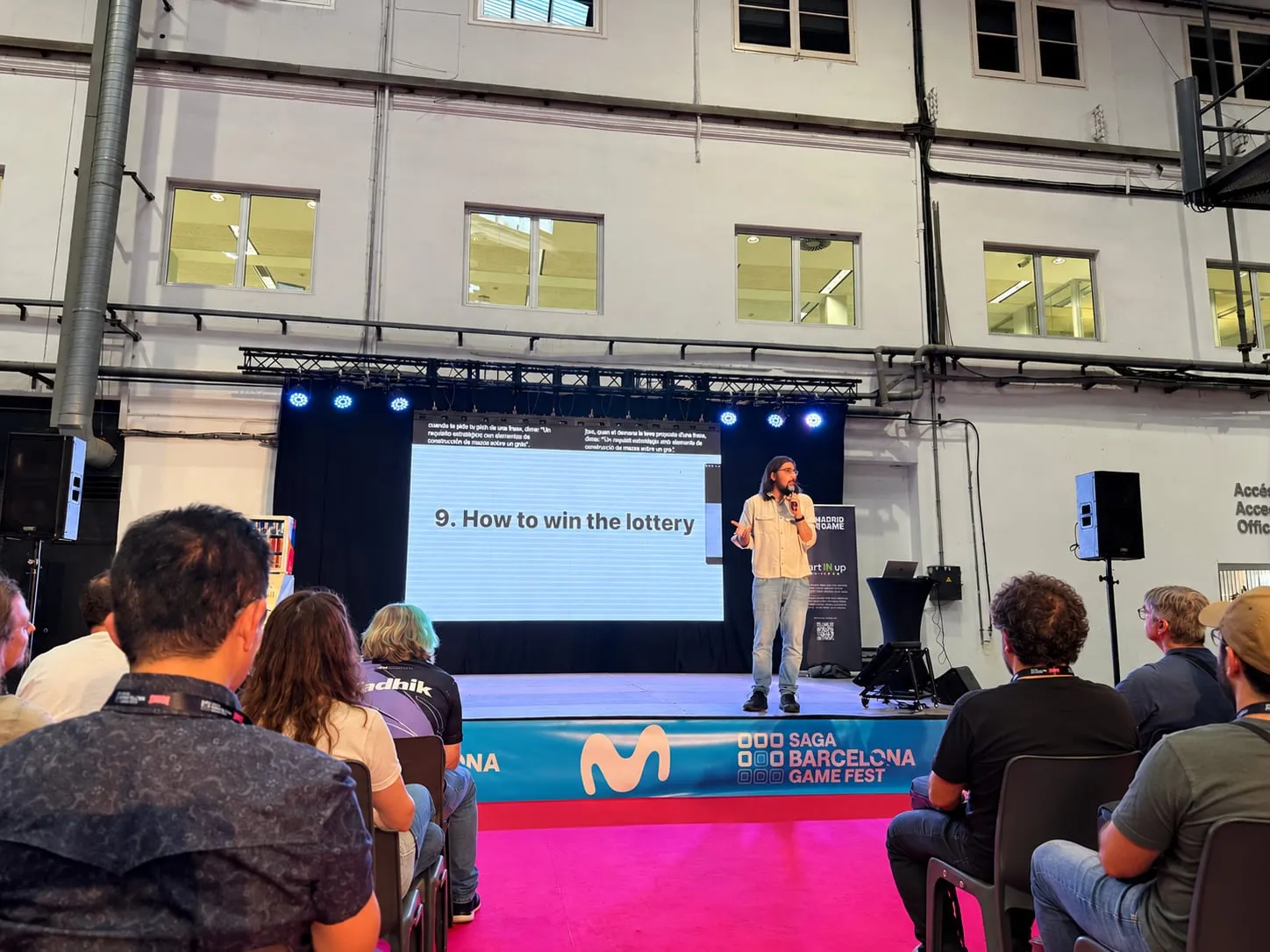
Other events can only be experienced in person. Forum TurisTIC 2025 could not be followed remotely, and in cases like that what you publish afterwards is the only way to reach people who weren’t there.
For that audience, chapters are as valuable as summaries: they let people jump to the part they care about without going through the whole day. Send the material, organised by session, to the full list of registrants and not just to those who attended.
Which languages should you publish in?
During the event, each person chose their language from more than 60. It would be a shame if, afterwards, everything came out in just one.
At Tech Spirit Women there were sessions in Spanish, in English and in Catalan, and each attendee could stay in a single language from start to finish. If the write-up came out only in each speaker’s language, an audience that followed the morning together would be split up again.
Publish, at the very least, in the languages the event offered, and keep proper names, job titles and technical terms consistent across every version.
How does it help accessibility?
Accessibility doesn’t end with the closing session. During the talks, Captions on the screens and the text settings in Speech help people follow what is said; whatever you publish afterwards deserves the same care.
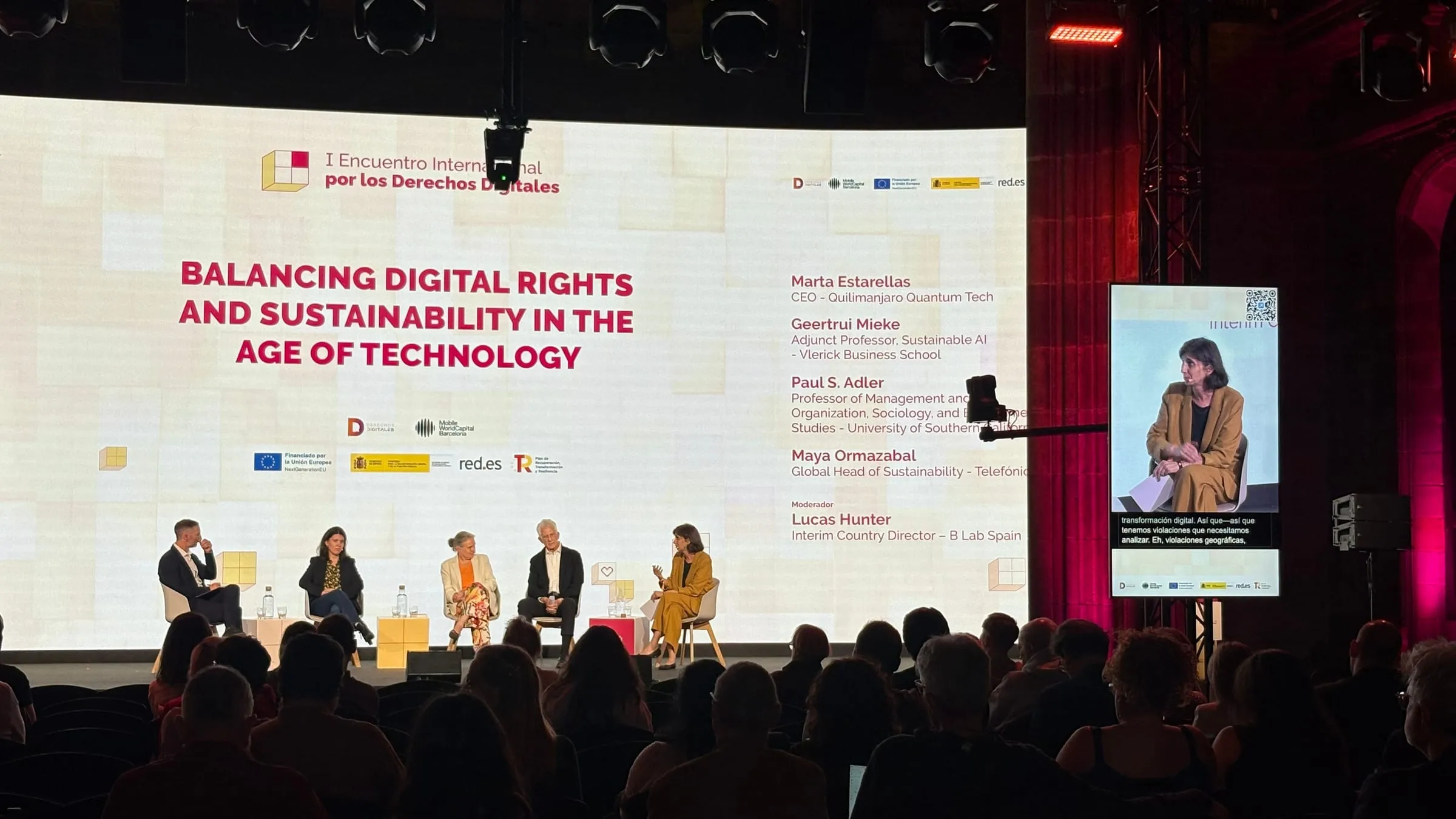
The I Encuentro Internacional por los Derechos Digitales was conceived as a place to understand digital challenges clearly, open to the whole of civil society, and it was also streamed live online. When an event sets out to reach that far, the text it leaves behind carries the same idea forward:
- Deaf and hard-of-hearing people can read a written summary, and a screen reader can read it aloud to someone who is blind or has low vision.
- Chapters with titles help anyone who finds long texts tiring or reading difficult.
- If you publish videos of the talks, add captions and a written summary, on a page with clear headings and good contrast.
How do you know it all worked?
After every event the same question arrives, from the client, the sponsor or management: did it go well? Backstage answers it without relying on impressions: when it stops, it issues a delivery certificate by itself showing, channel by channel and language by language, what was delivered, what dropped and what was stopped deliberately. It is a good document for taking stock with whoever commissioned the event and for deciding what to change next time.
What should you prepare beforehand?
Almost everything that goes well afterwards is decided beforehand:
- Load the context for each talk. In Backstage, each session has its own glossary: who is speaking, where they work and the technical vocabulary they will use. That talk’s summary draws on it too.
- Ask speakers for permission to publish excerpts and quotes of theirs.
- Decide who reviews the names the platform suggests and who signs off each piece.
- Set up your channels and their dates: the website, the newsletter, social media and the press list.
- Choose the languages you will publish in, just as you choose the ones for the room.
What happens when you press Stop is laid out step by step in Backstage; what the audience experiences during the sessions, in Live. And if you want your next conference to keep people talking after it ends, tell us about it.