Guide
AI simultaneous interpretation: everything your event gains
More than 60 languages on every attendee's phone, captions on the screens, names spelled right, rooms that look after themselves and material for afterwards: what AI brings to your conference.
When a conference audience arrives from many countries, AI simultaneous interpretation lets everyone follow the same session at the same moment, each in their own language. With Link3rs, that AI-powered interpretation starts with a QR code and carries on long after the final applause. This guide goes through what your event gains, point by point.
What does an AI interpreter do?
It takes the speaker’s voice from the microphone, transcribes it, translates it and hands it over as speech, as text or both. When what arrives is a voice, that is speech-to-speech AI translation: in the Speech to Speech mode in Backstage, every language travels on its own channel to the headphones of whoever chose it.
In essence, it is real-time speech translation built for a whole room: a single speech is translated at once into every language the event offers.
More than 60 languages, and every attendee picks their own
When the session opens, each person settles on one of more than 60 languages and, if they would rather have another halfway through a talk, they switch.
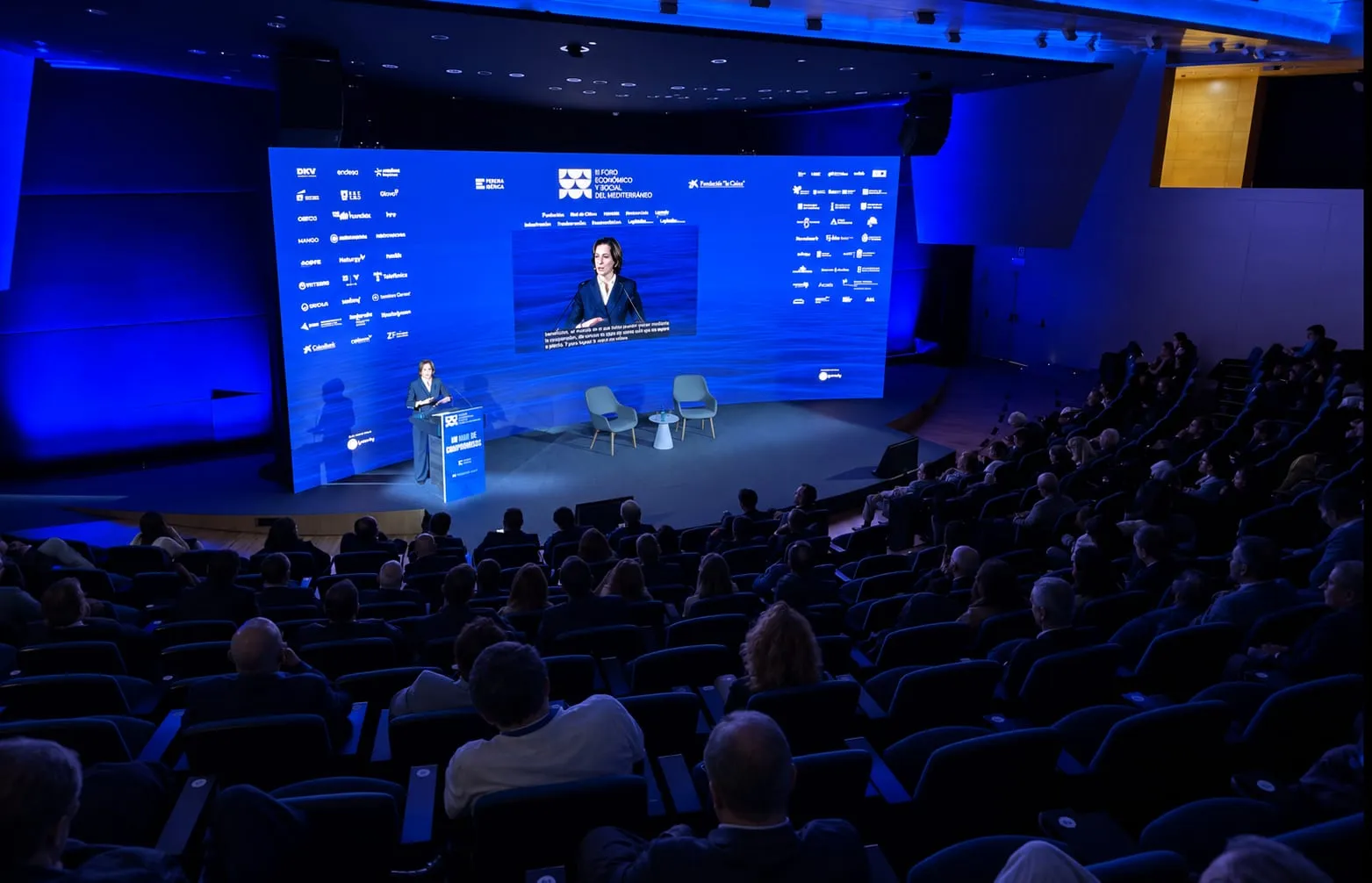
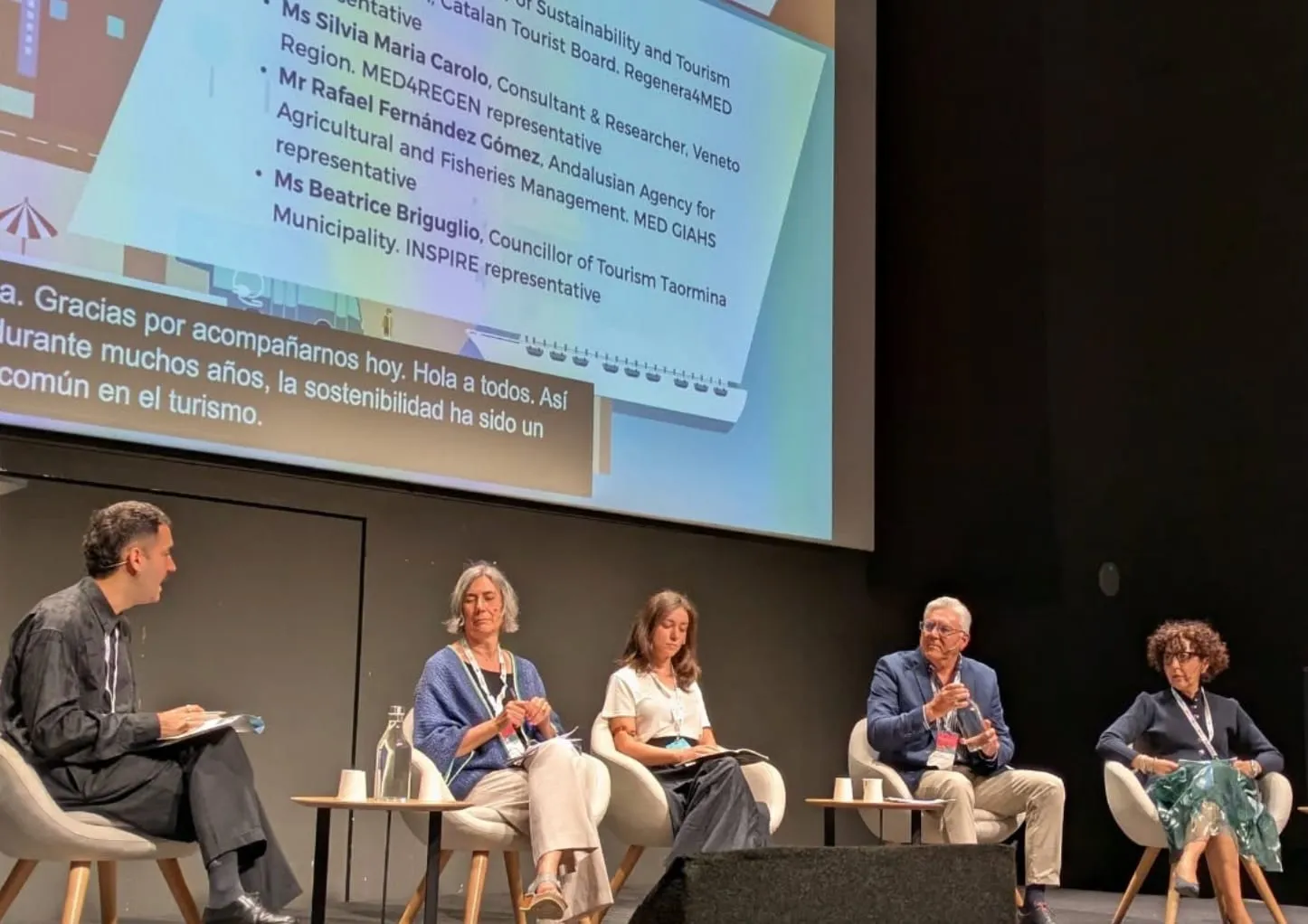
Public officials, researchers and tourism professionals from Mediterranean and other European countries gathered at the CCCB for the Mediterranean Sustainable Tourism Convention 2026, and each participant had the sessions on their phone in their own language, to hear or to read. At FORWARD Summit 2026, organised by Foment del Treball, sessions were split between Catalan, Spanish and English, and each attendee could keep their language on the phone even when the speaker used another.
A QR code, each attendee’s phone and nothing else
The code is on the badge, on a sign or on the screen. Pointing the camera at it opens the session in the browser; nobody installs anything or signs up. There are no booths to build or receivers to hand out: each attendee listens on their own phone with their own headphones (or on receivers, if the venue prefers them).
That simplicity suits an official ceremony too. Eduardo Souto de Moura received the UIA Gold Medal in the Basilica of the Sagrada Família, and guests opened the ceremony with a code to follow it in their language, listening to the interpretation or reading the text. That is how Speech works.
Listen, read or both, tailored to each person
Each person decides whether to hear the interpreted voice, read the text as it keeps pace with the speaker, or combine the two. And they adjust it on their phone:
- Larger text and high contrast, to read without straining.
- A typeface for dyslexia, if it feels more comfortable.
- The original beside the translation, to check a term or practise a language.
With Insights, the key ideas are noted down during the talk and, with one tap, attendees send them to their own inbox.
Captions on the room’s screens, in up to four languages
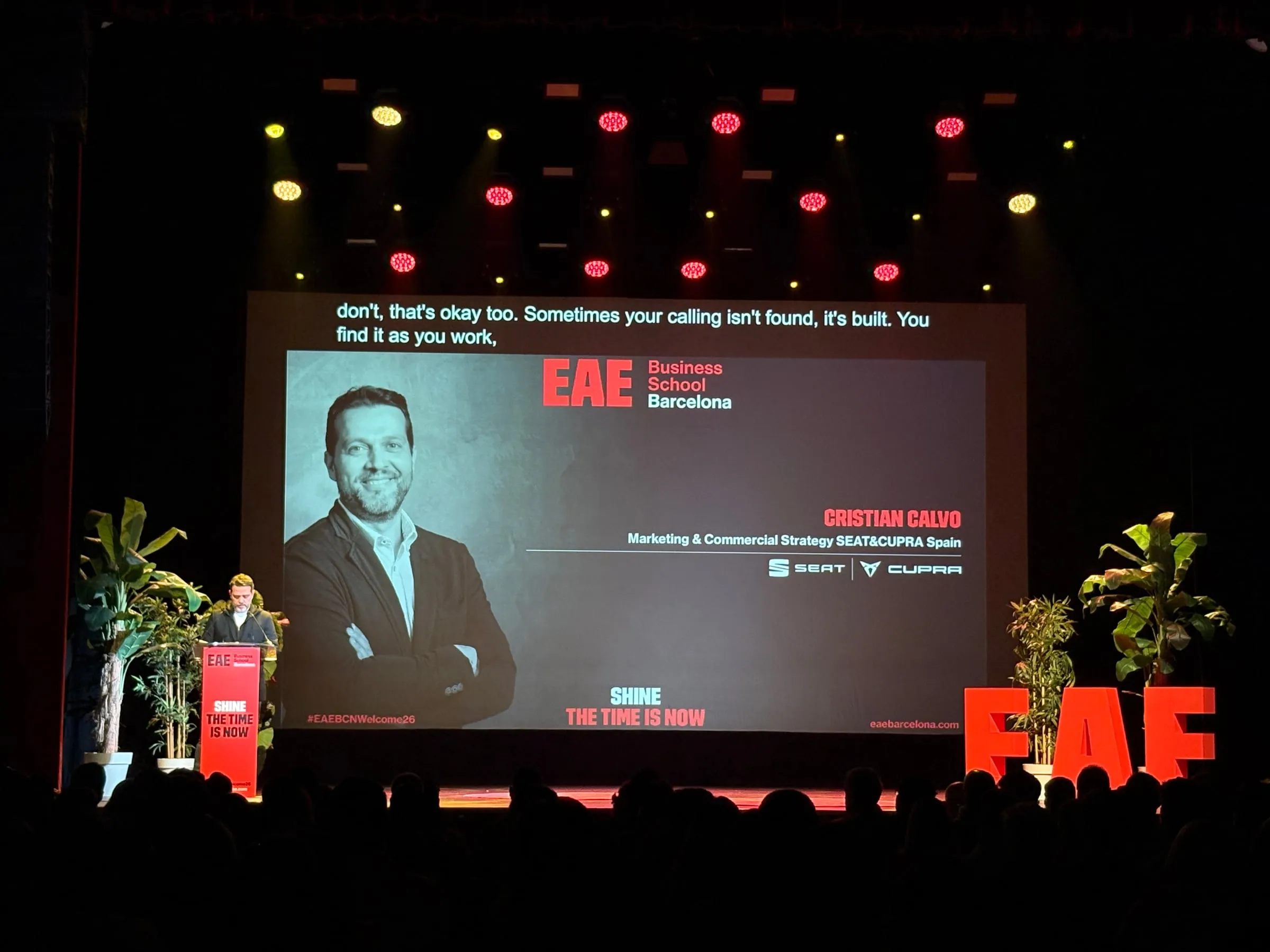
With Captions, what is said appears in writing, live, on the main screen, the side screens or a strip below the stage, in the event’s typeface and colours. It can show the speaker’s language, a translation or up to four languages at once, one per strip, from a single microphone. For bilingual panels there is Conditionals mode, which captions each contribution in the other language of the pair.
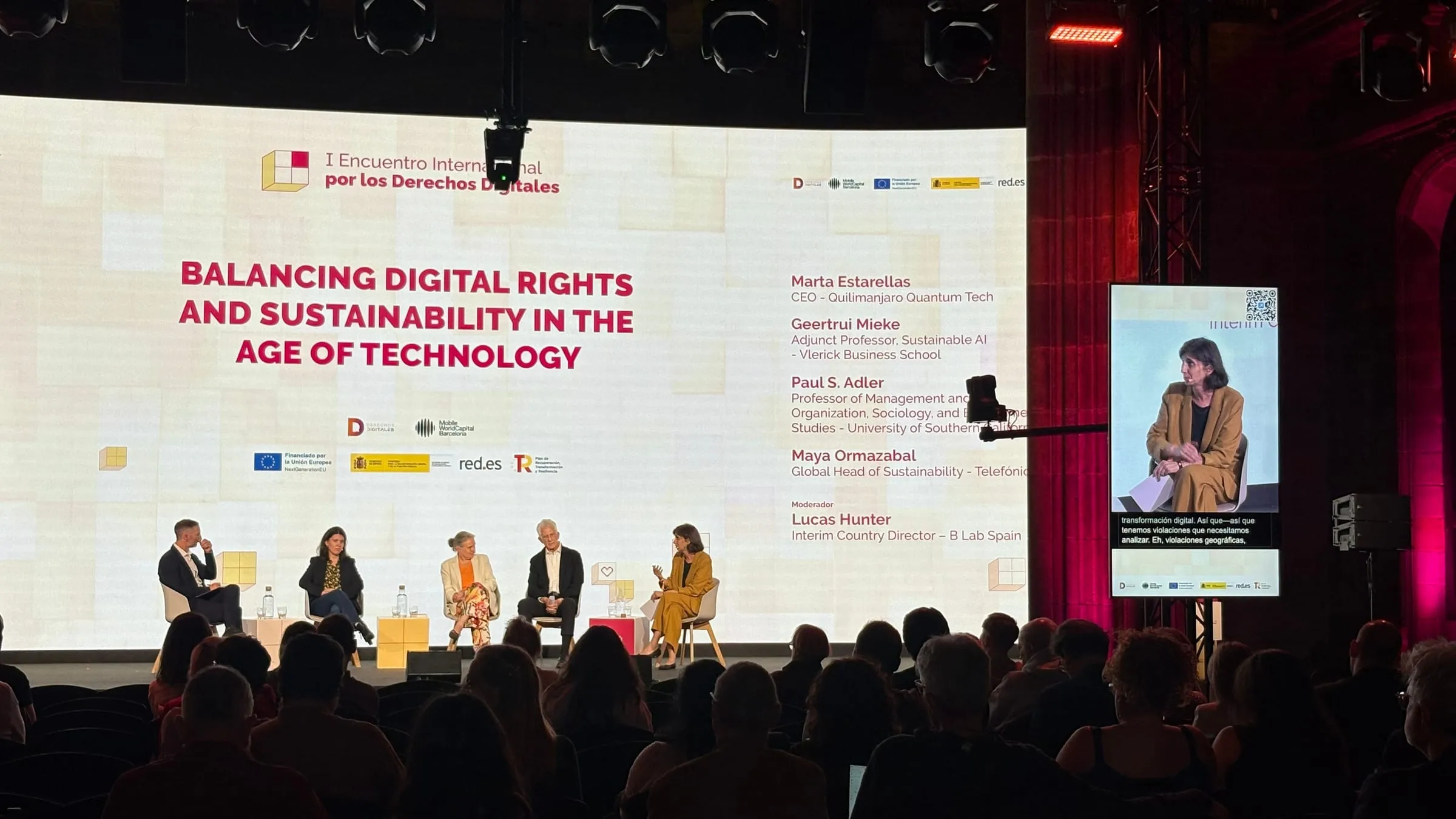
The whole room reads it without reaching for a phone, deaf and hard-of-hearing people included. And Speech and Captions work together in the same session: at Talent Arena 2026, the audience followed the talks in their language on their phones while the stage screen showed in Spanish, for instance, what was said in an interview held in English.
Names and terms spelled right from the first sentence
A misspelt surname or acronym gets noticed straight away. With Knowledge, you upload the run of show, the programme PDF, the speaker’s presentation or a rehearsal recording before the event, and each talk gets a glossary of its own: who is on stage, which company they come from and what technical words they will use. Its captions, its interpretation and its summary all draw on it.
Every room, from one platform
Behind Speech and Captions sits Backstage, organised in four levels: Organization › Space › Event › Room. Every room gets a mode, a set of languages and a QR code of its own: the auditorium can carry captions while the workshop room offers a translated voice. Your team runs it, or ours does, and the complete console fits on a phone. The new version of Link3rs, Backstage included, made its debut at Talent Arena 2026.
A room that watches itself
Once it is set up, the room runs on its own:
- It starts with the first word and, when silence falls, pauses after a countdown. It can be armed hours ahead.
- A watchdog looks at what the audience sees: if the text stops moving, it restores the connection without the technician touching anything.
- Crosscheck, about twenty minutes before the start, tests the microphone, the latency and the network, Wi-Fi included, leaving time to put right whatever needs it.
What stays once the microphones go quiet
When you press Stop, Backstage divides the day into talks and draws chapters, summaries, ideas and publishable pieces from each one. Before anything goes out, every quotation in inverted commas is checked against the transcript: if it is not there, that piece stays out. The platform suggests who each voice belongs to, but you confirm the name. And a delivery certificate sets out, for every channel and every language, what was served. To put it all to work, read After the event: how to make the most of everything that was said.
Read next: Simultaneous interpretation without booths or receivers: what the room really needs and AI translation for conferences: how it works with Link3rs.
Already have a programme? Request a proposal or a demo: we will show you how each room would work.