Every session, every insight, every language, in seconds & for everyone.

Your attendees scan a QR code. Instantly, they get key takeaways, live translations, idea clouds, and live audio.
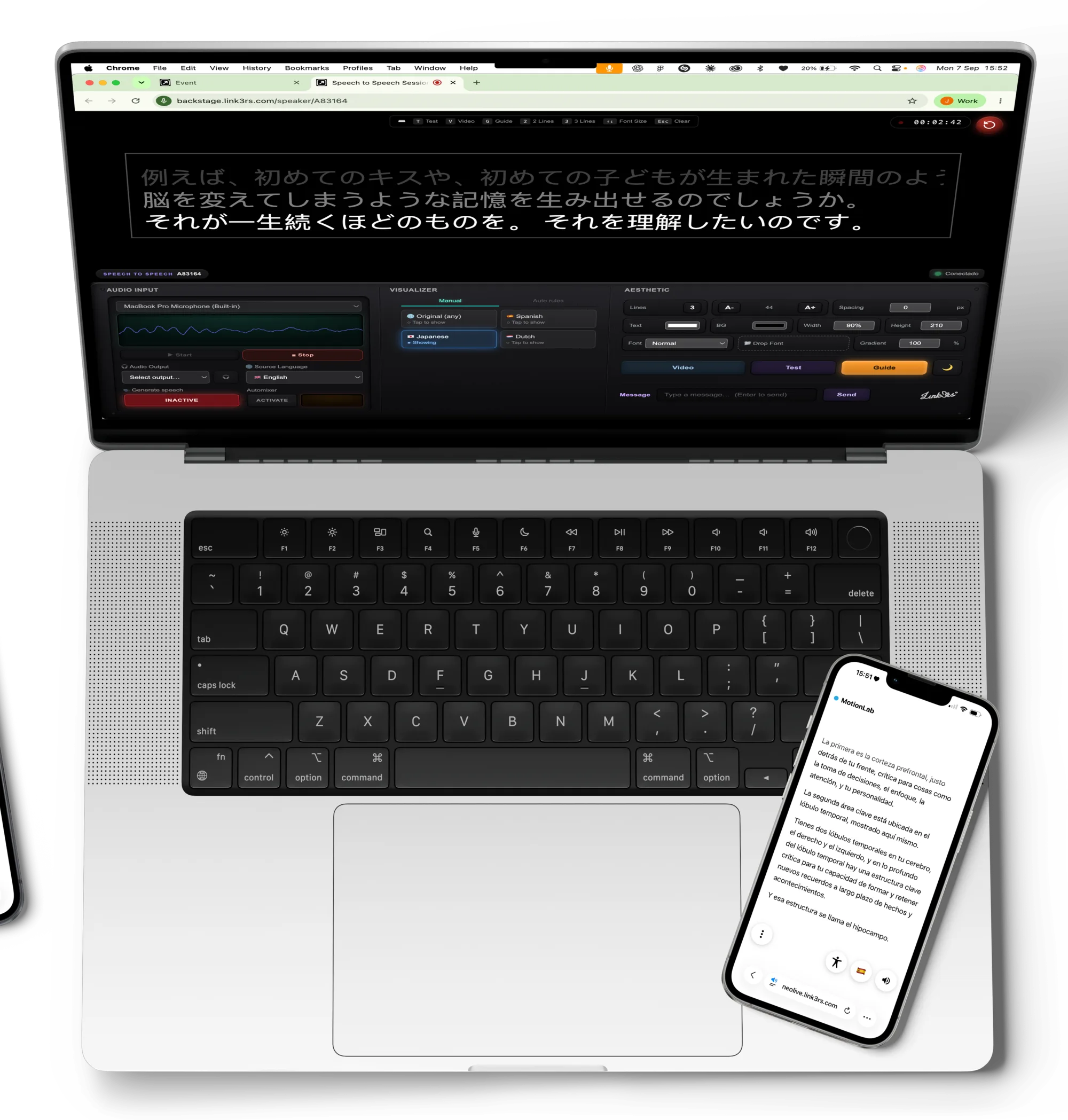
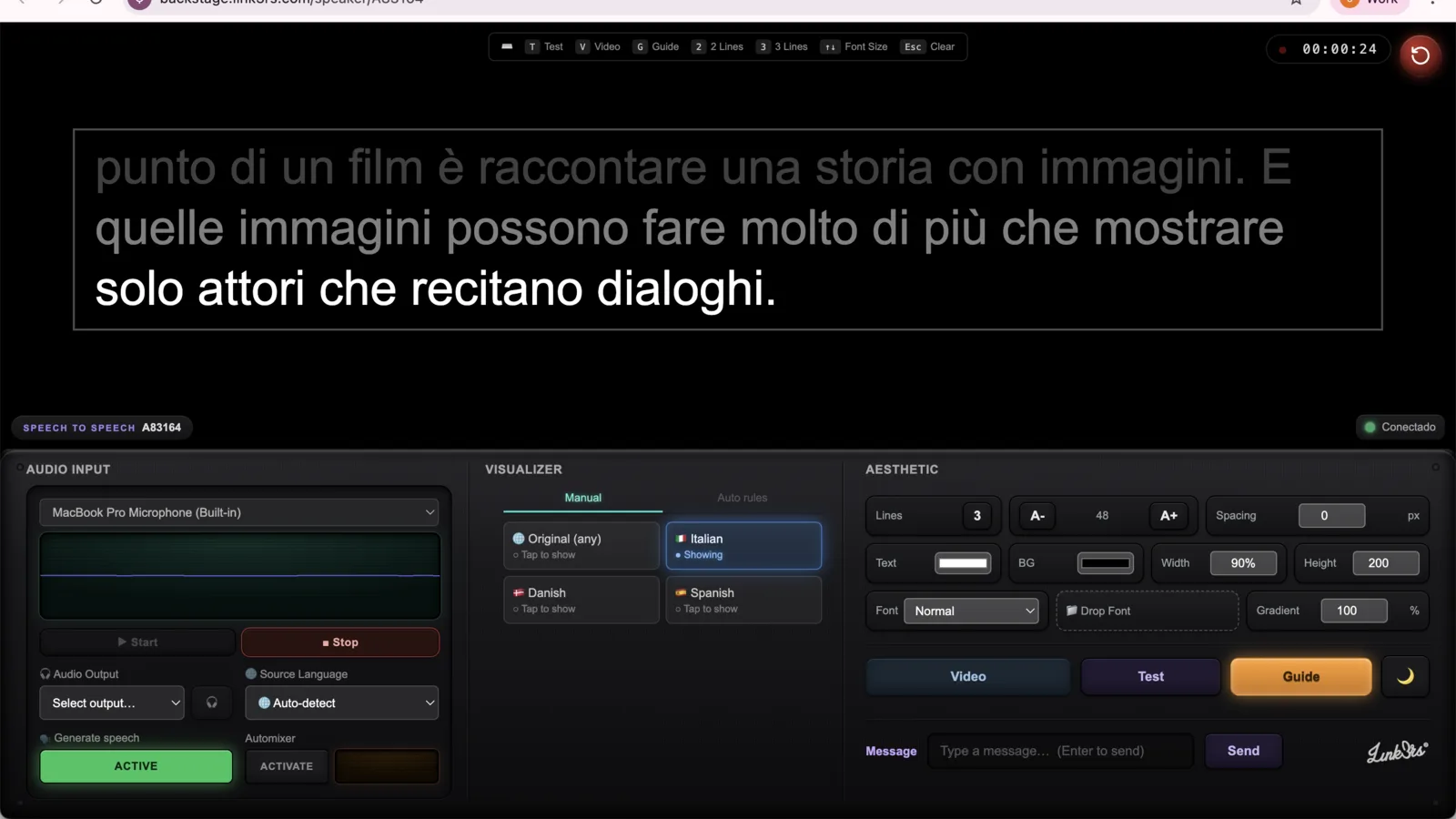
A MacBook seen from above running the Backstage speaker interface, with an attendee's phone showing the live translation

Get to know Live.

AI TranslationYour language, in their pocket.Phone in a pocket showing the language list AI CaptionsEvery word, on the big screen.Stage screen with live captions in Korean WidgetThe page adapts to the reader.Reading controls panel BackstageOne place to run it all.A hand holding a MacBook running Backstage Intelligence · Coming soonEvery session, remembered.

The speaker starts. Your language follows.

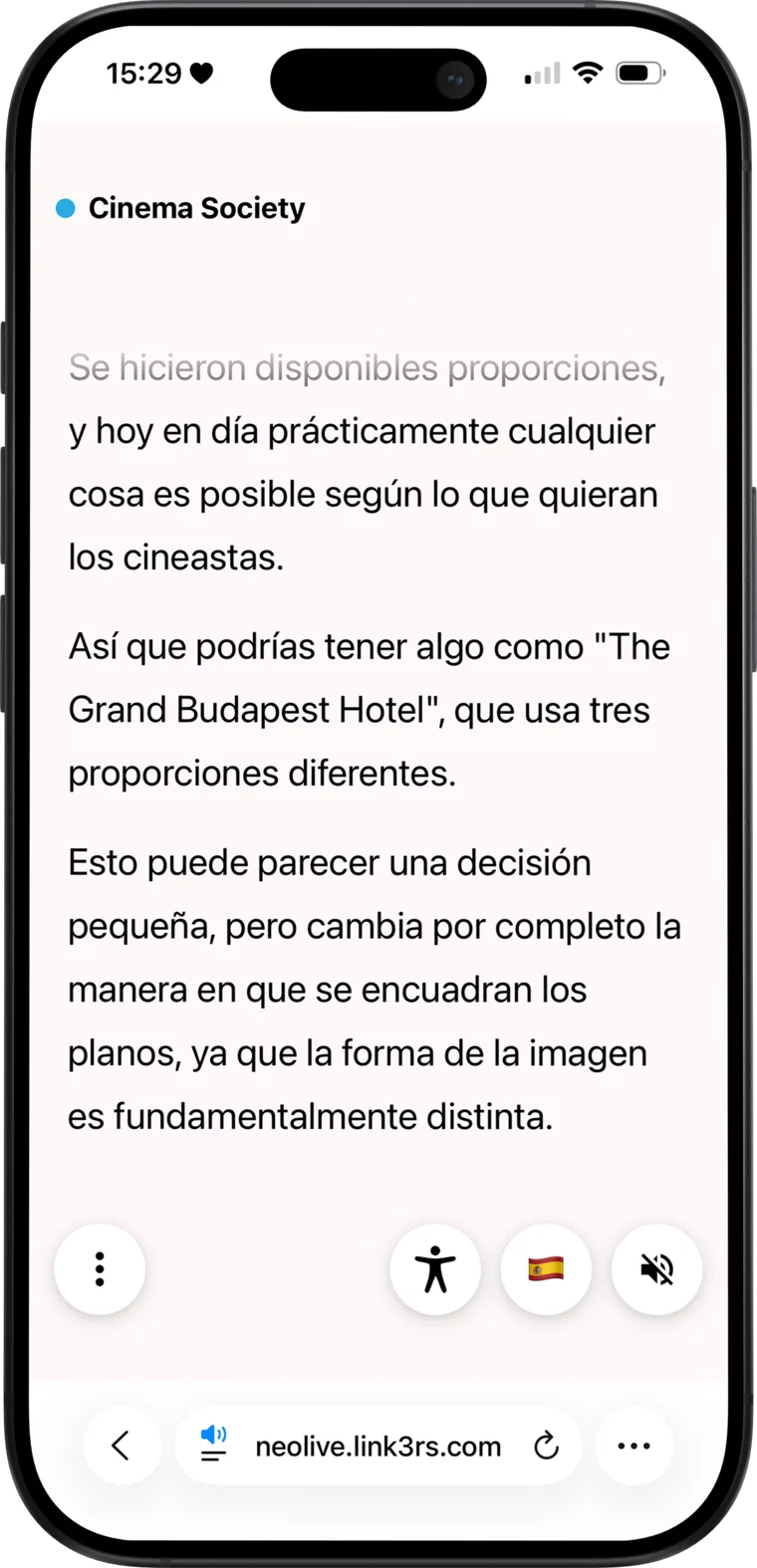
Live translation of a talk, in Spanish, on an iPhone
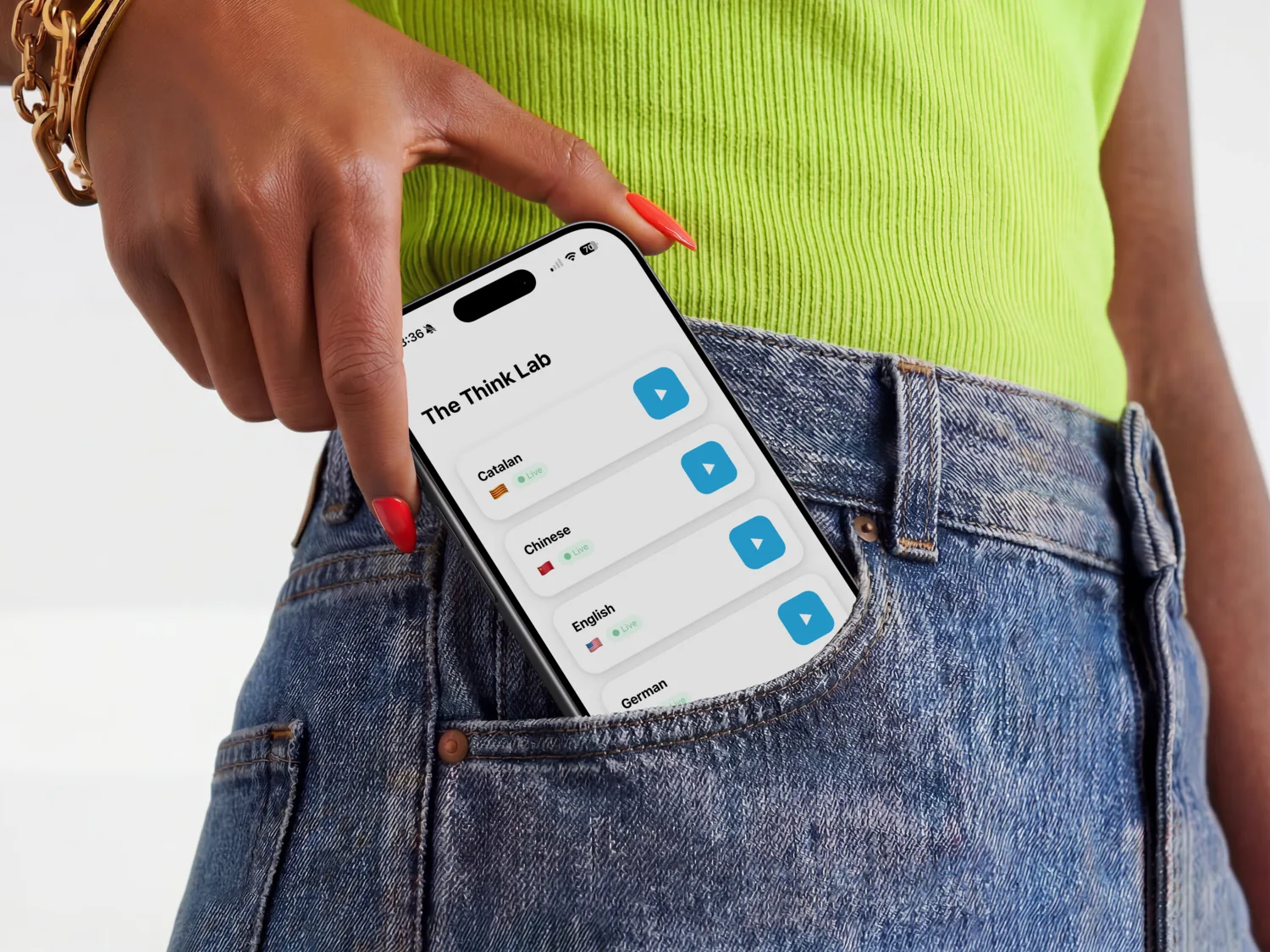
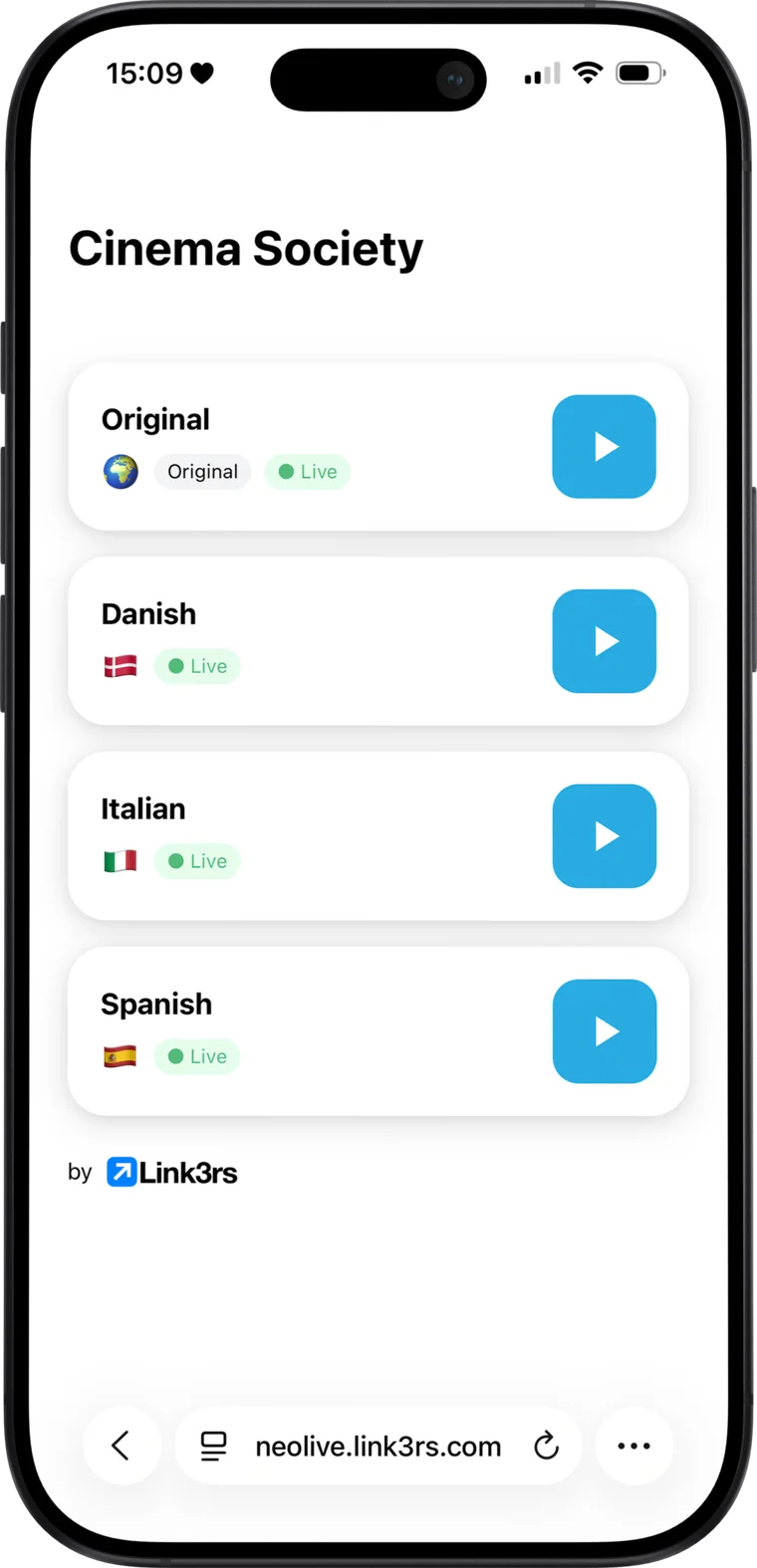
Language list with play buttons on an iPhone

Meet AI Translation.

Choose your language. Press play. You're part of the conversation. Live audio and text bring what's happening on stage straight to your phone, so you can listen, read, or follow along with both.
AI Translation
Contact Us

Meet AI Translation.

In their own hands, in their own language. No receivers, no app: a QR at the door and the session follows each attendee wherever they sit.
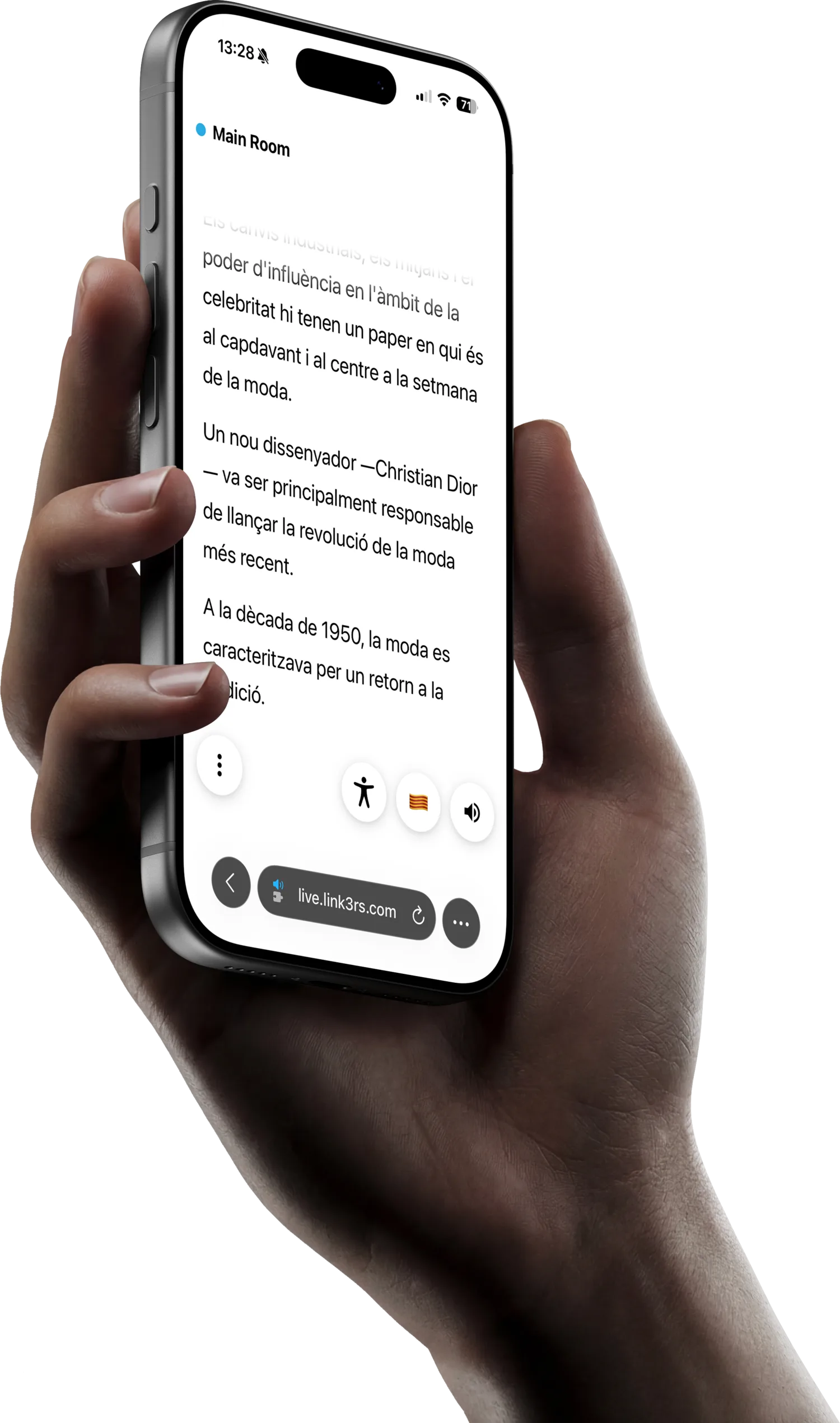
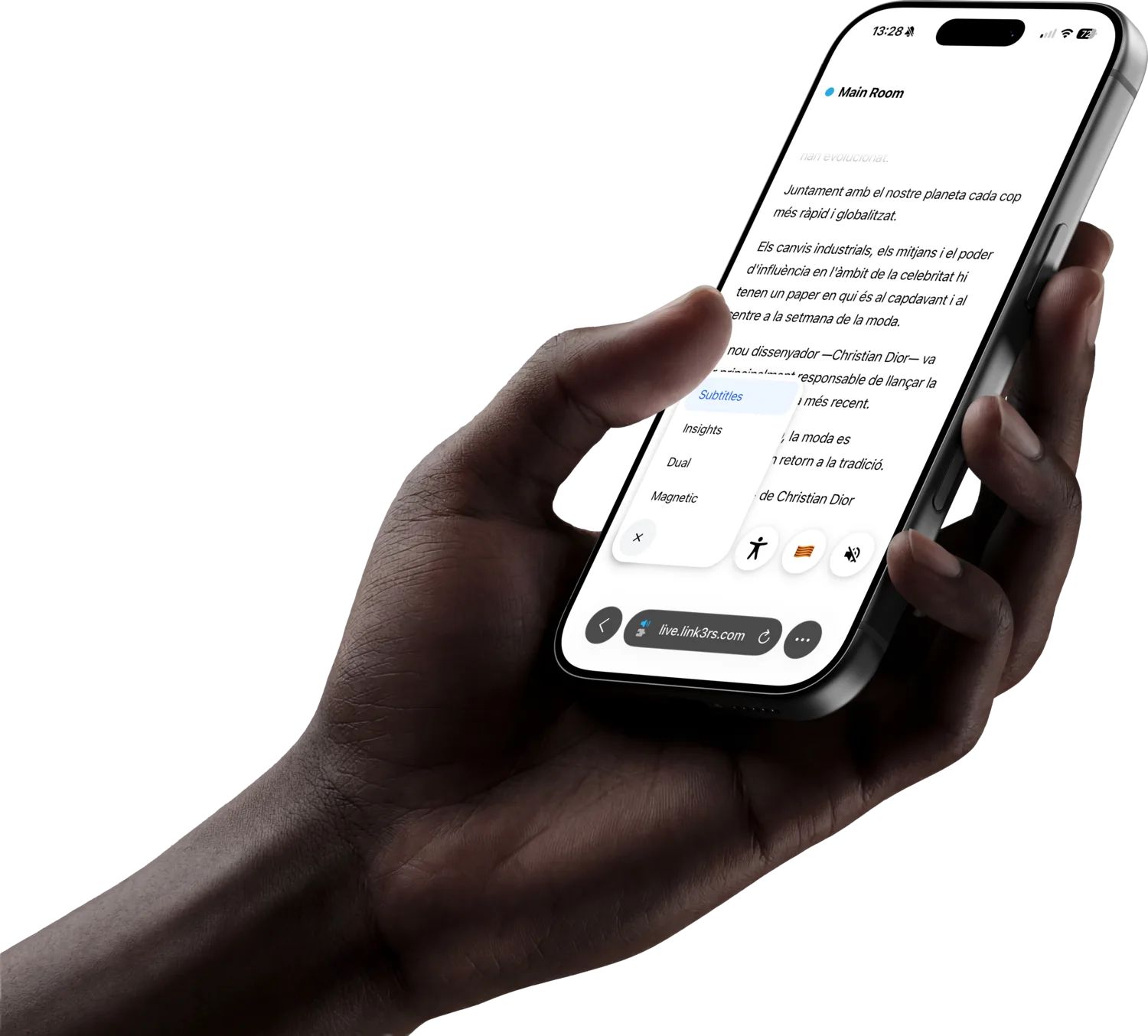
A hand holding a phone with the live translation
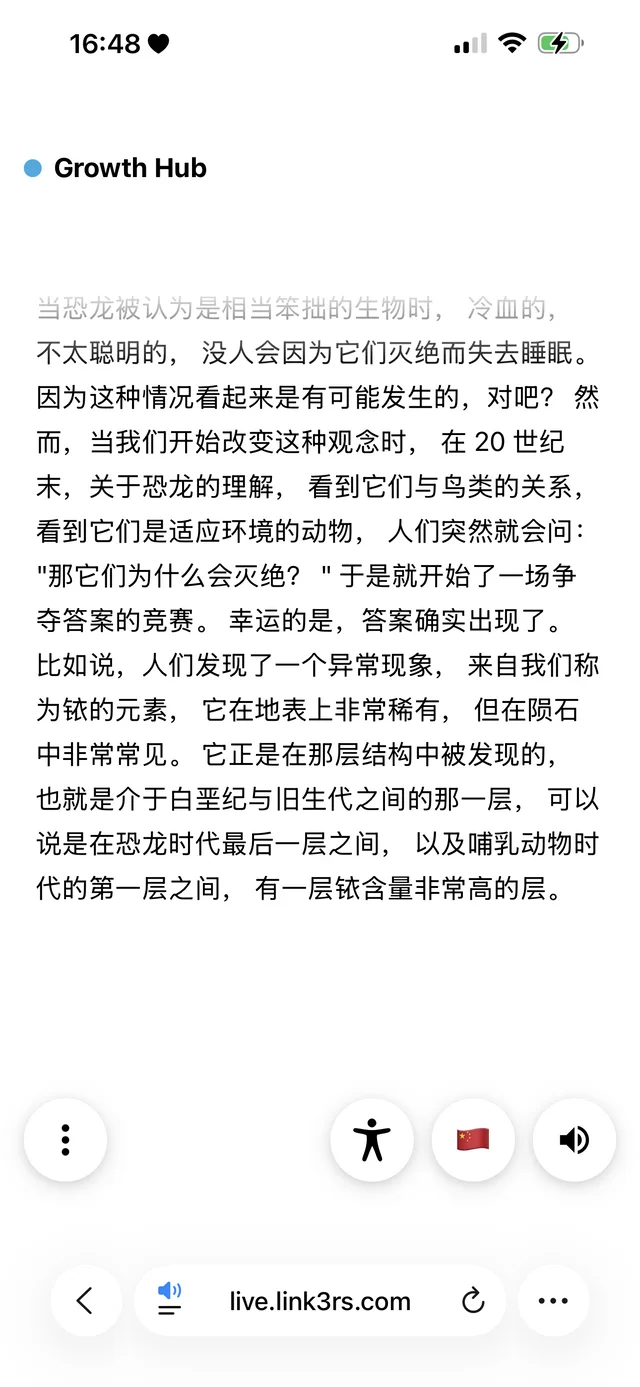
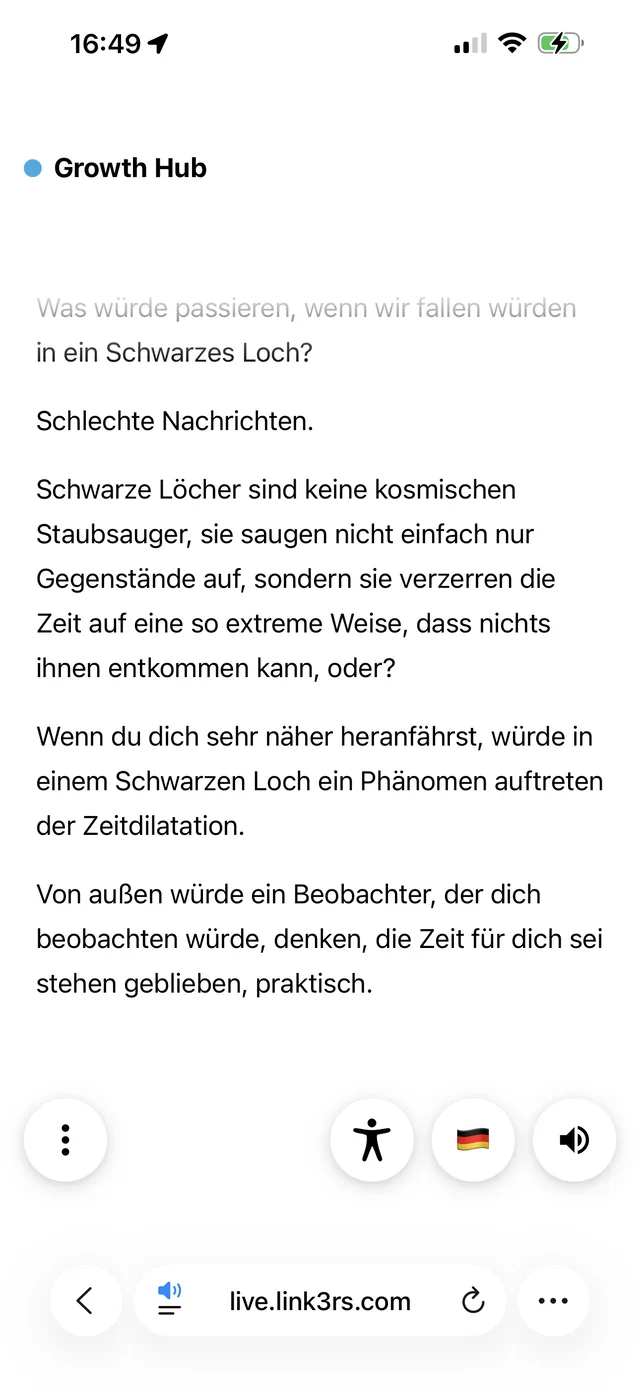
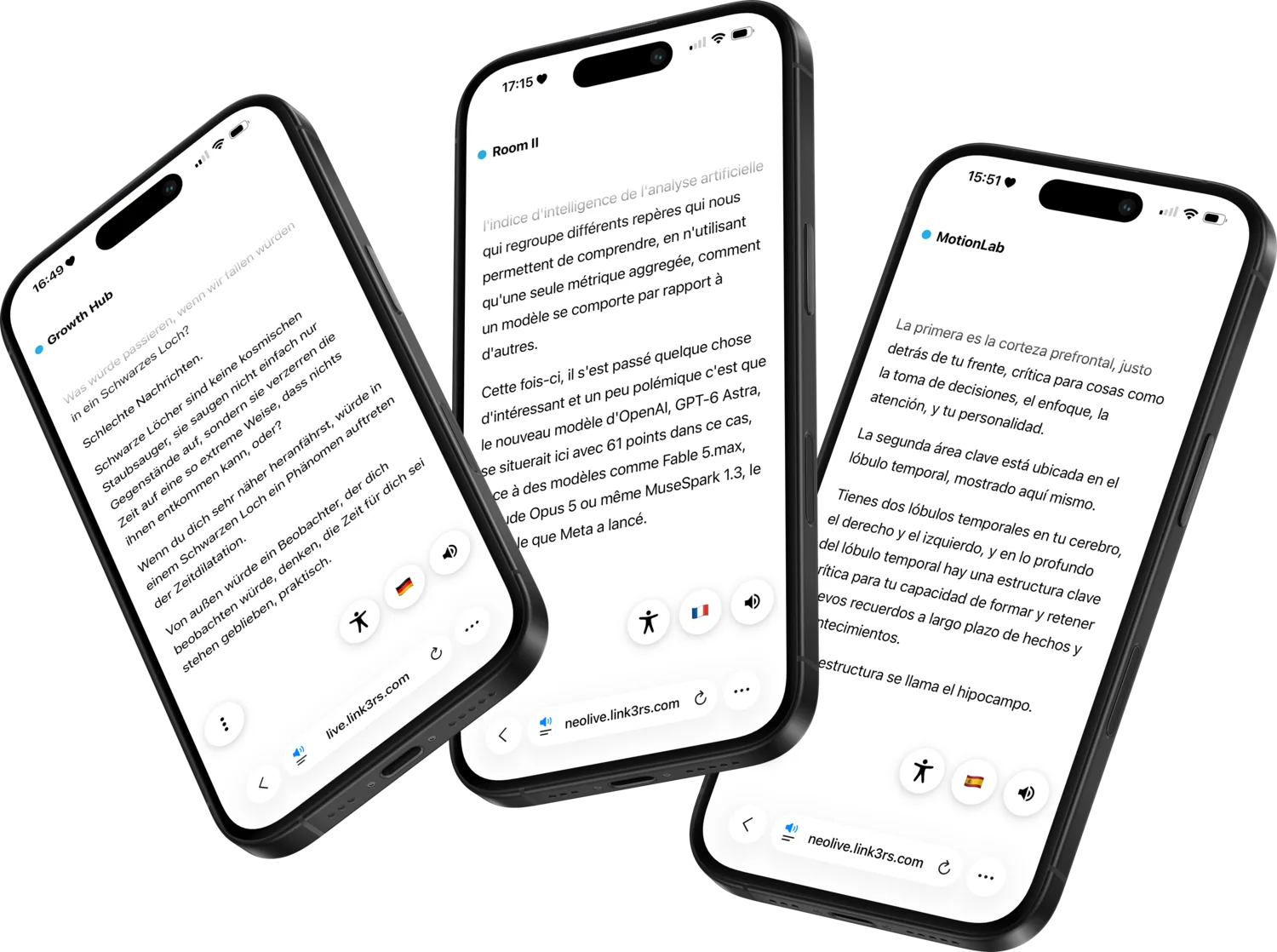
Live translation in Chinese Live translation in German Live translation in Greek
Chinese, German and Greek, from the same stage, at the same moment.
Three phones with the live translation
Explore AI Translation

Every word, on every screen.

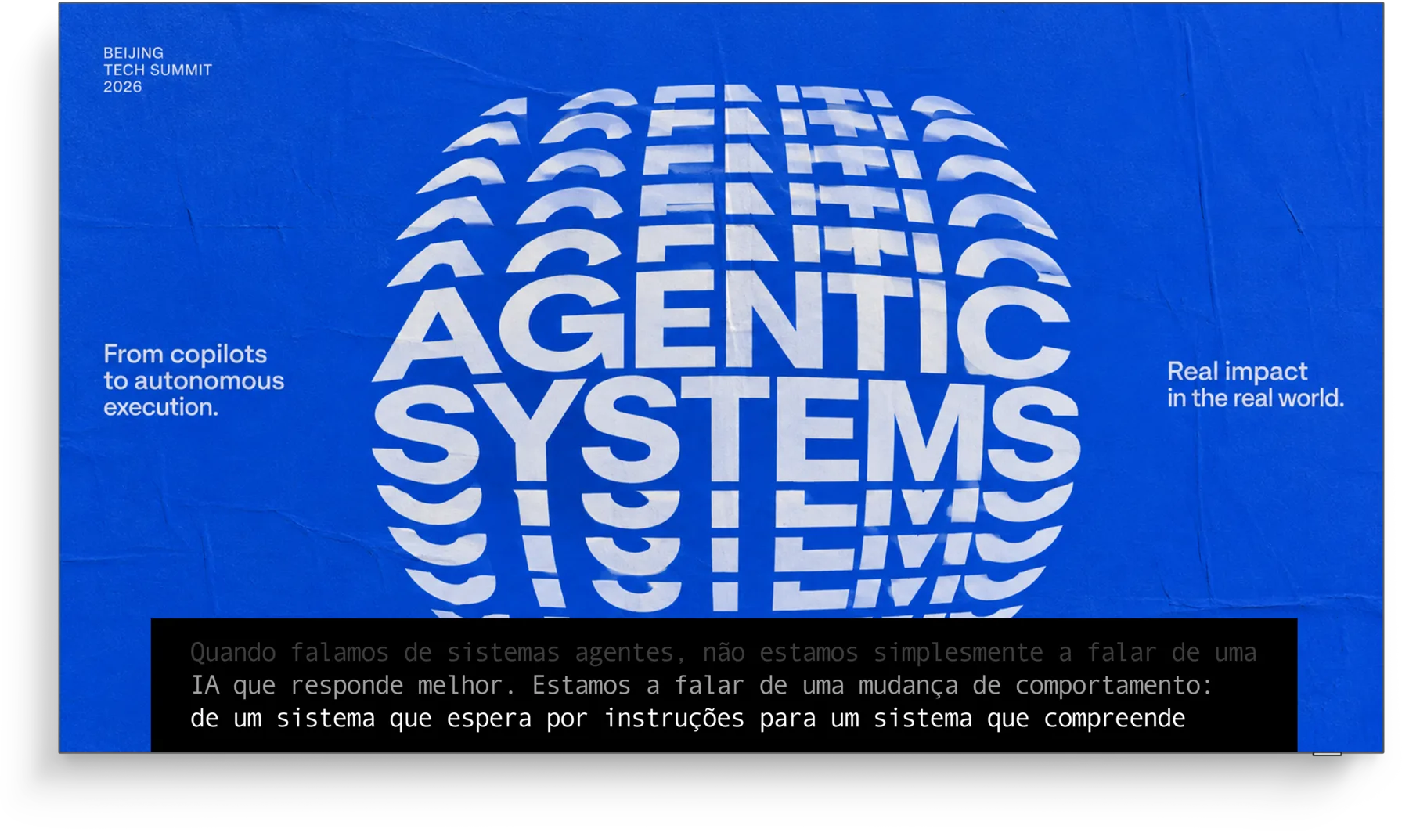
Stage screen with live captions in Portuguese
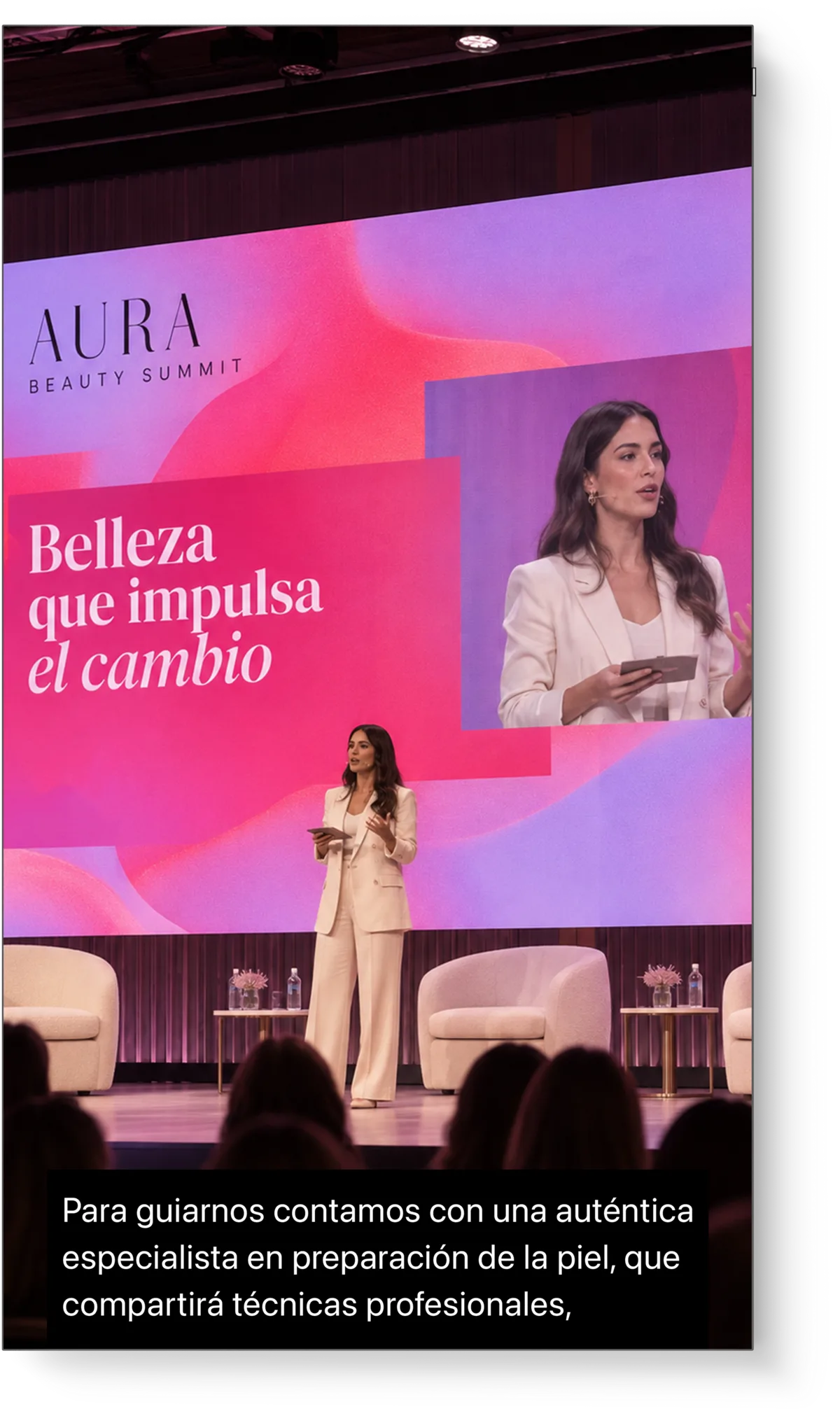
Vertical stage screen with live captions in Spanish

Meet AI Captions.

The room reads along. Captions in the original language or translated, on the LED wall, the side screens or a dedicated strip, styled to match your event.
AI Captions
Contact Us

Meet AI Captions.

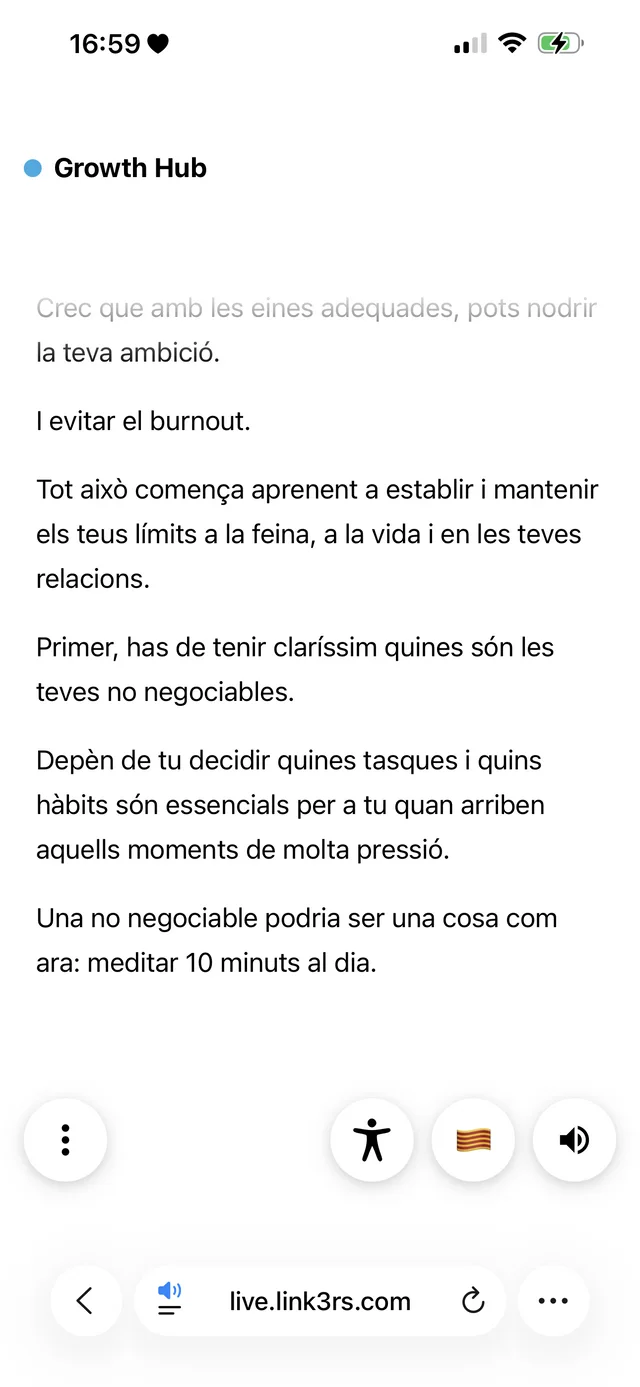
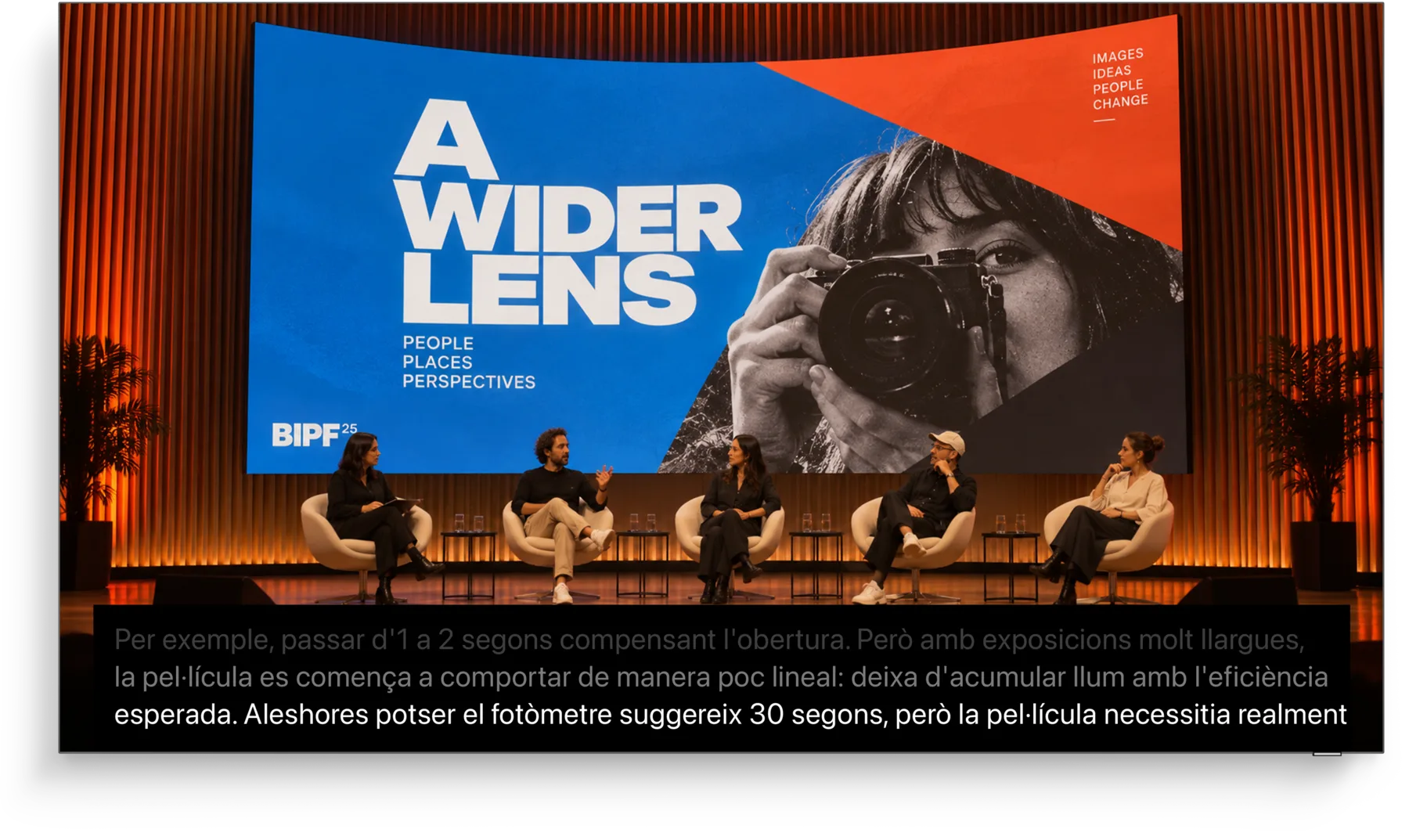
Korean under a keynote, Catalan under a panel, Spanish on a vertical wall. Each screen reads in the language its audience needs, with the look of your event.
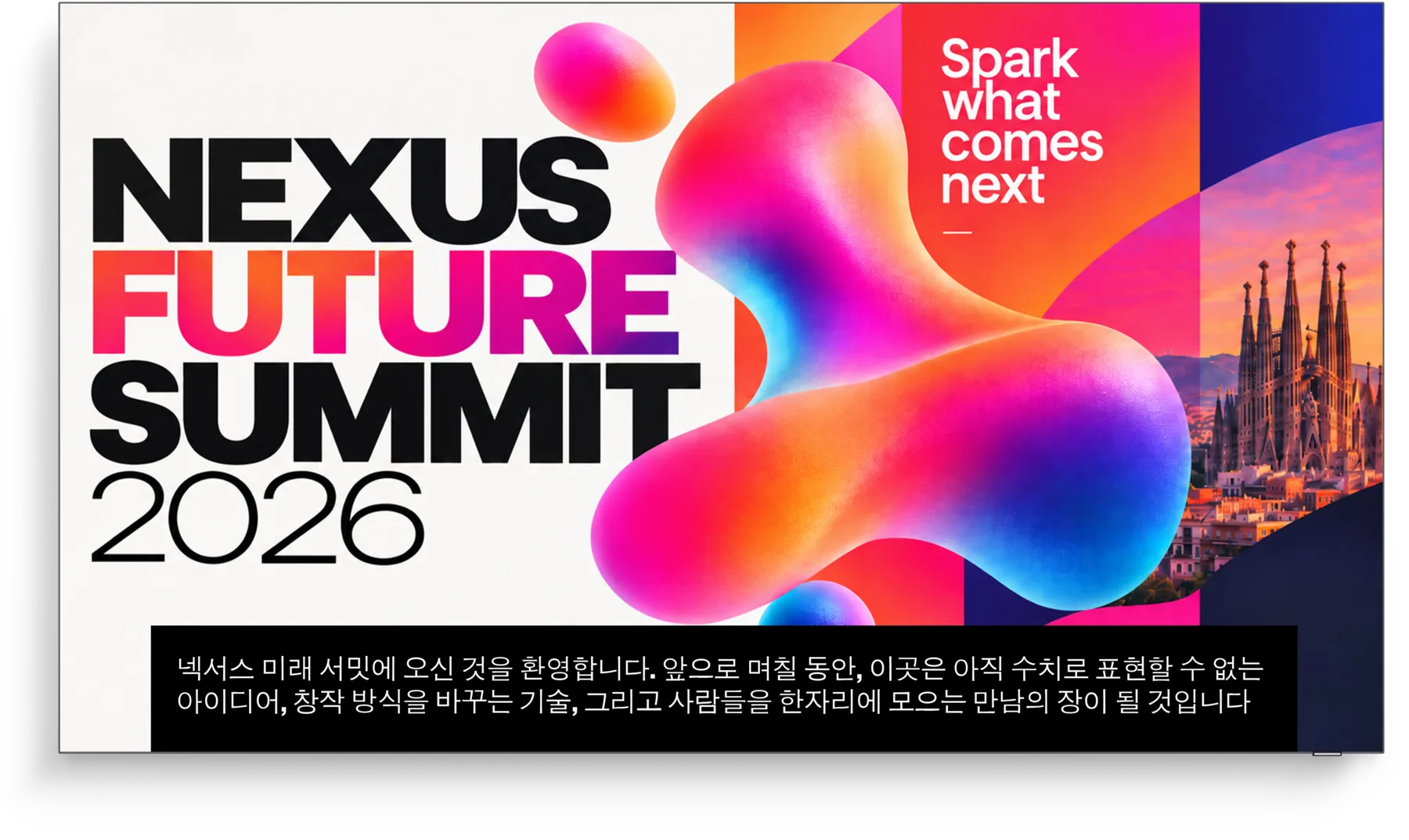
Stage screen with live captions in Korean2
Stage screen with live captions in Catalan
Backstage speaker interface with the caption strip in Italian
The caption strip your technician sees, live, in Backstage.
Explore AI Captions

One website. Every way to experience it.

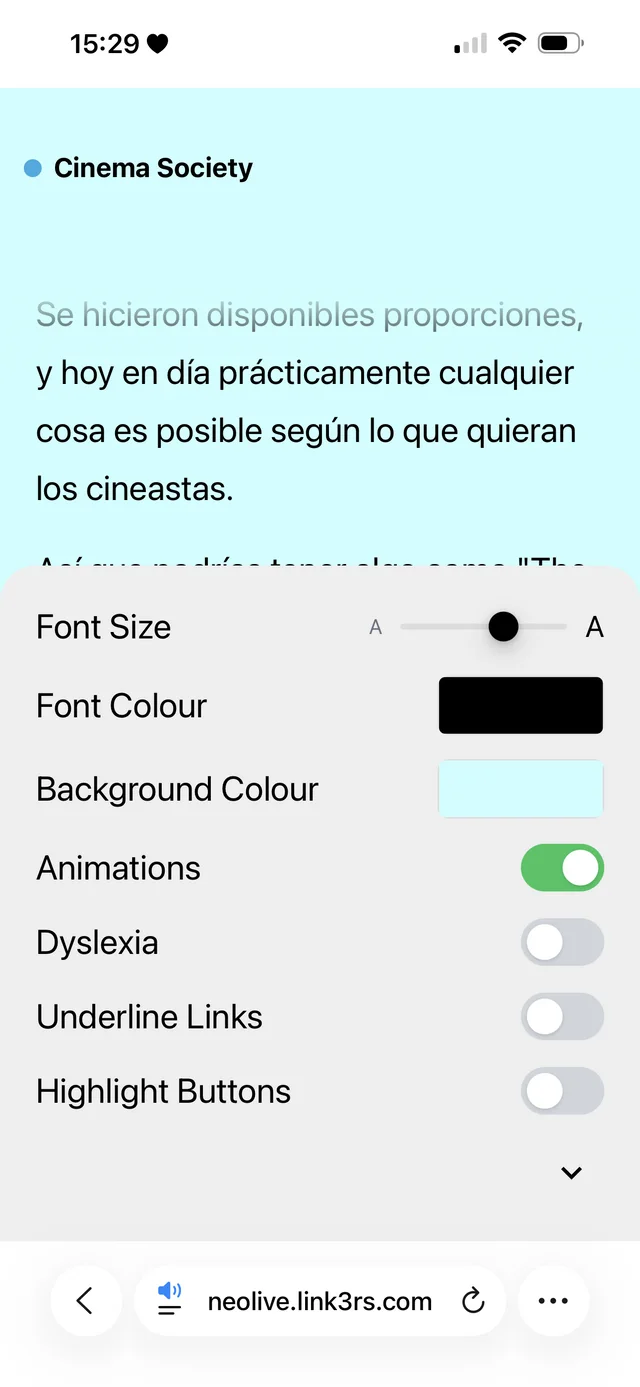
Reading controls panel_ES
Reading controls panel_CA

Meet Widget.

Text size, contrast, dyslexia-friendly type, highlighted links. The attendee's page adjusts to the reader and remembers it next time. The same controls, on your own website, in one line of code.
Widget
Get Widget

Meet Widget.

Every function and preset, in every plan, and your branding on top when you want it.
Widget on your websiteMockup pending: the Widget open on a client site, desktop browser.
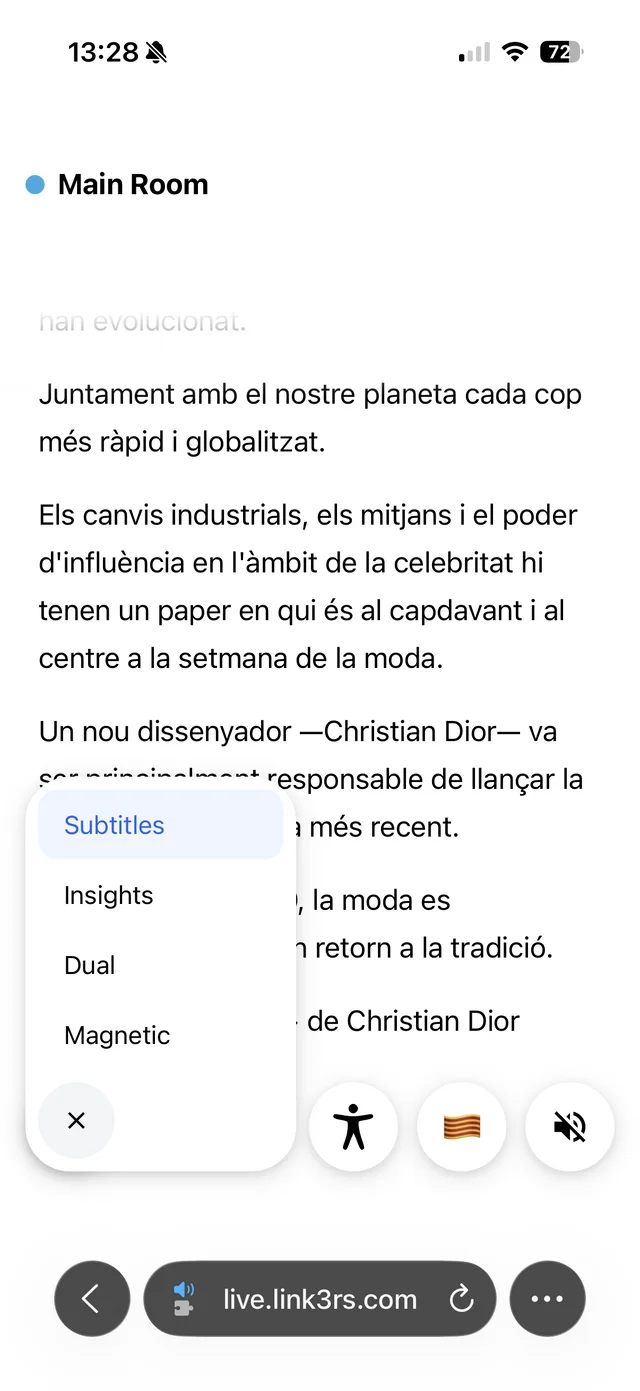
Attendee menu: subtitles, insights, duo Reading controls panel_ES2
Subtitles, insights and reading controls, from the same menu.
Explore Widget

Run it all from Backstage.

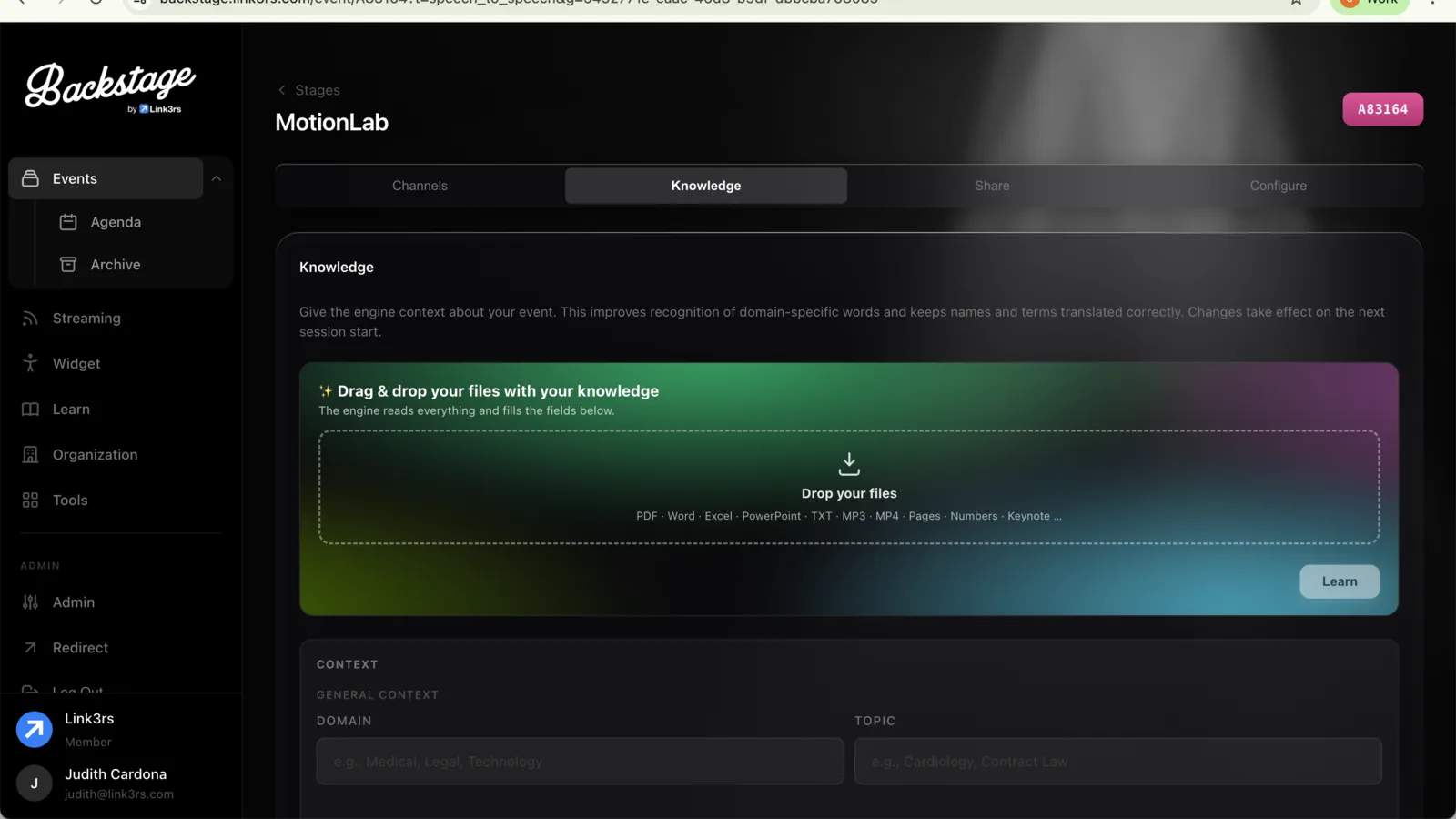
Events, languages, screens and reports, from one login. Your AV technician sets it up in minutes; you watch it happen from one screen.
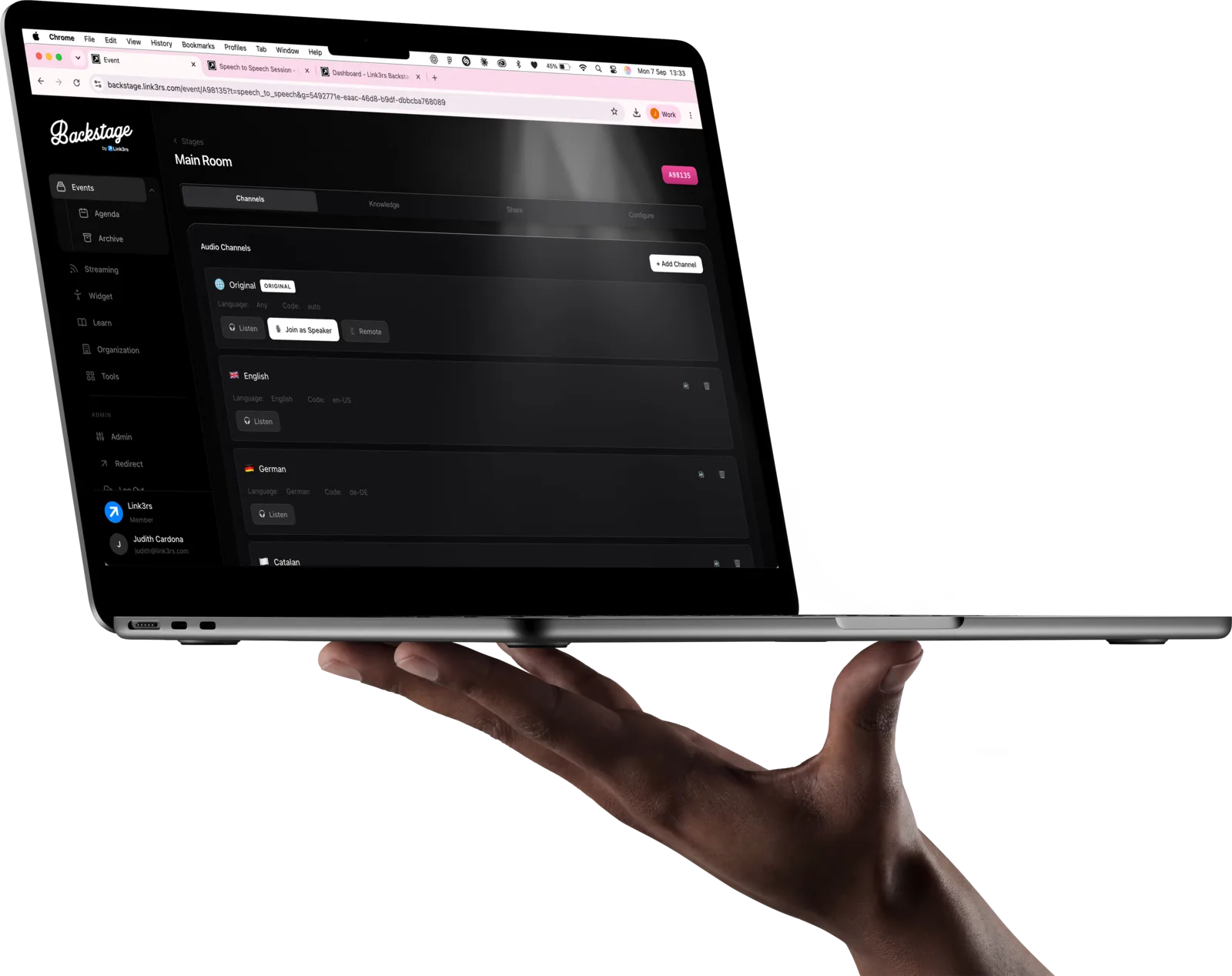
A hand holding a MacBook running Backstage2
Backstage dashboard with sessions and languages
Sessions, languages and screens of a real event, as your technician sees them.
2
Intelligence
Coming soon

Every session, remembered.

Takeaways while people listen, transcripts and reports when the day is done. We are finishing it.
How Live works.

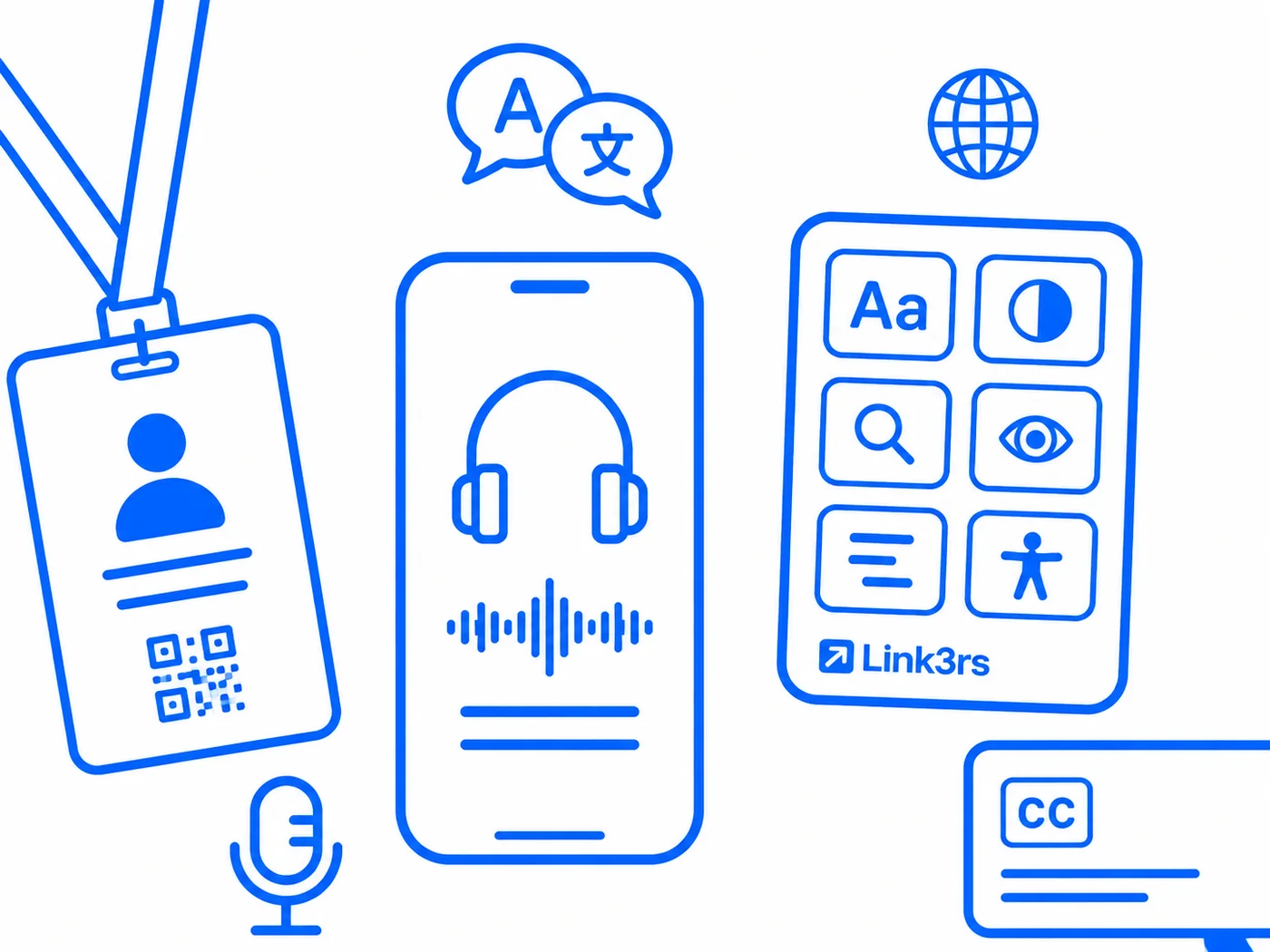
Badge with a QR code, a phone with headphones and the reading controls
  1. Connect the audioOne laptop and a USB audio card on the desk output.
  2. Choose languages and screensAudio, text or both, and which screens show captions.
  3. Share the QRAttendees scan it at the door and follow along on their own phone.

Bringing Live to your next event?

Tell us your stages, your screens and your audience — we will shape Live around them.

Talk to us