


Captions · Link3rs Live
Live captions for your event.
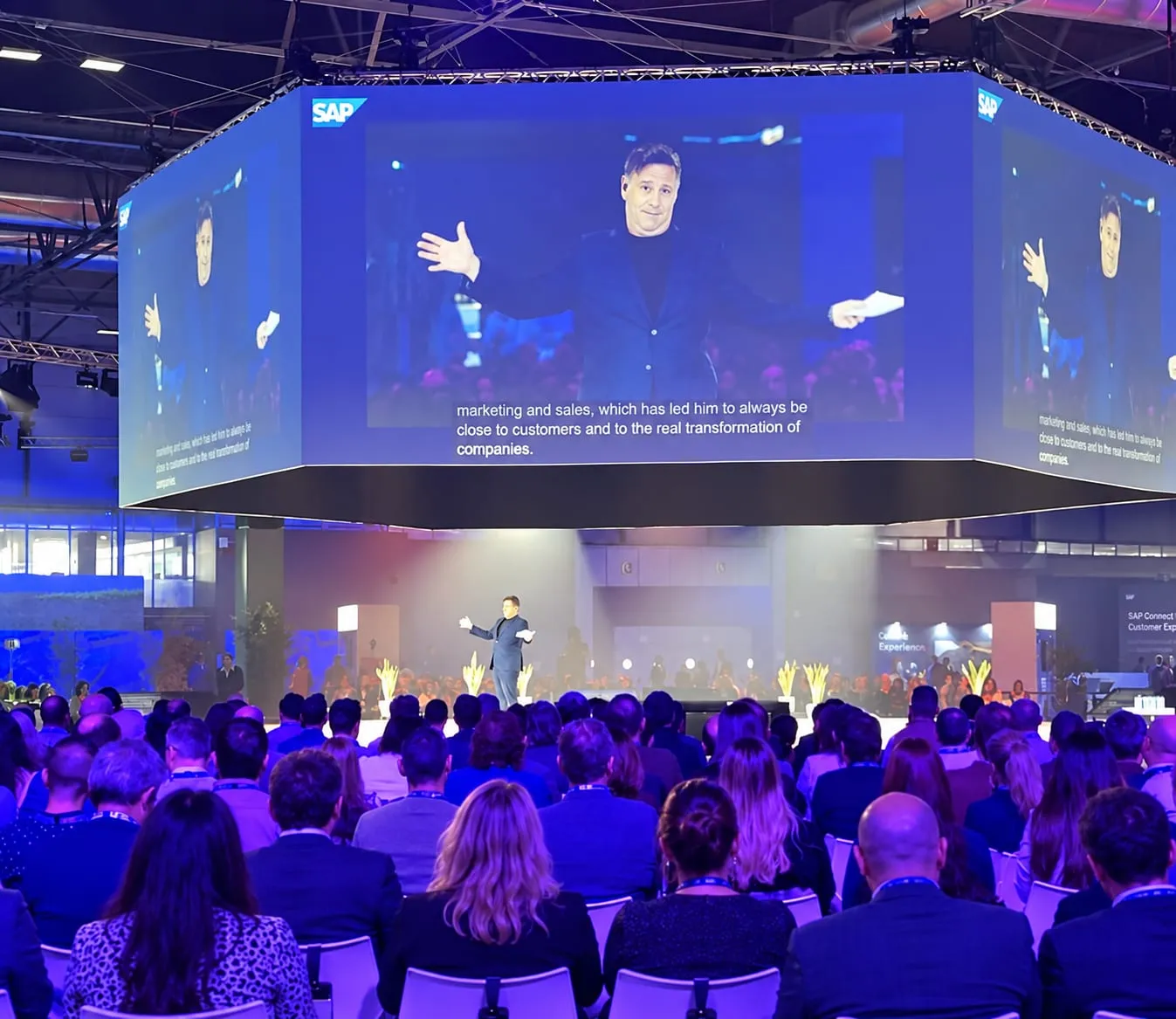
Subtitles in real time on the screens of the room, so the whole audience reads what is being said while it is said.
Book a demoSee Captions in Live
From the microphone to the screen.
Listen
A single microphone is enough: Link3rs hears the speaker and writes as they talk.
Translate
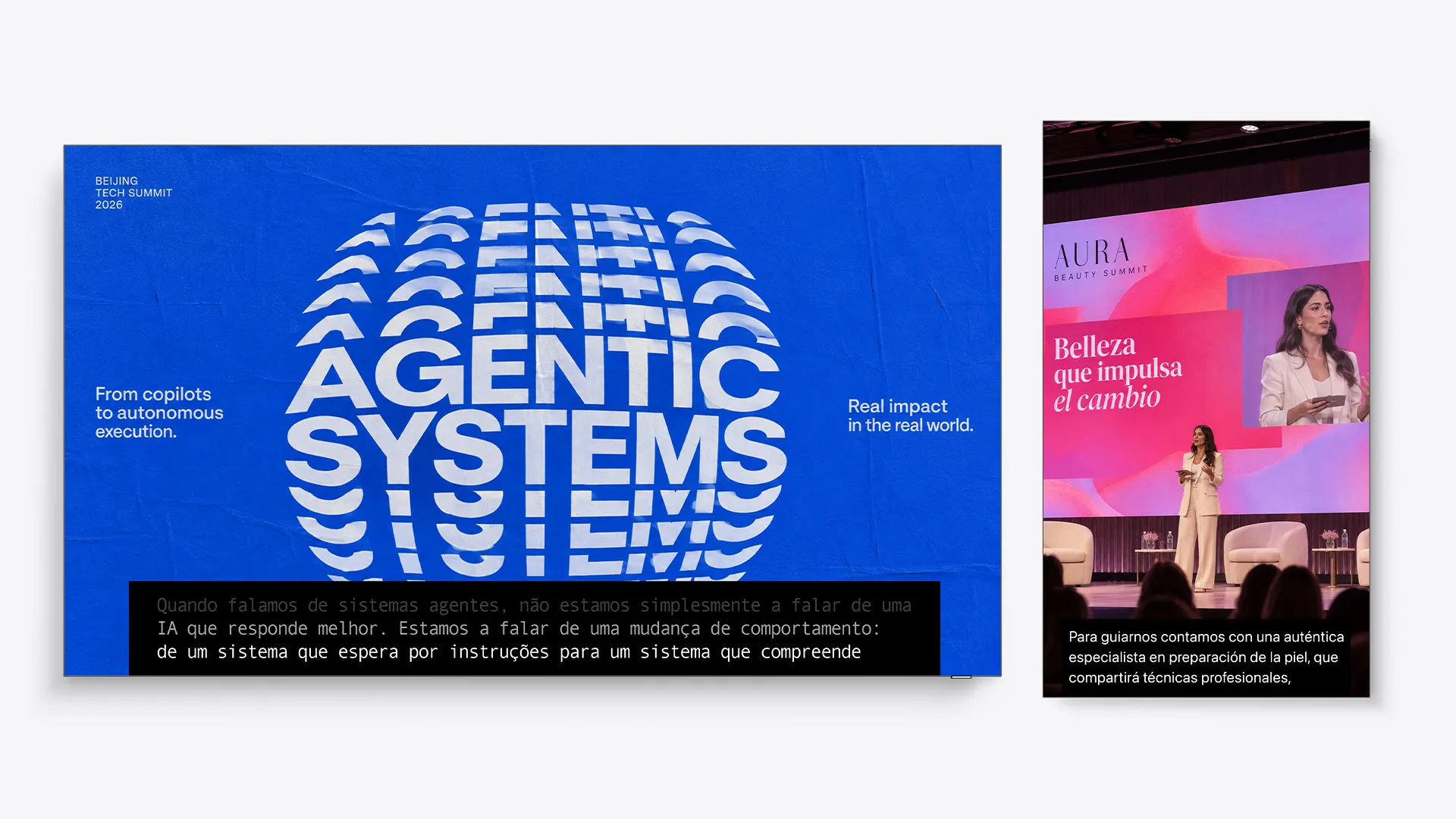
The original, a translation or both. Up to four languages can share the screen, each in a band of its own.
Show
Main screen, side screens, LED walls or a strip under the stage: the text goes where people are looking.
Captions made for your event.
In your brand
Fonts, colours and position chosen to match the look of the event.
Into the stream
A URL adds the captions to vMix or OBS, ready for the broadcast.
On your website
One line of script puts them in the video player of your site.
Accessible
Deaf and hard-of-hearing attendees follow every session on screen, and so does anyone listening in a language that isn't theirs.
On screen at real events.
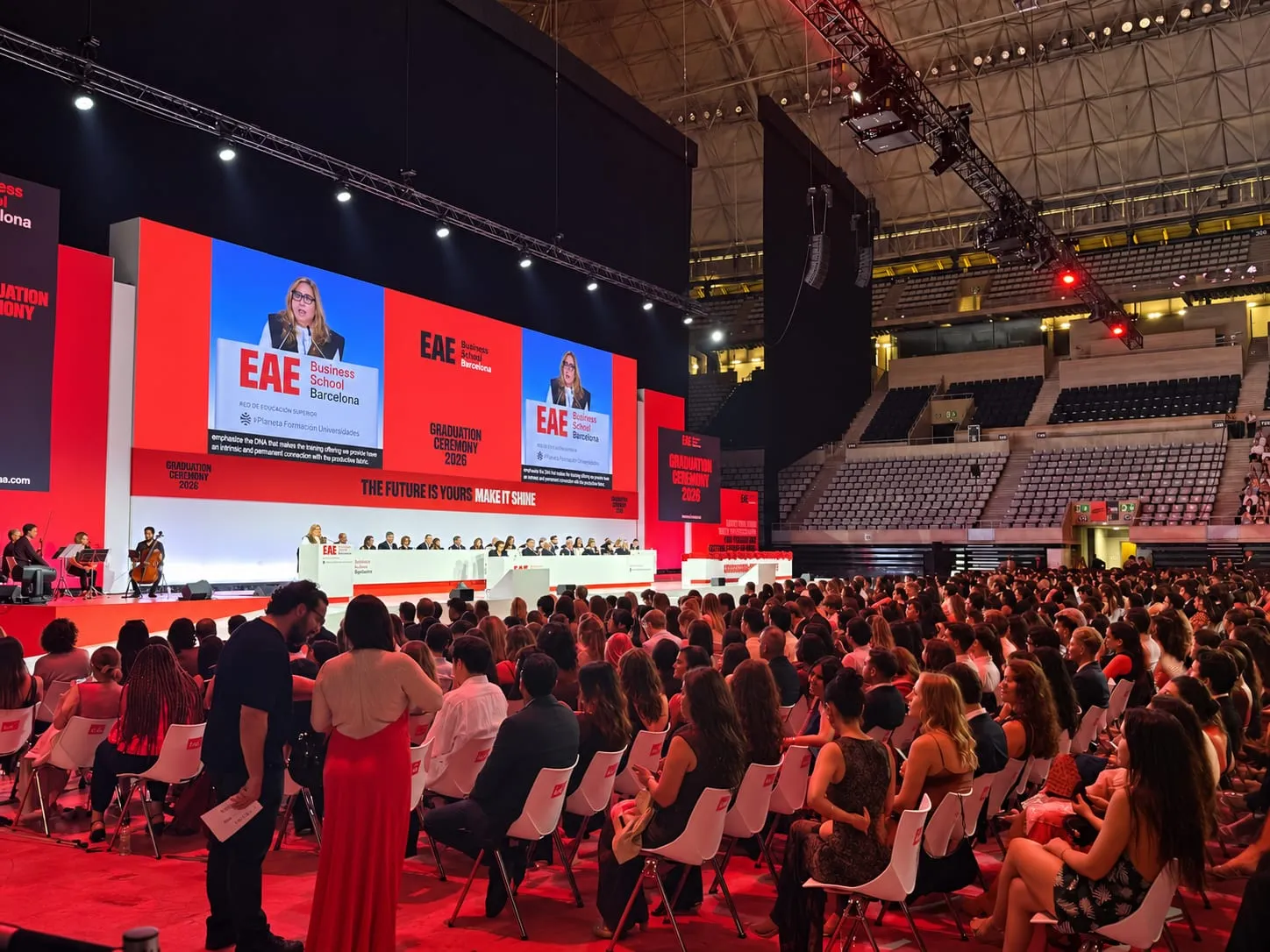
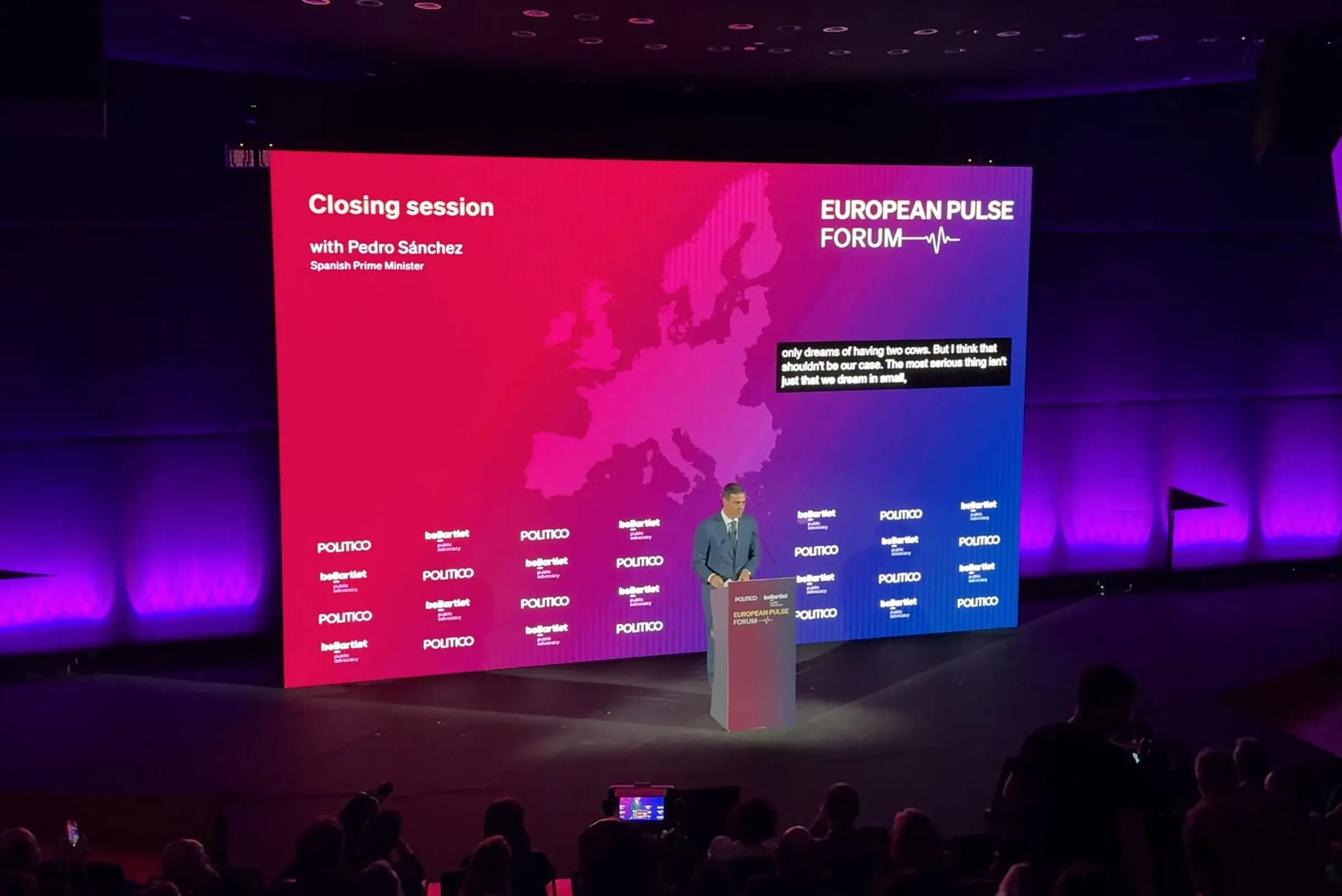
A business conference, a graduation and a European forum that put Captions on their screens.
Learn more about live captions.
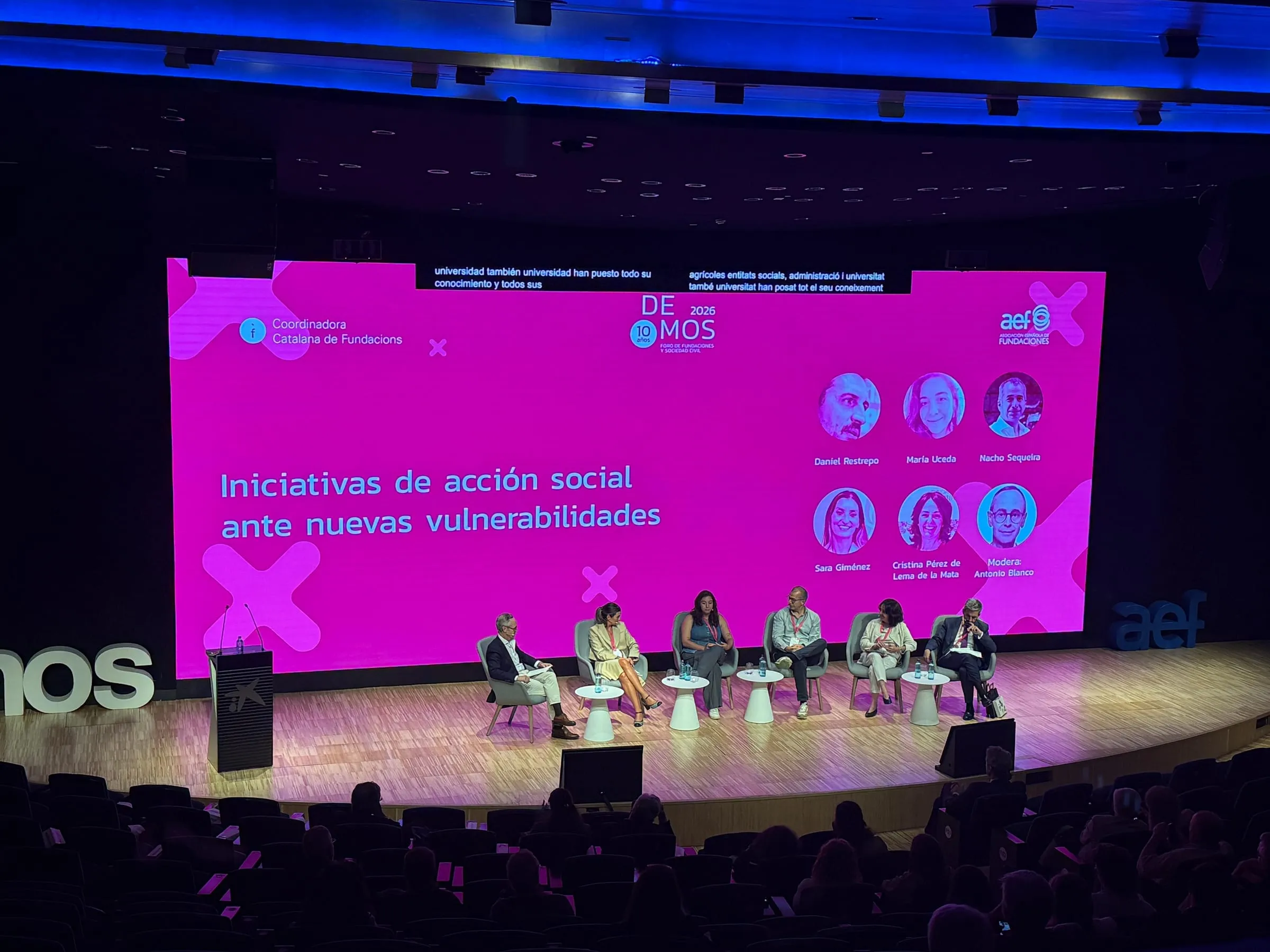
Guide
Live captions for events: screens, languages and readability
Where to put them, how many languages to show, what to do in a bilingual session and how to make them readable from the back row.
3 min read
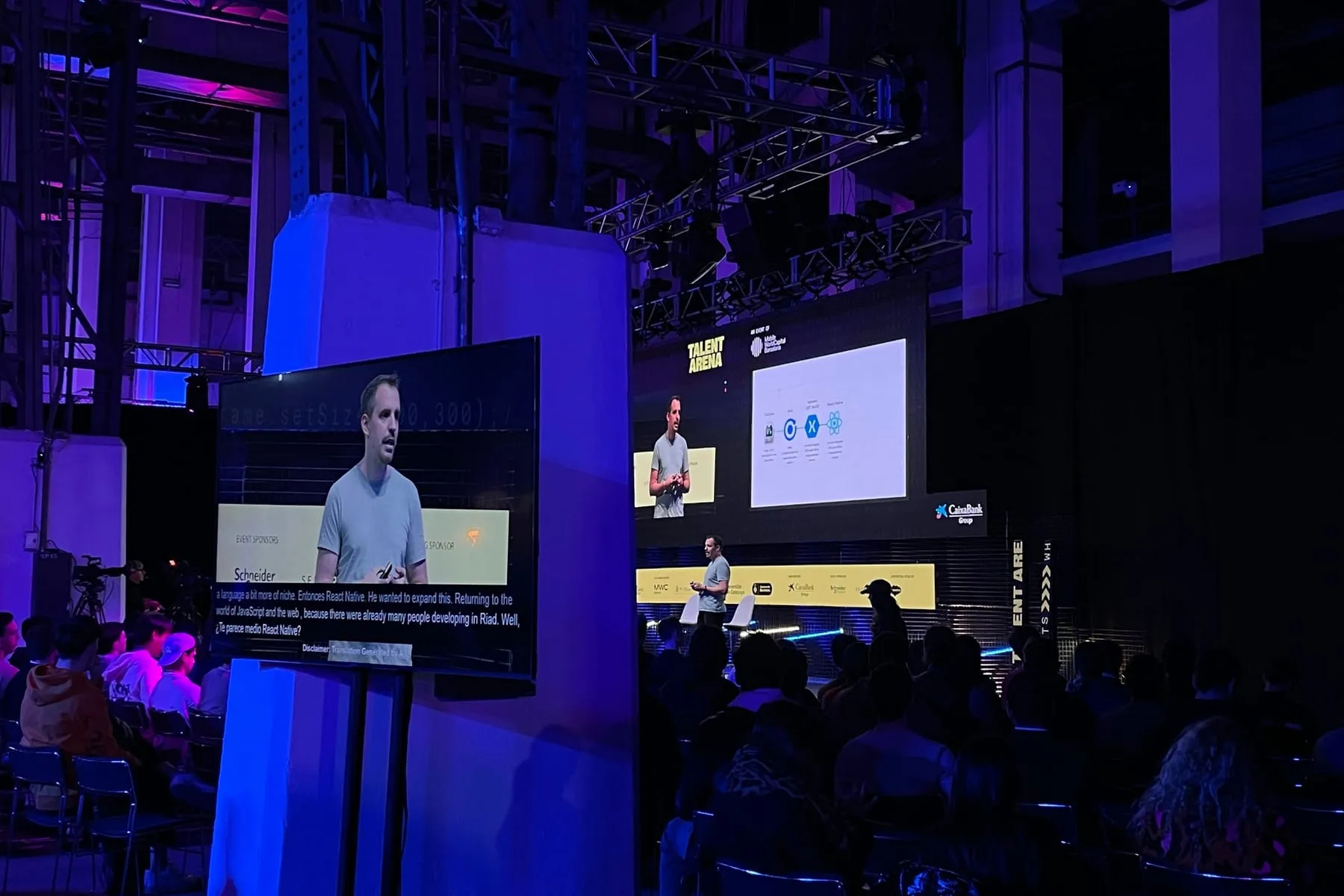
Guide
How to make your event more accessible with live text
Captions on the screens and text each attendee can adjust on their phone: what each one brings and how to plan for them from the start.
3 min read
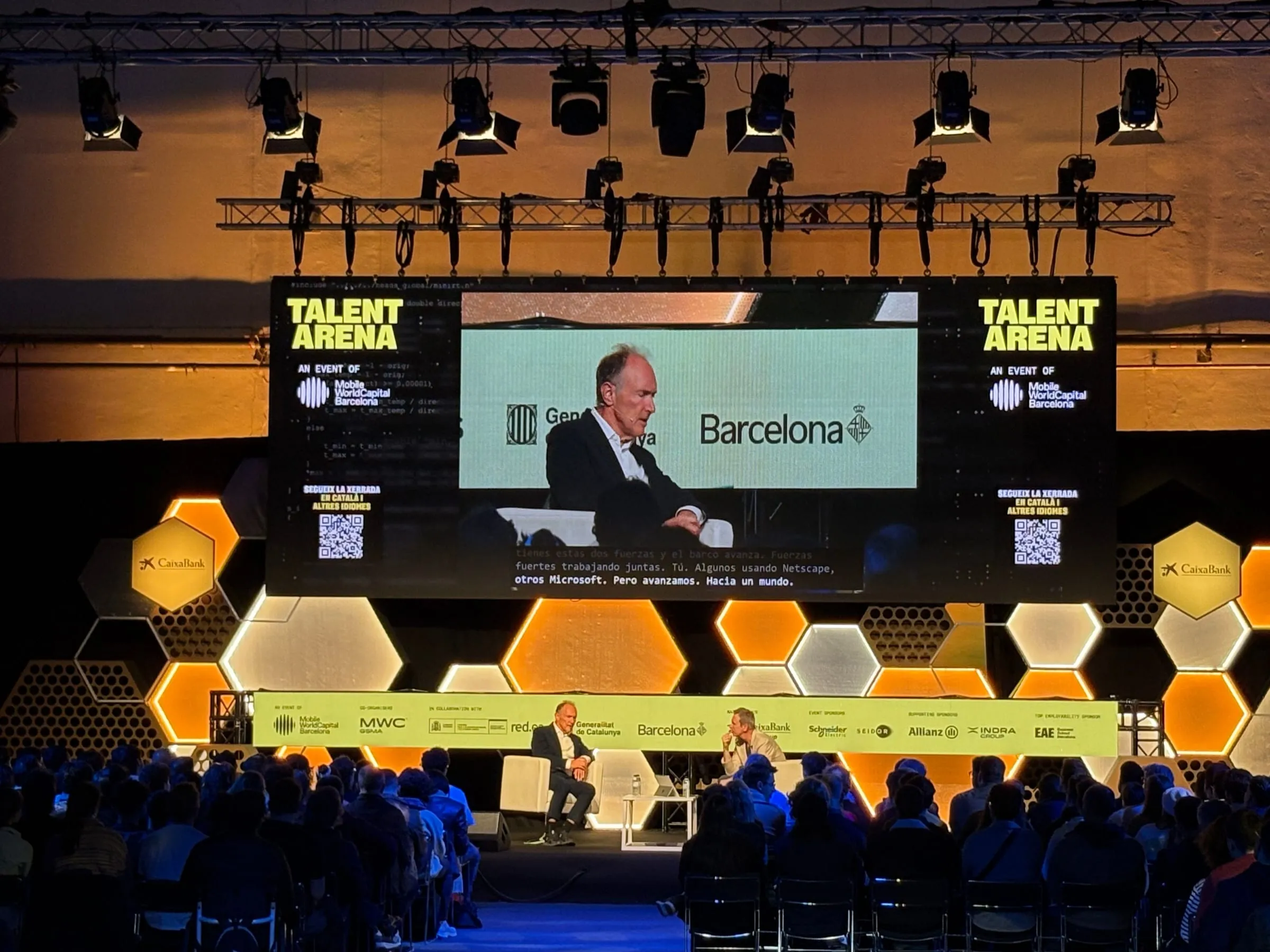
Guide
AI translation for trade shows: open stages, big screens and phones
Several stages in one hall, an audience that comes and goes, and constant background noise: how to bring every talk into every language with captions on the screens and AI interpretation on phones.
6 min read
Questions about live captions.
How many languages fit on screen?
Up to four at the same time, each in its band, from a single microphone and with only one operator.
What about bilingual sessions?
The Conditionals mode captions each speaker in the other language, so both halves of the audience can follow.
Can our AV team work with them?
Yes. The captions arrive as a URL that the team adds as a source in vMix or OBS.
Can attendees read on their phones as well?
Yes, with Speech: the same session can be followed on each phone, as live text or as audio.
Put every word on screen.
Tell us about your screens and the languages you need, and we'll show you Captions running.
Tell us about your event